
How to Block Someone on Gmail
Stop a sender's emails in Gmail: open a message, hit the three-dot menu, and Block. Here's how, how to unblock, and how to block a whole domain.
3 min read
Everything tagged How TO.
16 articles
Stop a sender's emails in Gmail: open a message, hit the three-dot menu, and Block. Here's how, how to unblock, and how to block a whole domain.

Turn a Word doc into a PDF in a few clicks with Save As, Export, or Print to PDF. Here's how on desktop, the web, and your phone, keeping links intact.
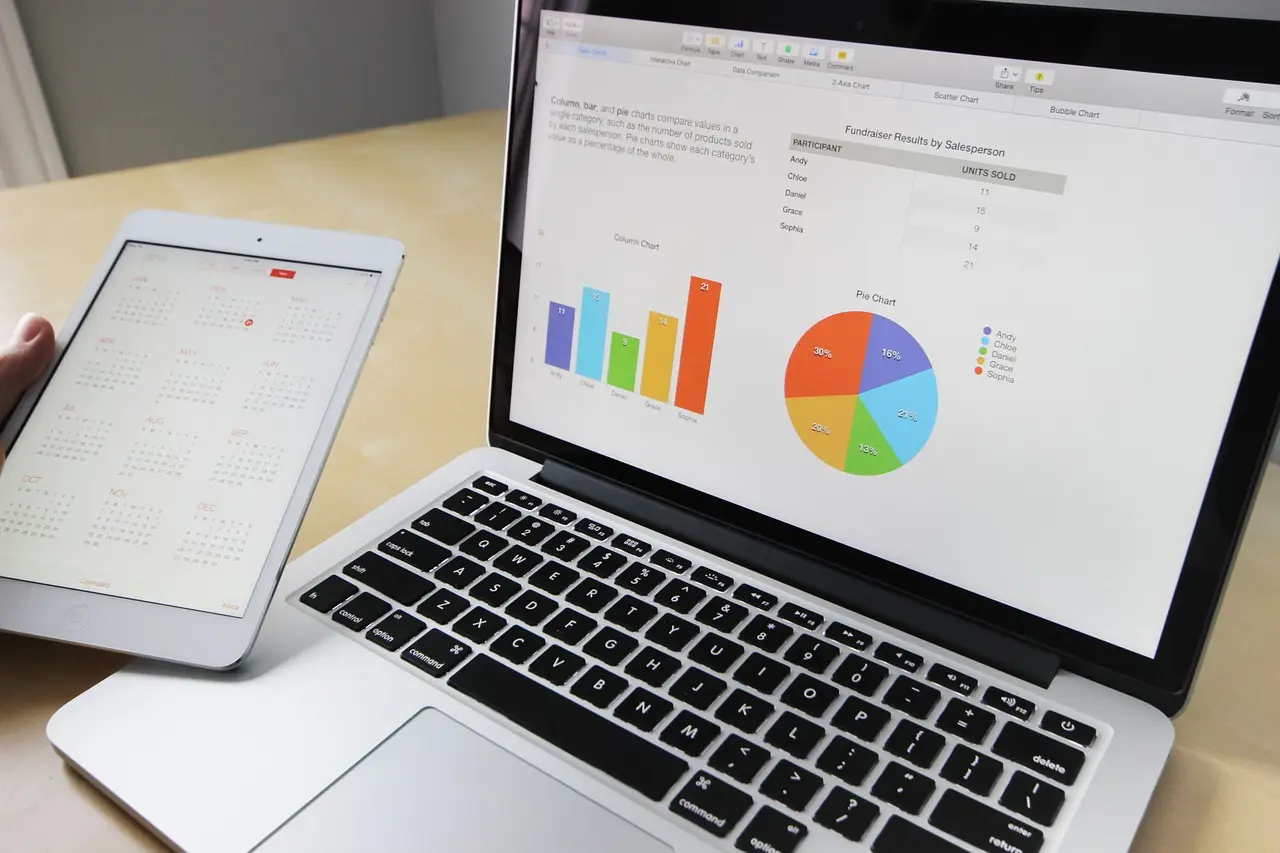
VLOOKUP in Google Sheets, with the exact syntax and a working example. Plus how to pull from another sheet, fix #N/A, and when to use XLOOKUP instead.
Five ways to open Task Manager on Windows 11 — Ctrl+Shift+Esc is fastest. Plus how to open it when the screen is frozen or an admin has disabled it.
Make Chrome, Firefox, or another browser the default on Windows 11. Here's the one-click Set default button, covering PDF and links, and why it reverts.

Clear cache and cookies in Microsoft Edge to fix slow or broken pages. Here is the exact path, plus how to clear one site or wipe data on every exit.

Switch Windows 11 to dark mode in Settings, Personalization, Colors. Here's the exact path, how to darken only apps or the taskbar, and how to schedule it.

Lock a Word file so only people with the password can open it. Here is the Encrypt with Password step on Windows and Mac, and how to remove it later.

Capture your Android screen in a second: press Power and Volume Down together. Plus the Samsung palm swipe, scrolling screenshots, and where they save.

Keep Chrome current for speed and security. Here is how to update it on desktop and phone, and how to read the colored Update dot in the menu.