Fix a Printer Showing Offline After a Windows 11 24H2 Update
Printer stuck offline since the Windows 11 24H2 update? A driver change (IPP / Protected Print) is usually the cause. Reinstall the right driver — here's how.
3 min read
Everything tagged Printer.
2 articles
Printer stuck offline since the Windows 11 24H2 update? A driver change (IPP / Protected Print) is usually the cause. Reinstall the right driver — here's how.
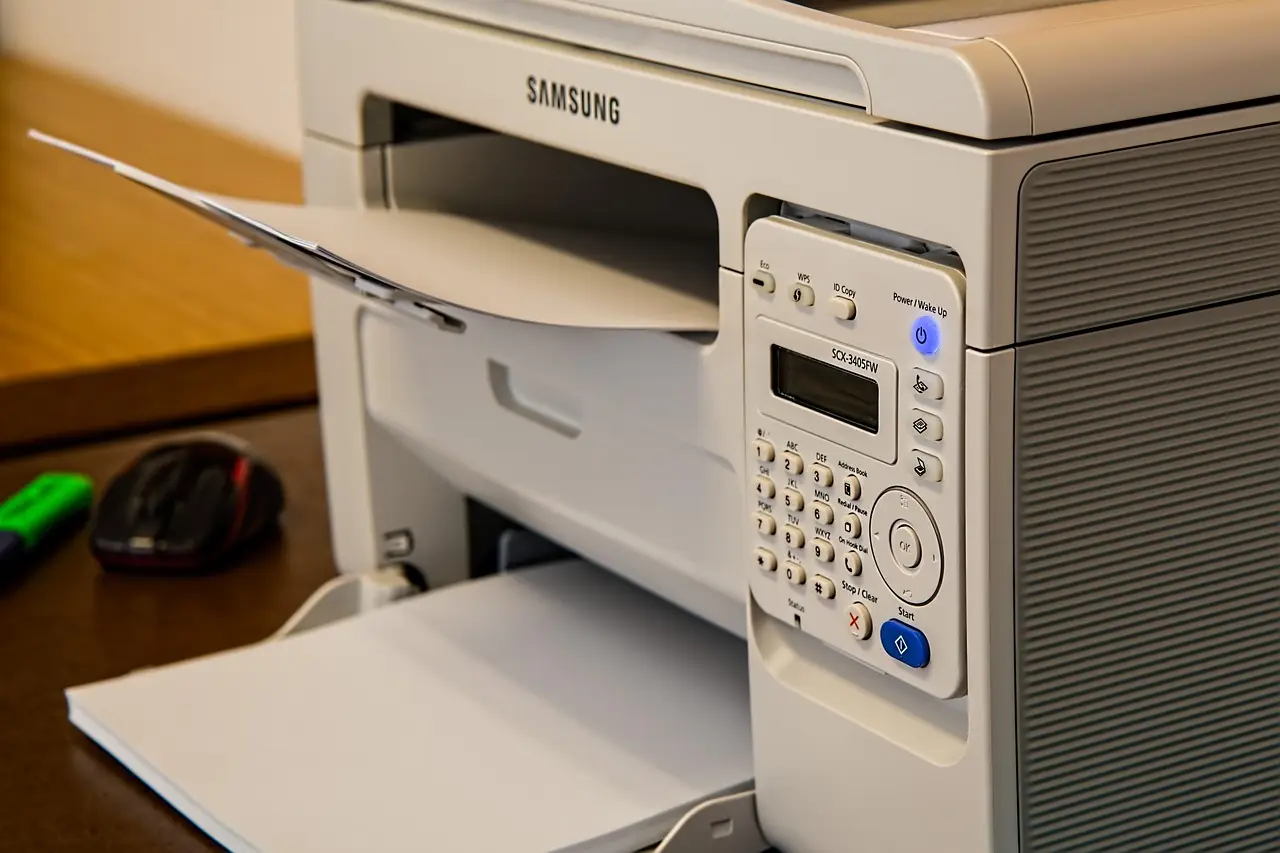
A printer stuck offline is usually a stale connection, a manual offline flag, or a jammed Print Spooler. Fix each cause step by step, with a symptom-cause table.