
Fix a Black Screen After an NVIDIA Driver Update on Windows 11
Black screen or 'no signal' after an NVIDIA driver update on Windows 11, often on DisplayPort? Boot Safe Mode, clean-install with DDU, apply the hotfix.
3 min read
Daniel spent five years as an IT support specialist, walking colleagues through Windows, Office, printers and file problems before moving into tech writing. He covers the desktop side of 9sBlog: Windows 10 and 11, Microsoft Office, PDFs and the everyday software fixes that used to land on his support desk.
121 articles
Black screen or 'no signal' after an NVIDIA driver update on Windows 11, often on DisplayPort? Boot Safe Mode, clean-install with DDU, apply the hotfix.

Bluetooth headphones silent or won't pair since the Windows 11 24H2 update? Install Microsoft's fix, reinstall the Bluetooth and audio drivers, and re-pair.
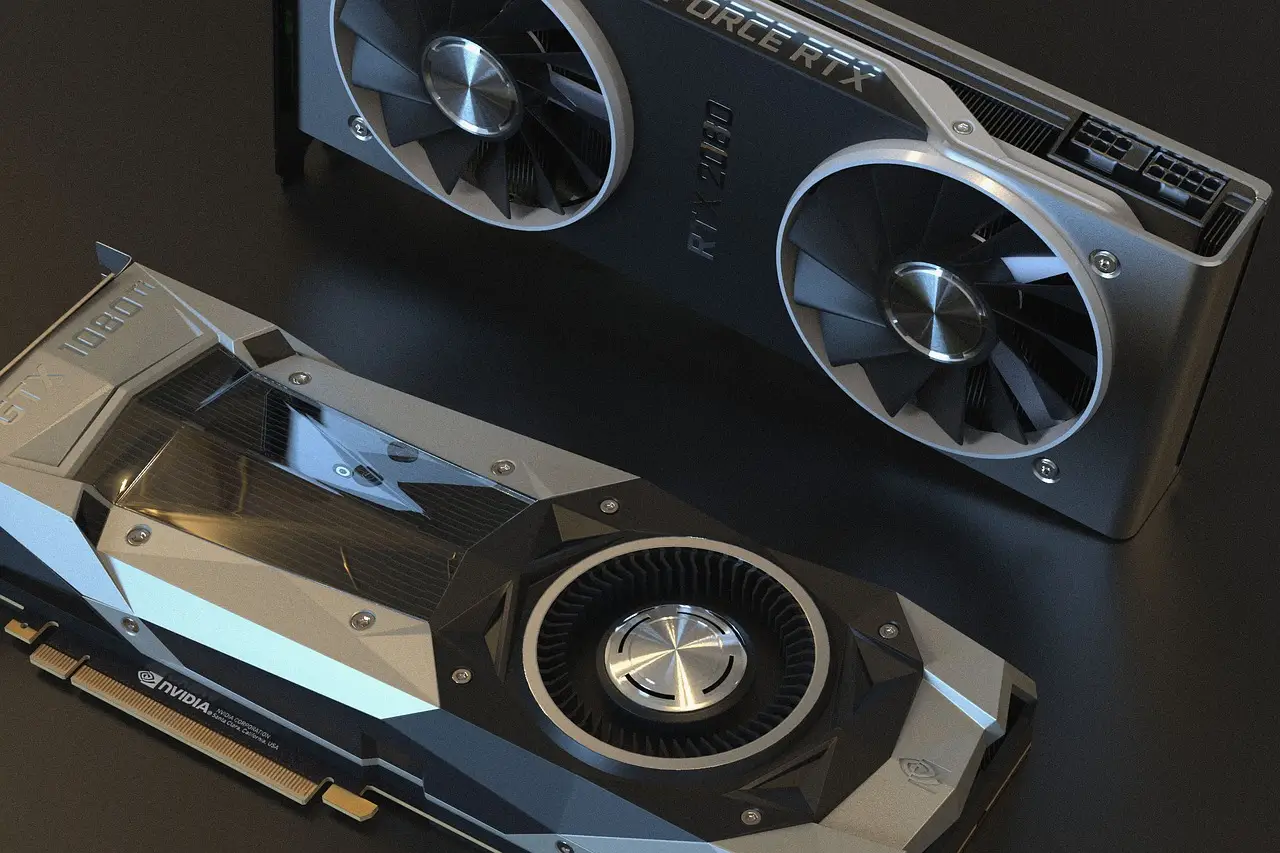
Intel Arc GPU flickering or crashing in games after a Windows 11 update? Update to the latest Arc WHQL driver and toggle fullscreen mode. Fixes here.
Printer stuck offline since the Windows 11 24H2 update? A driver change (IPP / Protected Print) is usually the cause. Reinstall the right driver — here's how.

A Windows update can break older USB DAC audio with a 'This device cannot start (Code 10)' error. Install the fix update or roll it back — here's how.

After the Windows 11 24H2 upgrade an Intel AX201 can drop from Wi-Fi 6 to Wi-Fi 5. Clean-install Intel's own driver to get 802.11ax back — full fix here.
Windows 11 24H2 failing with 0x800f0922? It's usually a full EFI system partition or corrupt files. Repair the component store or free space — steps here.

Turn a Word doc into a PDF in a few clicks with Save As, Export, or Print to PDF. Here's how on desktop, the web, and your phone, keeping links intact.

VLOOKUP in Google Sheets, with the exact syntax and a working example. Plus how to pull from another sheet, fix #N/A, and when to use XLOOKUP instead.
A blue screen (BSOD) on Windows 11? Note the stop code, undo the recent change from Safe Mode, and repair system files. A step-by-step BSOD fix guide.