
How to Open Task Manager on Windows 11
Five ways to open Task Manager on Windows 11 — Ctrl+Shift+Esc is fastest. Plus how to open it when the screen is frozen or an admin has disabled it.
3 min read
Daniel spent five years as an IT support specialist, walking colleagues through Windows, Office, printers and file problems before moving into tech writing. He covers the desktop side of 9sBlog: Windows 10 and 11, Microsoft Office, PDFs and the everyday software fixes that used to land on his support desk.
121 articles
Five ways to open Task Manager on Windows 11 — Ctrl+Shift+Esc is fastest. Plus how to open it when the screen is frozen or an admin has disabled it.

A Windows 11 update broke something? Uninstall it from Update history, or from recovery if the PC won't boot. Here's how, and how to stop it reinstalling.

Make Chrome, Firefox, or another browser the default on Windows 11. Here's the one-click Set default button, covering PDF and links, and why it reverts.

Wi-Fi says 'No Internet, secured' on Windows 11? You're connected but something blocks the internet. Forget the network, reset TCP/IP, and more fixes here.

Switch Windows 11 to dark mode in Settings, Personalization, Colors. Here's the exact path, how to darken only apps or the taskbar, and how to schedule it.
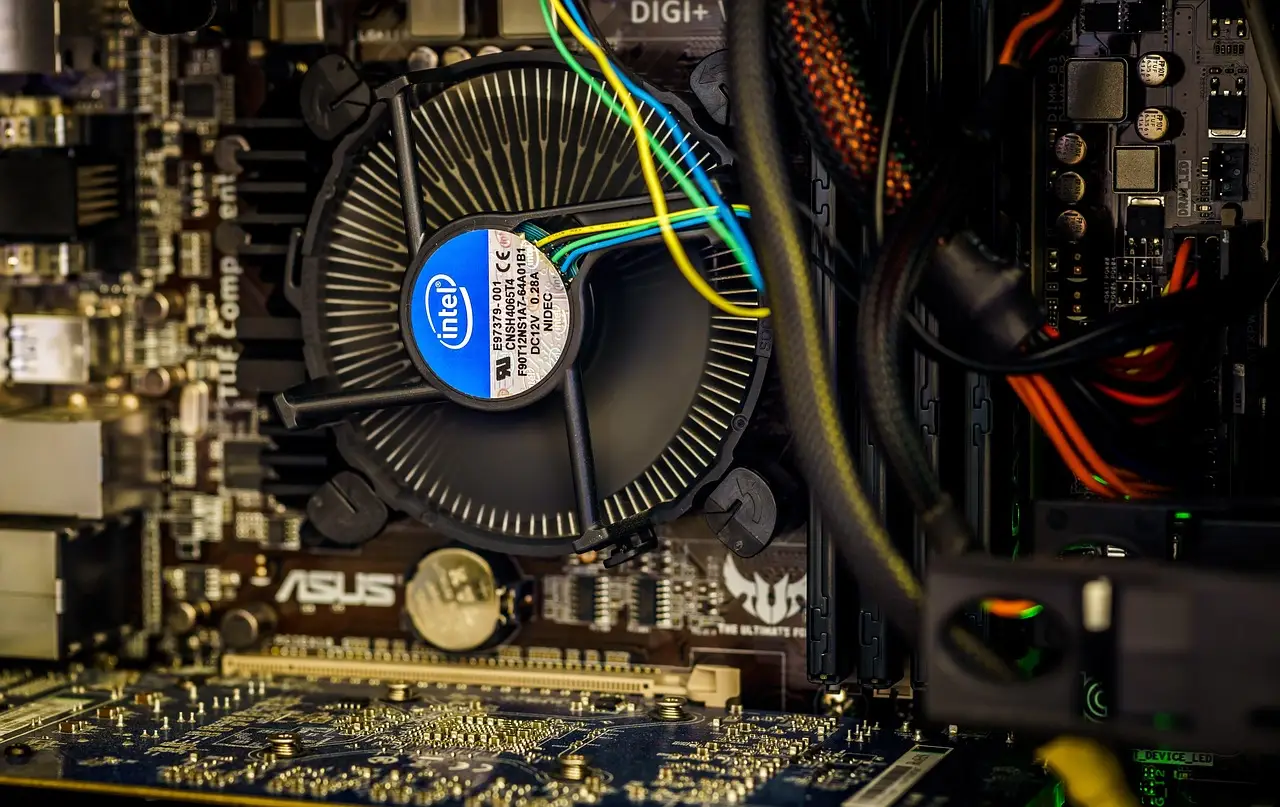
Windows 11 doesn't show CPU temperature on its own. Here is how to read it in the BIOS or a free tool, and what counts as a safe temperature.

Turn on automatic replies in Outlook for a vacation or a day off. Steps for new and classic Outlook, plus what to do if your account has no Out of Office.

Windows 11 CPU stuck near 100%? Find the process in Task Manager, then tame the usual causes — Defender scans, WMI, indexing, and too many startup apps.

Lock a Word file so only people with the password can open it. Here is the Encrypt with Password step on Windows and Mac, and how to remove it later.

A Windows 11 update stuck at a percentage is often still working. Here is how long to wait, then the safe way to reset Windows Update and move on.