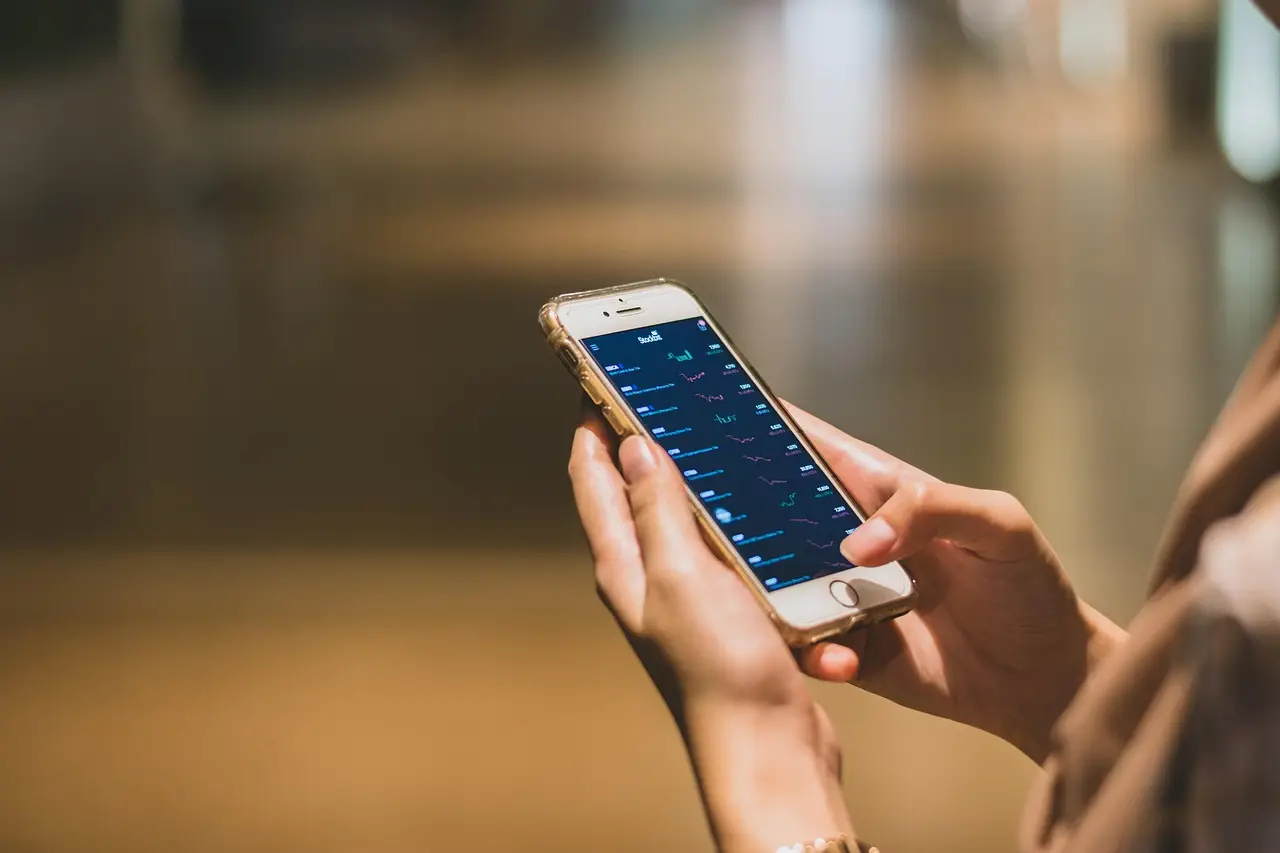
How to Take a Screenshot on Android
Capture your Android screen in a second: press Power and Volume Down together. Plus the Samsung palm swipe, scrolling screenshots, and where they save.
3 min read
Sofia started out as a technology journalist reviewing phones and mobile apps, then spent two years writing user guides and troubleshooting material for a telecom's Android customers. She covers Android at 9sBlog — Samsung, Pixel and Xiaomi, Google apps, storage, battery, and the settings people can never find.
55 articles
Capture your Android screen in a second: press Power and Volume Down together. Plus the Samsung palm swipe, scrolling screenshots, and where they save.

Google Assistant is being replaced by Gemini in 2026. Here is how to turn off the voice assistant, stop it launching from the power button, and disable it.

Android keyboard won't show, keeps stopping, or lags? Set the default keyboard, clear its cache, update or reinstall it, and test in Safe Mode. Fixes here.
Plugged your Android into a computer and nothing shows up? Usually the USB mode is set to charging. Switch it to file transfer, plus the other fixes.

Lost your Android? Use Find Hub, formerly Find My Device, at android.com/find to ring, lock, or erase it — even offline. Here is the setup and the steps.
Google One is mostly extra Google storage. See when the free 15 GB is enough, what the paid plans cost, and who should actually pay for more.
Android charging slowly? Fix it fast: check the cable and adapter, clean the port, turn on fast charging, and rule out heat or a worn battery.
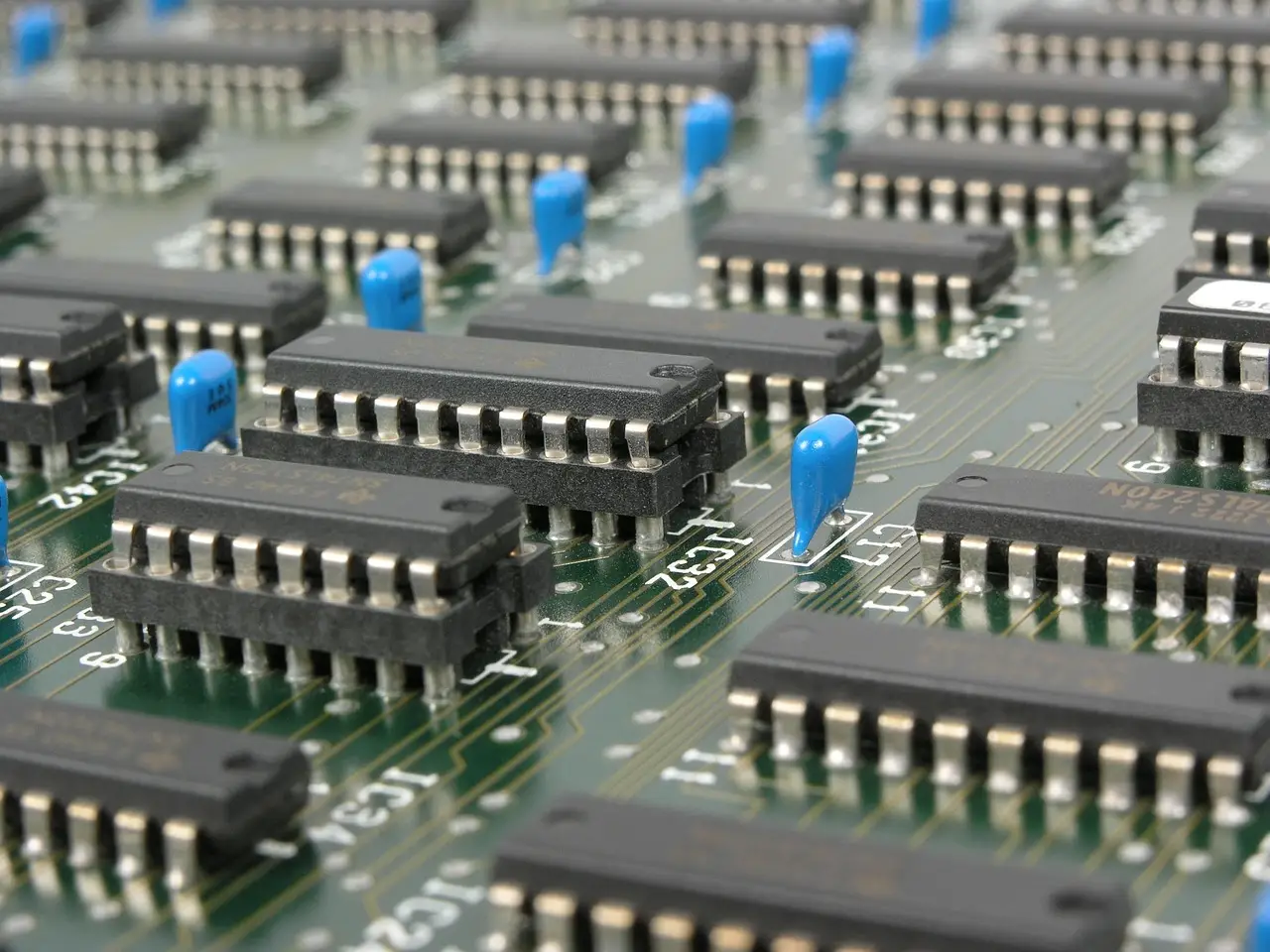
An M.2 SSD missing on Windows 10 usually needs initializing in Disk Management, a matching slot, or a BIOS fix. Step-by-step, with a symptom table.
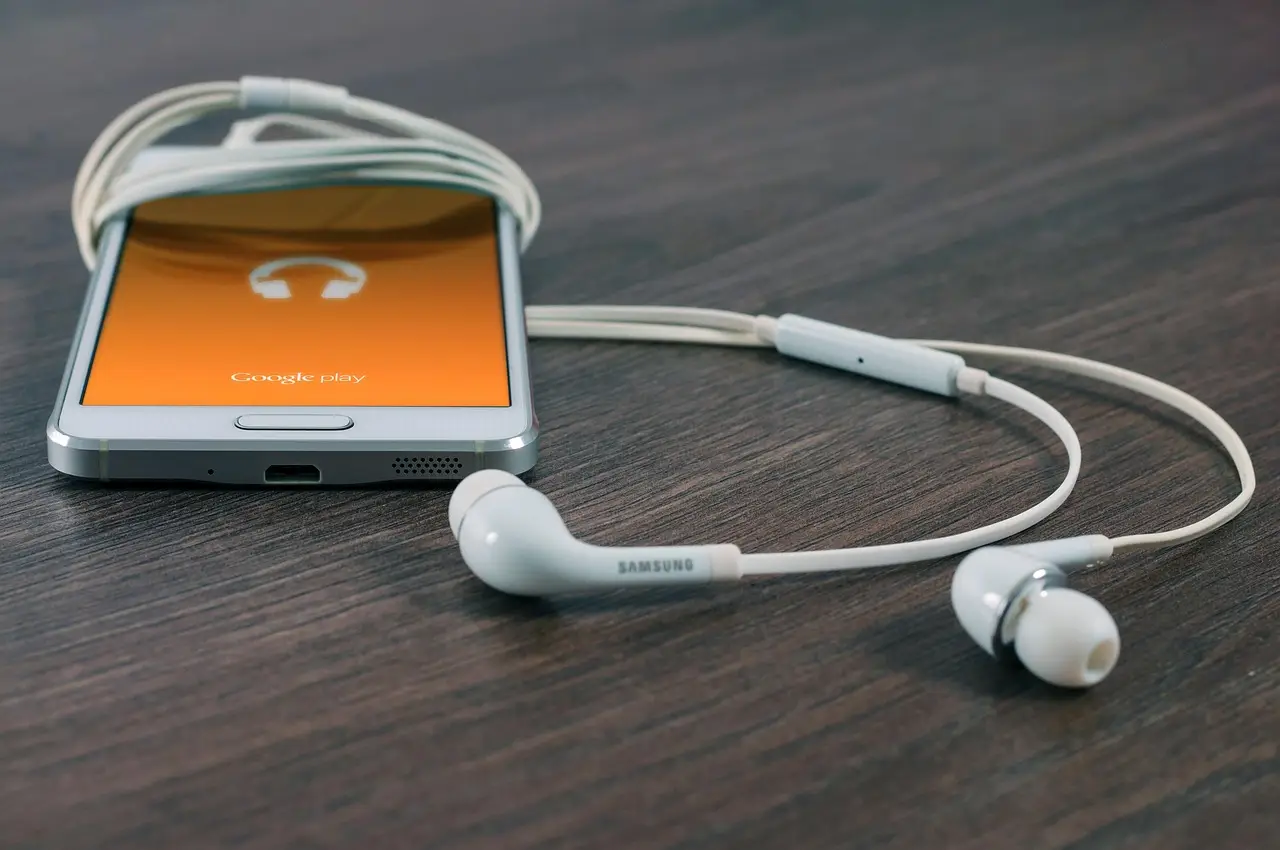
Android has no universal app lock, but you don't need a shady download. Use screen pinning, Private Space, Secure Folder, or a built-in App Lock.

Change PowerPoint slide size from the Design tab. Switch between 16:9 and 4:3, set custom dimensions, and pick Maximize or Ensure Fit safely.