Do I Need a VPN? An Honest Decision Guide
A clear look at what a VPN protects on public Wi-Fi, what your ISP can still see, and when the privacy benefit is real instead of marketing.
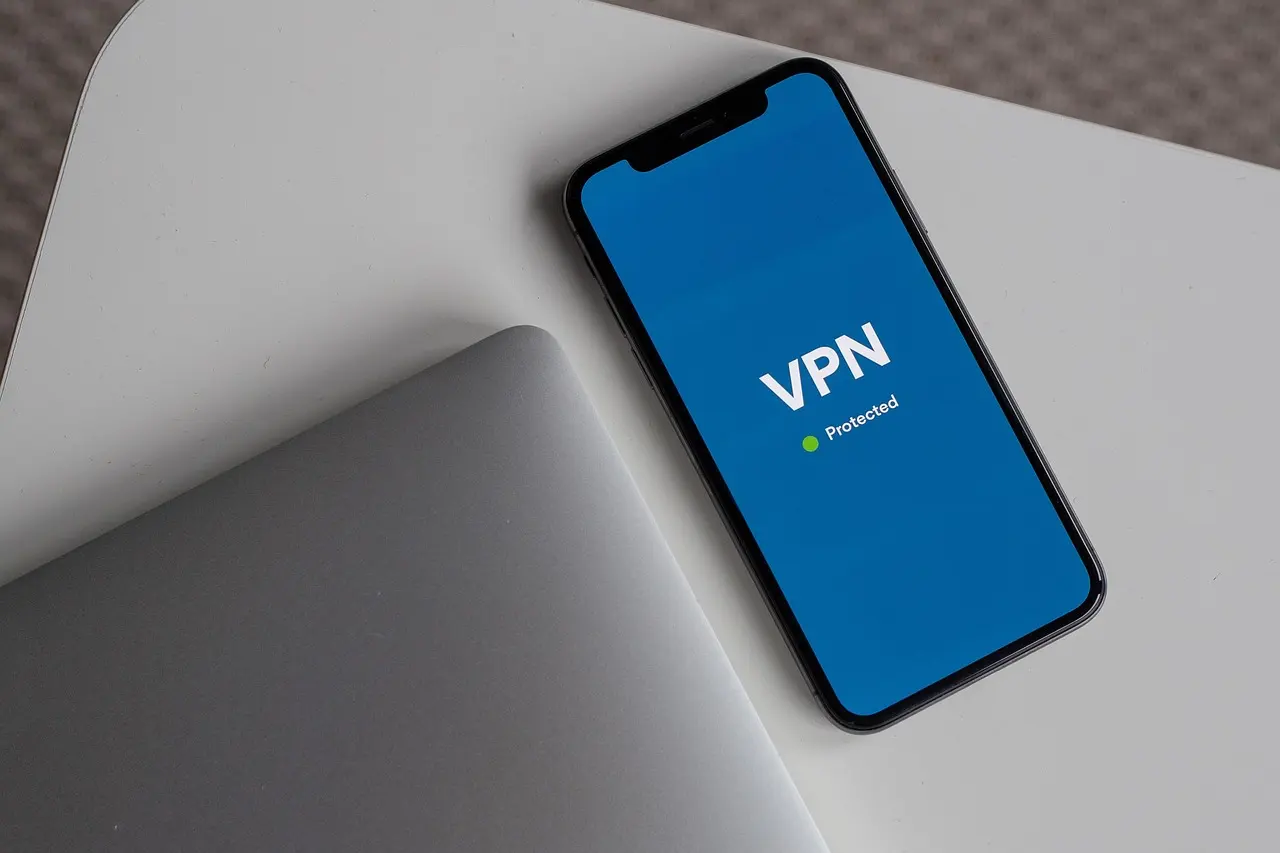
For most everyday browsing, you probably do not need a VPN, because HTTPS already encrypts the content of that traffic whether you are on public Wi-Fi or your home network. A VPN earns its place for narrower jobs: keeping your internet provider from logging which sites you visit, reaching a work network remotely, or getting around a network-level block. Marketing that frames it as a general shield against “hackers on public Wi-Fi” is mostly selling a problem the web has largely already fixed. The claim to be most skeptical of is anonymity: a VPN changes who can see your browsing, swapping your internet provider for the VPN company, but it does nothing to stop the cookies, logins, and browser fingerprinting that sites use to recognize you, so “anonymous online” is the wrong reason to buy one.
What HTTPS Already Handles on Public Wi-Fi
More than nine in ten page loads in the US now happen over HTTPS, according to EFF’s analysis of public Wi-Fi risk. That encryption covers the content between your device and the site: passwords, messages, card numbers. Someone else on the same coffee shop network, even an open one with no password, cannot simply capture your login the way they could in the early 2010s. The FTC’s guidance on public Wi-Fi still centers on the same basic check: confirm the address bar shows “https” before you sign in or enter payment details, and avoid networks that don’t.
Two gaps remain. First, a handful of older apps and background services still send some data unencrypted, and a VPN does cover that traffic too. Second, HTTPS hides page content but not which domains you connect to — that metadata is visible to anyone monitoring the network segment, not only your ISP. And a fake “Free_Airport_WiFi” hotspot set up to intercept traffic is a real risk that no amount of HTTPS or VPN use fixes on its own; the defense there is confirming the network name with staff before you connect, covered in our guide to setting up two-factor authentication as a backstop if a login does get caught somewhere.
What Your ISP Can (and Cannot) See
This is the part VPN ads gloss over. Without a VPN, your ISP cannot read your messages or see your passwords — HTTPS already blocks that. What it can see is which domains you visit, because DNS lookups and the SNI field in the HTTPS handshake are typically sent in the clear.
| Visible to your ISP | Without a VPN | With a VPN |
|---|---|---|
| Domain names you visit | Yes, via DNS queries and SNI | No — only your VPN provider sees this |
| Exact pages, searches, message content | No, HTTPS already blocks this | No |
| Data volume and timing | Yes | Yes, but tied to the VPN server, not the destination |
| Which VPN server you connect to | N/A | Yes |
A VPN does not erase that visibility; it moves it to the VPN provider instead, which is why a provider’s own logging policy matters more than any speed or server-count claim. Two newer technologies close part of the same gap without a VPN client at all: encrypted DNS (Windows 11 offers “Encrypted only” DNS over HTTPS under a network adapter’s Hardware Properties; Android has had a similar Private DNS toggle under network settings since Android 9) and Encrypted Client Hello, which Firefox has turned on by default since version 119 and Chrome supports as well — though it only helps on the sites and networks that support it too, so coverage is still uneven.
When a VPN Genuinely Helps
- Remote access your employer or school requires. If IT issues you a VPN client for a work network, that is not optional, and it is a different tool from a consumer privacy VPN. Our guide to setting up a VPN covers the client-side setup either way.
- Networks you do not trust. Hotel or conference Wi-Fi run by an operator you can’t vet, especially one that injects its own ads or redirects into your traffic, is a reasonable case for a VPN.
- You specifically want your ISP out of your browsing history. If that matters to you, a VPN (or encrypted DNS plus ECH) is the direct fix — nothing else addresses it.
- Traveling somewhere with heavy network-level filtering. A VPN can restore access to sites and services blocked at the network or country level.
- Streaming something geo-restricted, with caveats. Services like Netflix actively detect and block IP ranges known to belong to VPNs and proxies to enforce regional content licensing; using one to bypass that is against most streaming platforms’ terms of service. You’ll typically just get a blocked-streaming error rather than a banned account, but it is not a reliable long-term workaround since providers keep updating their blocklists.
Where VPN Marketing Oversells It
| Claim | Reality |
|---|---|
| “Protects you from hackers on public Wi-Fi” | HTTPS already does that work for content; a VPN adds metadata privacy, not a shield against phishing or malware |
| “Makes you anonymous online” | No — your VPN provider can see what your ISP used to see, and sites still track you via cookies, logins, and browser fingerprinting regardless of your IP |
| “Speeds up your connection” | Rarely — routing through an extra server adds a hop, so it usually slows things down slightly |
| “Free, no catch” | A Top10VPN investigation of 100 popular free Android VPN apps found 71 percent shared user data with third parties, and 88 percent leaked data in testing |
| “Replaces good security habits” | A VPN does nothing for a reused password or a convincing phishing link — pair it with a strong password and knowing how to spot a phishing email |
Treat a VPN as a tool for a specific job rather than a permanent safety layer. Turn it on when you’re on a network you don’t control, when your employer requires it, or when you specifically want your ISP out of your browsing history — and skip it for ordinary HTTPS banking or shopping, where it adds a step without a matching benefit.
Common questions
Does a VPN hide my browsing from my internet provider?
Yes, and that is its clearest real benefit: your ISP sees only that you connected to a VPN, not which sites you visited afterward. The catch is that the VPN company can now see those sites instead, so its logging policy is the thing that matters most.
Do I need a VPN for online banking?
No. Bank sites use HTTPS, which already encrypts your login and everything you do there, even on open Wi-Fi. A VPN adds a step without adding meaningful protection for that task.
Are free VPNs safe to use?
Often not. An investigation of popular free Android VPN apps found most shared user data with third parties and many leaked data in testing, so a free VPN can undercut the very privacy you installed it for. If you want a VPN, a reputable paid provider with a clear no-logging policy is the safer route.
Will a VPN stop me from getting hacked or phished?
No. It does not block malware, and it cannot stop you from typing your password into a convincing fake page. A strong unique password, two-factor authentication, and caution with links do that job.