9sBlog

Security

Stay safe and private online

Passwords, VPNs, antivirus, scam-spotting, browser privacy, and device backups — practical guides to keep your accounts and data safe.

18 articles · updated September 2, 2026

Good security isn’t about paranoia or buying every tool you’re sold. These guides walk you through the handful of habits and settings that actually protect your accounts, your devices, and your personal data.

01

Passwords and logins

Lock down the accounts everything else depends on.
  1. A laptop, a phone showing a photo app, and a hand writing in a notebook on a wooden deskDo you actually need a password manager?Start here if you're still reusing passwords.5 min read
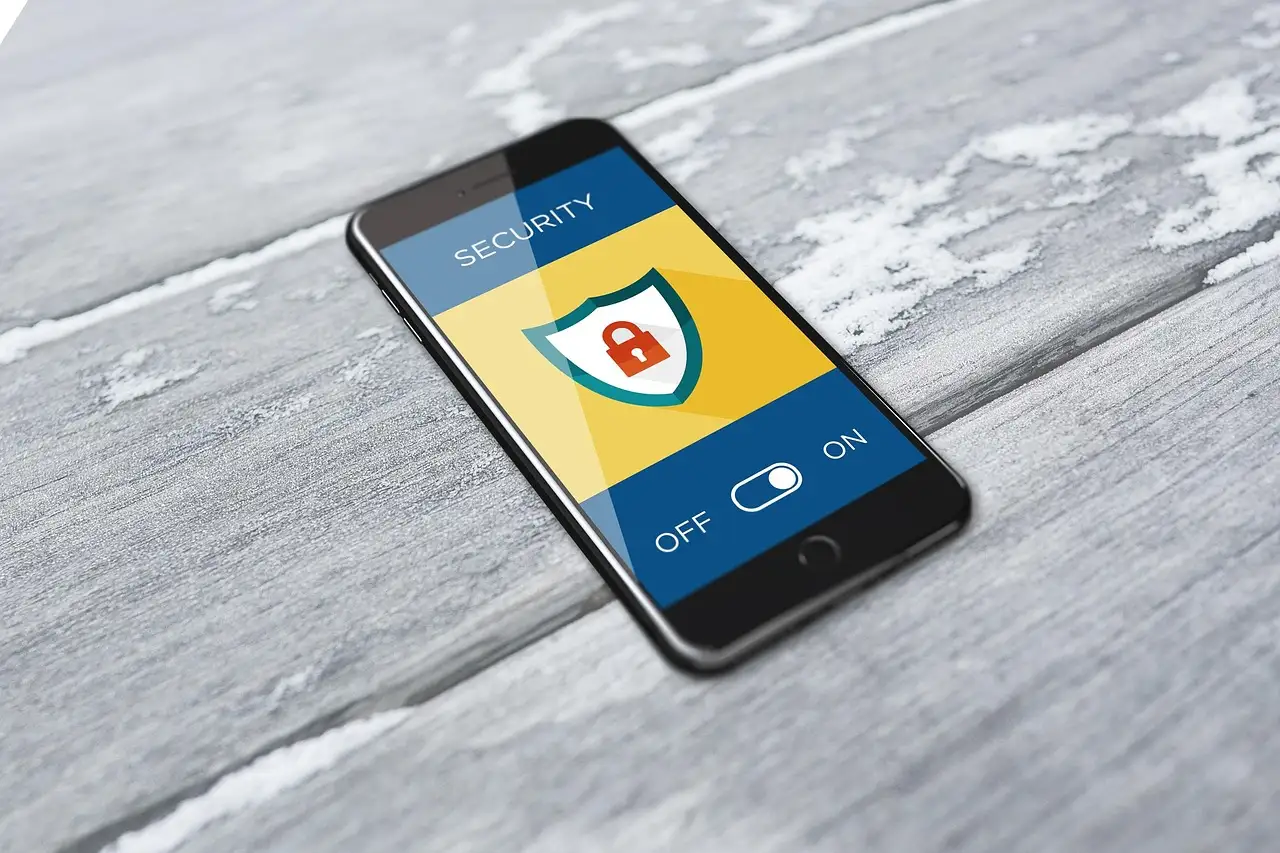
  2. A smartphone showing a digital security lock.How to make strong passwords (with a free generator)8 min read
  3. door, lock, blue door, rustedSet up two-factor authentication (2FA)5 min read
  4. key, home, house, estateSet up passkeys and stop using passwordsThe passwordless upgrade worth switching to.7 min read
02

Scams, phishing, and spam

Spot the tricks that come straight to your inbox and phone.
  1. security, protection, antivirus, softwareHow to spot a phishing email or scam link8 min read
  2. desk, computer, laptop, cupStop spam texts and robocalls on Android7 min read
03

VPNs, antivirus, and safe connections

Decide what protection you actually need before you install anything.
  1. vpn for home security, vpn for android, vpn for mobile, vpn for iphoneDo I need a VPN? An honest decision guide5 min read
  2. shopping online, makeup, safe shopping, black fridayHow to set up a VPN on your phone and PC6 min read
  3. laptop, keyboard, cyber, attackDo you still need antivirus in 2026?3 min read
  4. Overhead view of an ASUS laptop, headphones, a phone, a camera and a mouse on a white deskIs public Wi-Fi actually safe to use?5 min read
04

Browser and device privacy

Control what your browser and devices quietly share about you.
  1. An iMac, wireless keyboard and mouse, and glasses on a notebook beside a mug on a white deskWhat incognito mode actually hides (and what it doesn't)4 min read
  2. hand, keep, globe, search engine optimizationHow to clear cookies in Chrome, on desktop and Android4 min read
  3. technology, computer, code, javascriptBlock ads and pop-ups in Chrome6 min read
  4. travel, pinned, pinning, mapsTurn off location services on Windows 115 min read
05

Backups, resets, and fixes

Good habits for keeping data safe, plus fixes for when something breaks.
  1. tablet, smartphone, laptop, hard driveHow to back up your files properly12 min read
  2. phone, android, apps, world mapFactory reset an Android phone safelyWipe your data before you sell or hand off a phone.6 min read
  3. cyber security, hacking, internet, networkFix Microsoft Defender when it won't turn on4 min read
  4. cybercrime, internet, hacker, passwordSecure a WordPress website in 9 practical stepsFor anyone running their own site.4 min read