Latest and the Best Apps for Android Phones to Use In 2018
Free Android apps by category: LightX for photo editing, Google News, Tubi for free streaming, Nova Launcher, Google Assistant, Google Meet, Xender and Unified Remote.
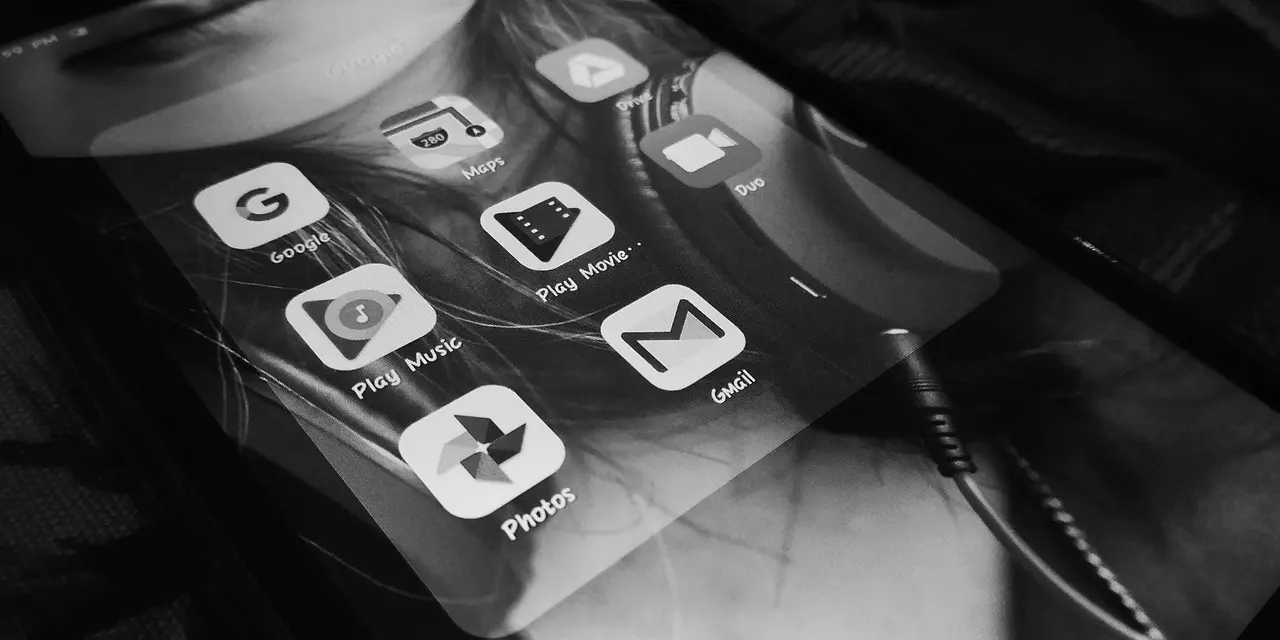
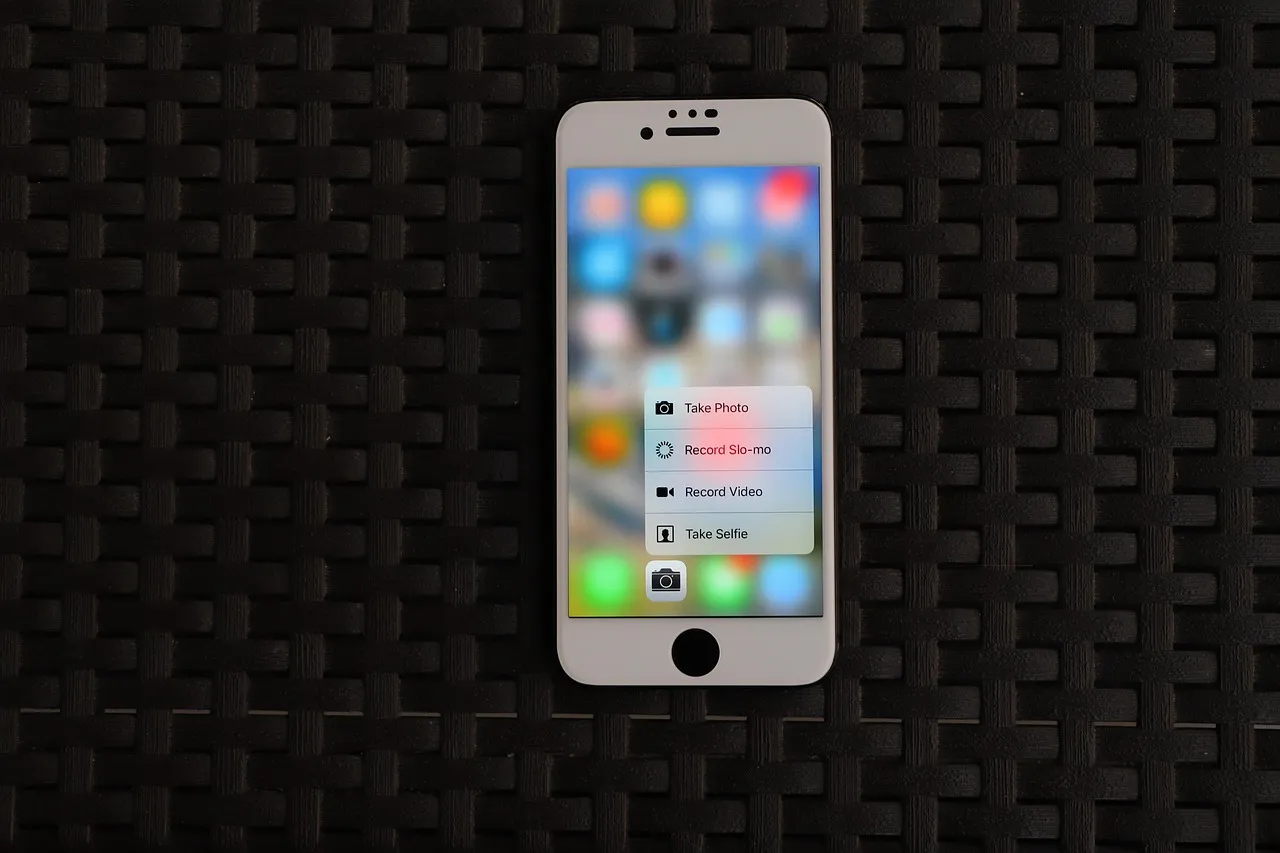
From the so many apps for Android phones, it’s hard to find the best one for you. That’s why we’re here to put together a good list of the best apps from a different category. This list will help you to save time so that you can download them easily and for free of cost. You may look for the free camera apps, launchers or something else, which we’re going to cover them from the most aspects. We have only added the latest, best, and free apps for Android phones for the year 2018. These are because you already may pay enough for your phone. So, you can make a throw in a monthly data plan if you start with apps because there are many best apps available in the Google Play store are without charge.
So, this post will lead you to select the best and free apps for Android phones in this year. If you have a new Android device, you can load it from this list as well.
The Best Free Apps for Android Phones, Category by Category
As it’s said and a fact, finding the good apps for your Android phones can be tough. The apps that are useful to you, discuss in the post; they’re the latest as well. Now, let us discuss the best and free apps that can meet your need.
Photo Editing App – LightX Photo Editor
When a lot of giant filter apps along with photo fixers are staying on the Play Store, LightX Photo Editor is a little bit smaller than other apps. But, it comes with many filters, tools for sharpening images, removing blemishes and much more. Besides, it offers to tweak the tone, saturation, and hue, adjust the focus, and add text, sticker or a frame. Also, you can create collages, merge images, flip, draw on pictures, crop and rotate, and change the point of view. With all these features, LightX is a dominant, feature-pack app and it suits most mobile photo-editing needs.
News App – Google News
The app this list used to name here, Nwsty, is no longer on Google Play — the listing for it is gone. Google News is the plain replacement, still published on the Play Store as “Google News – Daily Headlines”. It is free, and it collects the day’s headlines from a range of publishers into a single feed you can get through in a few minutes.
Video Streaming App – Tubi
Viewster, the free streaming service this list used to recommend, no longer exists as its own service: Cinedigm acquired it in February 2019 and it was merged into CONtv in June 2020. If what you wanted from it was films and shows with no subscription, Tubi is the equivalent that is still running — its Play Store listing is “Tubi: Free Movies & Live TV”, and it costs nothing to watch.
Launcher App: Nova Launcher
Nova Launcher is one of the top Android launchers that are remaining in the Play Store for many years. Because the launcher is lightweight and smooth with tons of customizations, it also comes with updates frequently. The app loads with numerous icon packs are found in the Google Play Store, which is changing its looks. As Nova Launcher supports customization of app-drawer, it has notification badges, scrollable dock, folder and icon customization, along with the packs around a dozen gestures for easy use. Although it’s free to download, its prime version opens so many other features, such as some lock gestures.
Assistant App: Google Assistant
Google Assistant is a virtual and artificial personal assistant, which is developed by Google. It allows users to communicate, navigate, and get many things done. Android or iOS devices support this app where you can play games, ask any questions, make plans, etc. including more than 30 Super Useful Voice Commands. Moreover, it’s accessible for all type of Android Smartphone and even on smartwatches as well.
Video Calling App: Google Meet
Google Duo used to be the pick here, and Duo is now Google Meet. Google said in 2022 that it was “upgrading the Google Duo experience to include all Google Meet features”, and through August 2022 the Duo app’s name and icon changed to Google Meet on both Android and iOS. So the app to install is Meet: it is free, it is literally the app Duo turned into, and it still does a plain video call between two phones.
File Sharing App: Xender
This is because of the file sharing app, Xender is one of the important apps you must have on your phone. As it saves you from hassle with you’re the USB data cable so that you can exchange files with PC as it doesn’t require PC side software to receive or transmit files. What is more, it’s hundred times faster app than Bluetooth for transferring files between any devices. So, thanks to it being cross-platform app.
Remote Control App: Unified Remote
This is the app for controlling your PC from an Android device. Unified Remote uses Wi-fi or Bluetooth to control your PC remotely because it comes with preload support for over 90 popular programs. What’s more, it supports Windows, Mac, and Linux and needs a server program to be installed. While using the app, you can wake up your computer remotely from sleep using its feature “Wake on LAN”. It has many more necessary features, such as keyboard and mouse, media player controls, screen mirroring, etc. Even you can use it to control an Arduino Yun or Raspberry Pi. Although it’s free of cost, its paid versions open a huge amount of helpful features, such as functions for Android wear and custom remotes.
These were some of the latest and the best apps for Android phones to use in 2018, and most of them are still worth installing. There are more: MX Player, Automate, Subcast: Podcast Radio, SwiftKey, Evernote and Office Suite among them. One app that used to be on this list is not: Record Bird, which watched for new releases by the artists you followed, shut its apps and website down in July 2018.