9sBlog

Guide

Software worth using

Free and open-source tools that do the job of paid software: photo editing, data recovery, video calling, music and the apps worth having on a new phone.

7 articles · updated August 23, 2026

Paid software is often the default answer rather than the right one. These are the tools covered here that do the job without a subscription, along with what each one gives up in exchange.

01

Free instead of paid

Where an open-source tool genuinely replaces something expensive.
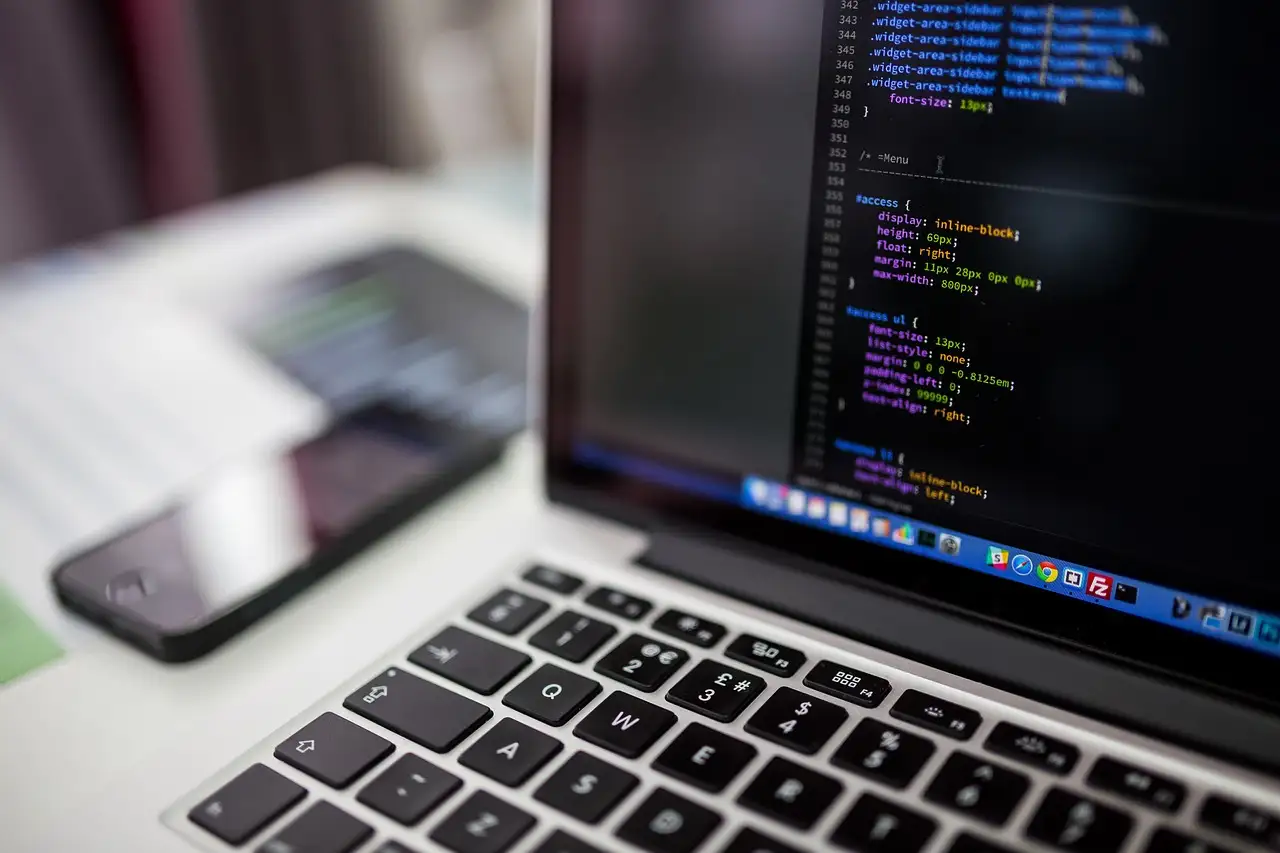
  1. Close-up of a monitor displaying colorful HTML markup, lists of anchor links on a black backgroundGIMP as a Photoshop replacementWhat it does as well, and where it still does not.8 min read
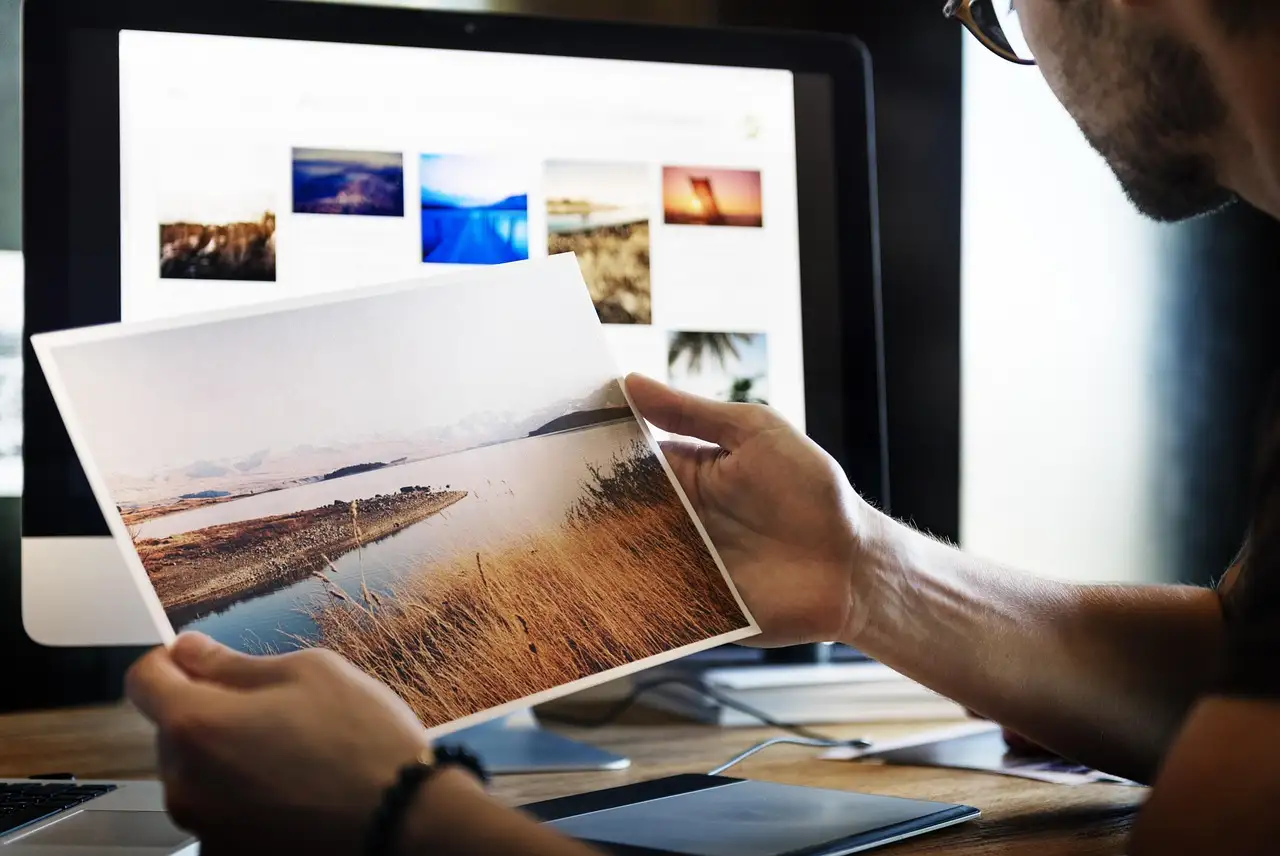
  2. Hands writing in an open notebook on a wooden desk beside a MacBook Air and a phone showing a photo feedPhotoScape for quick edits5 min read
  3. A Xiaomi Android phone resting on a gray world map, home screen showing colorful app iconsOpen-source Android apps7 min read
02

When something goes wrong

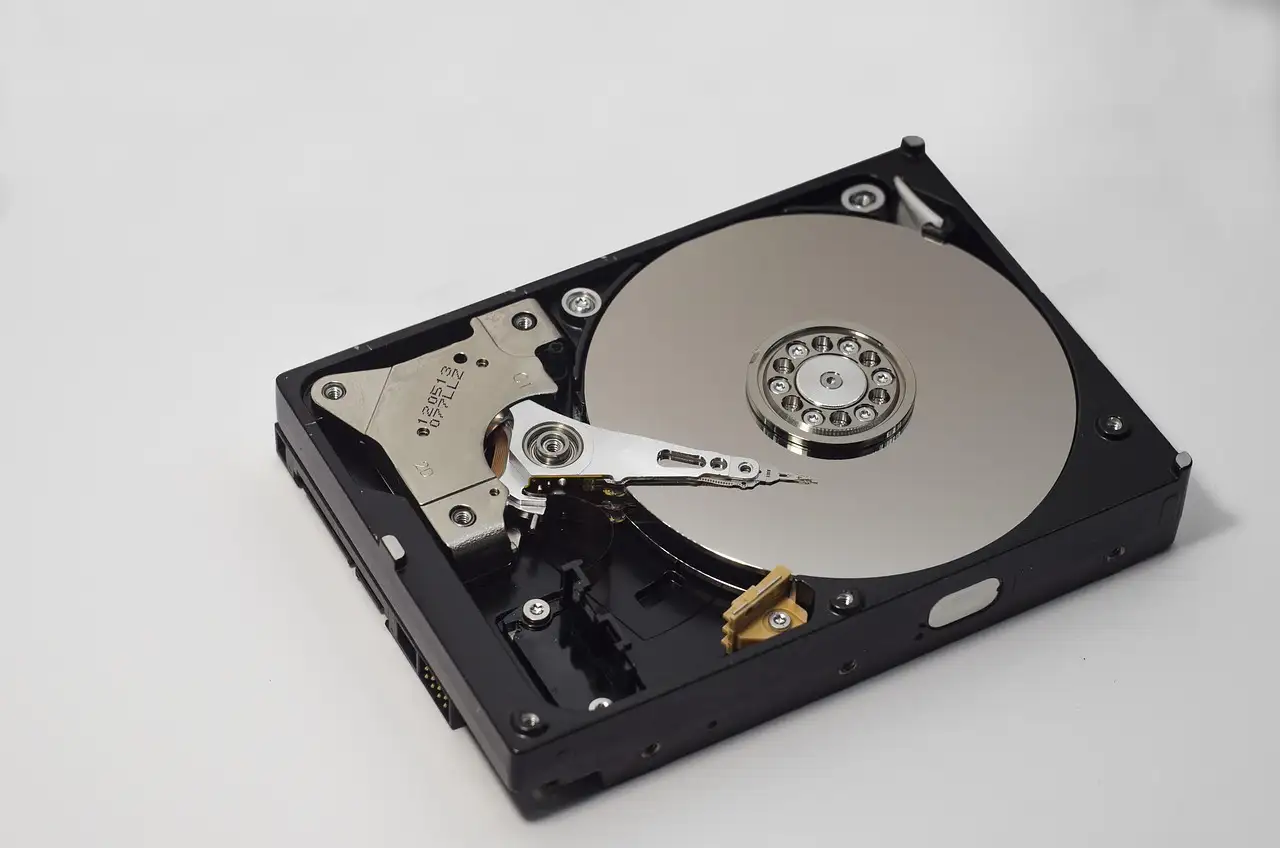
  1. Front of a rack-mounted server with rows of hard drive bays and glowing blue indicator lightsRecovering deleted filesRead before you write anything else to the drive.7 min read
03

Everyday apps

  1. Woman's hands holding a white iPhone showing a dark app screen full of charts and figuresApps worth having on a new Android phone5 min read
  2. Black-and-white shot of a smiling woman at a wooden table holding a phone to her earVideo calling apps compared6 min read
  3. White Samsung earbuds coiled around a silver phone on dark wood, screen showing a Google Play headphone iconFree music apps for iPhone6 min read