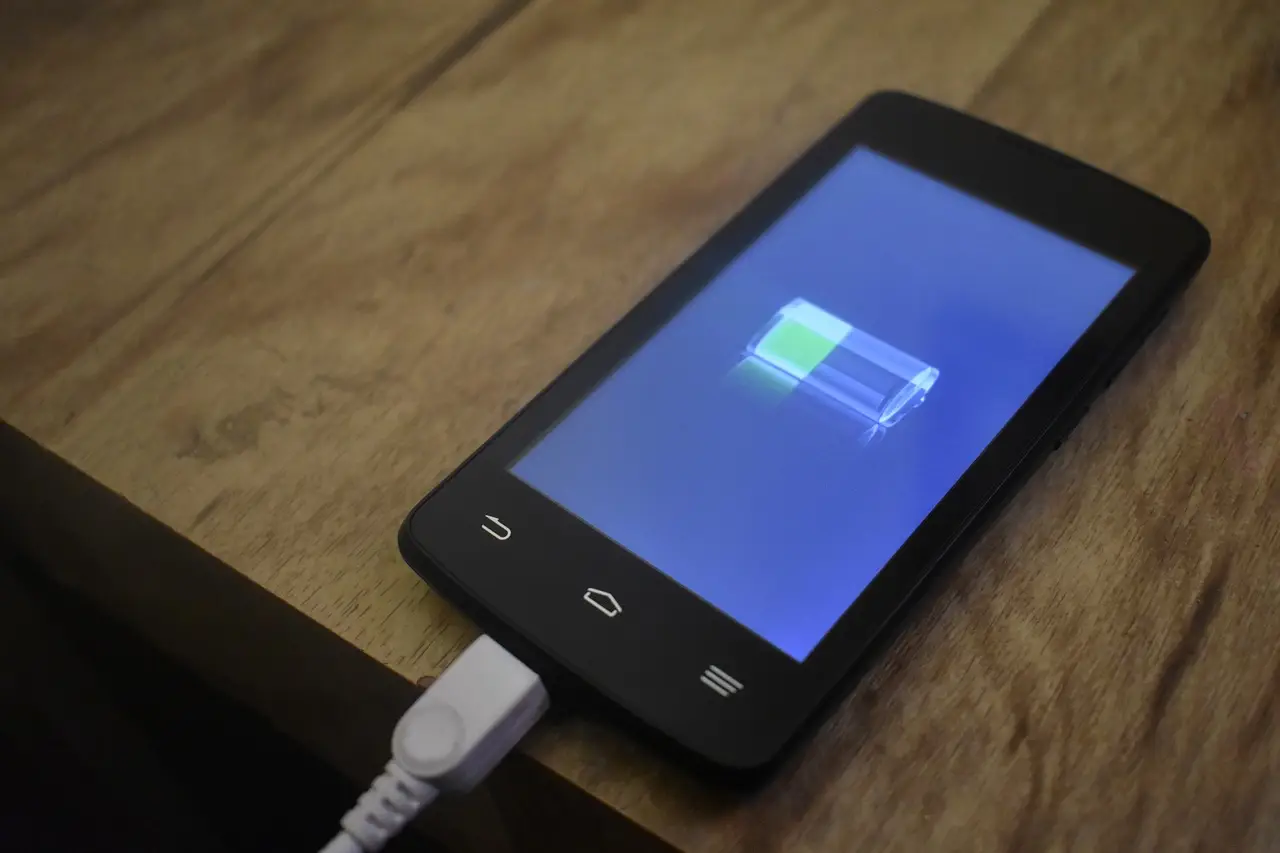
How to Check Battery Health on Android
Android now shows battery health on newer phones. Here's where to find it on Pixel and Samsung, what a good number is, and when to replace the battery.
3 min read
Everything tagged Android.
62 articles
Android now shows battery health on newer phones. Here's where to find it on Pixel and Samsung, what a good number is, and when to replace the battery.

Android frozen and won't respond? Force-restart it — hold Power, or Volume Down plus Power on Samsung. Here's how, plus what to do if it keeps freezing.

Moving to a new Android? Google account sync copies your contacts automatically. Plus a .vcf export, SIM transfer, and Samsung-to-Pixel — the clean way for each.

Deleted a photo on Android? Restore it from the Google Photos or Samsung Gallery trash within 30 days. Here's how, and what to do once the trash is empty.

Turn your phone into a scanner: Google Drive's built-in scanner makes a clean PDF in seconds. Here's how on Android and Samsung, plus multi-page scans.

Tired of Android changing your words? Turn off autocorrect in Gboard or Samsung Keyboard. Here's the exact path, plus how to stop it fixing one word.

Android won't join your Wi-Fi? Forget the network and rejoin, toggle airplane mode, and check MAC randomization — a fix list from quick to last resort.

Stuck in Safe Mode on Android? Usually a restart clears it. Here is how to exit, and what to do when the phone keeps booting back into Safe Mode.

Capture your Android screen in a second: press Power and Volume Down together. Plus the Samsung palm swipe, scrolling screenshots, and where they save.

Google Assistant is being replaced by Gemini in 2026. Here is how to turn off the voice assistant, stop it launching from the power button, and disable it.