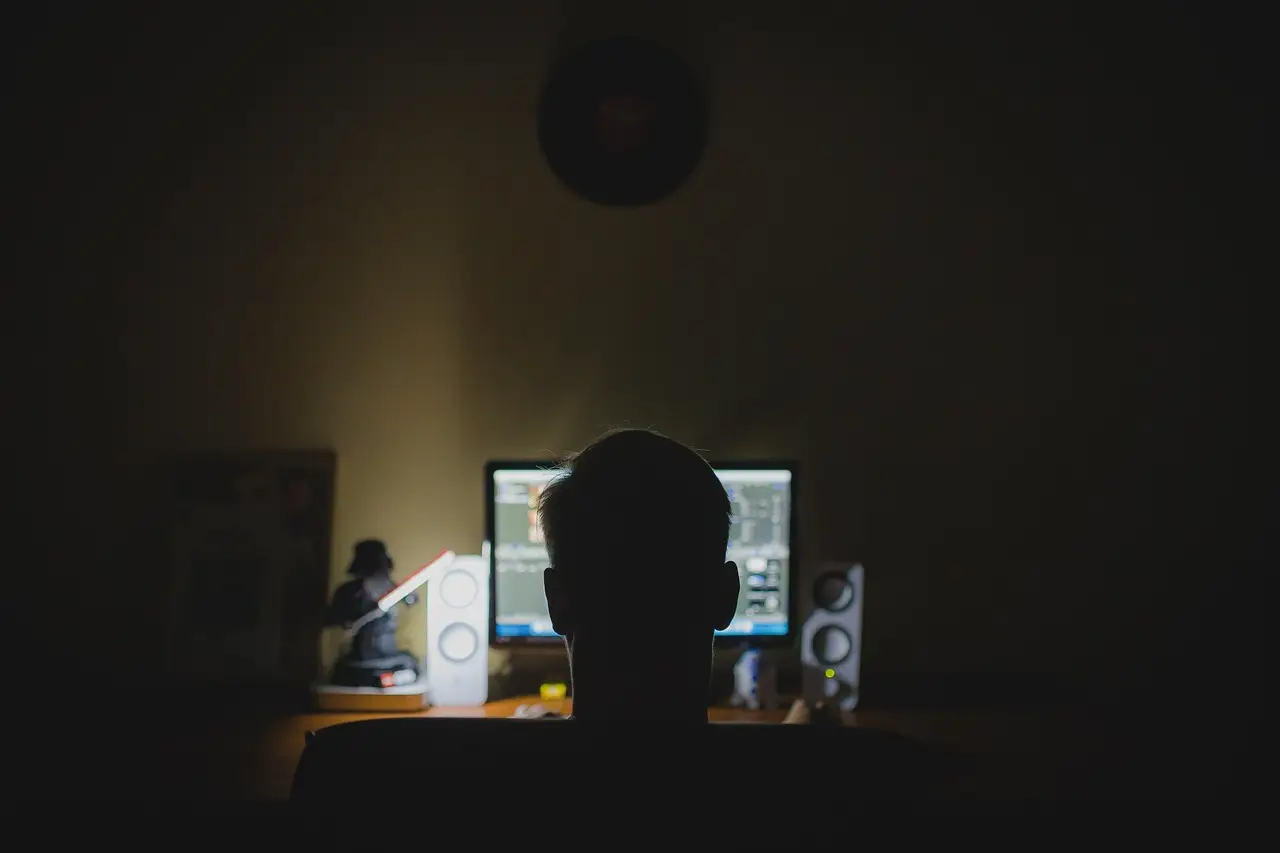
Fix a Black Screen After an NVIDIA Driver Update on Windows 11
Black screen or 'no signal' after an NVIDIA driver update on Windows 11, often on DisplayPort? Boot Safe Mode, clean-install with DDU, apply the hotfix.
3 min read
Everything tagged Drivers.
13 articles
Black screen or 'no signal' after an NVIDIA driver update on Windows 11, often on DisplayPort? Boot Safe Mode, clean-install with DDU, apply the hotfix.
Bluetooth headphones silent or won't pair since the Windows 11 24H2 update? Install Microsoft's fix, reinstall the Bluetooth and audio drivers, and re-pair.
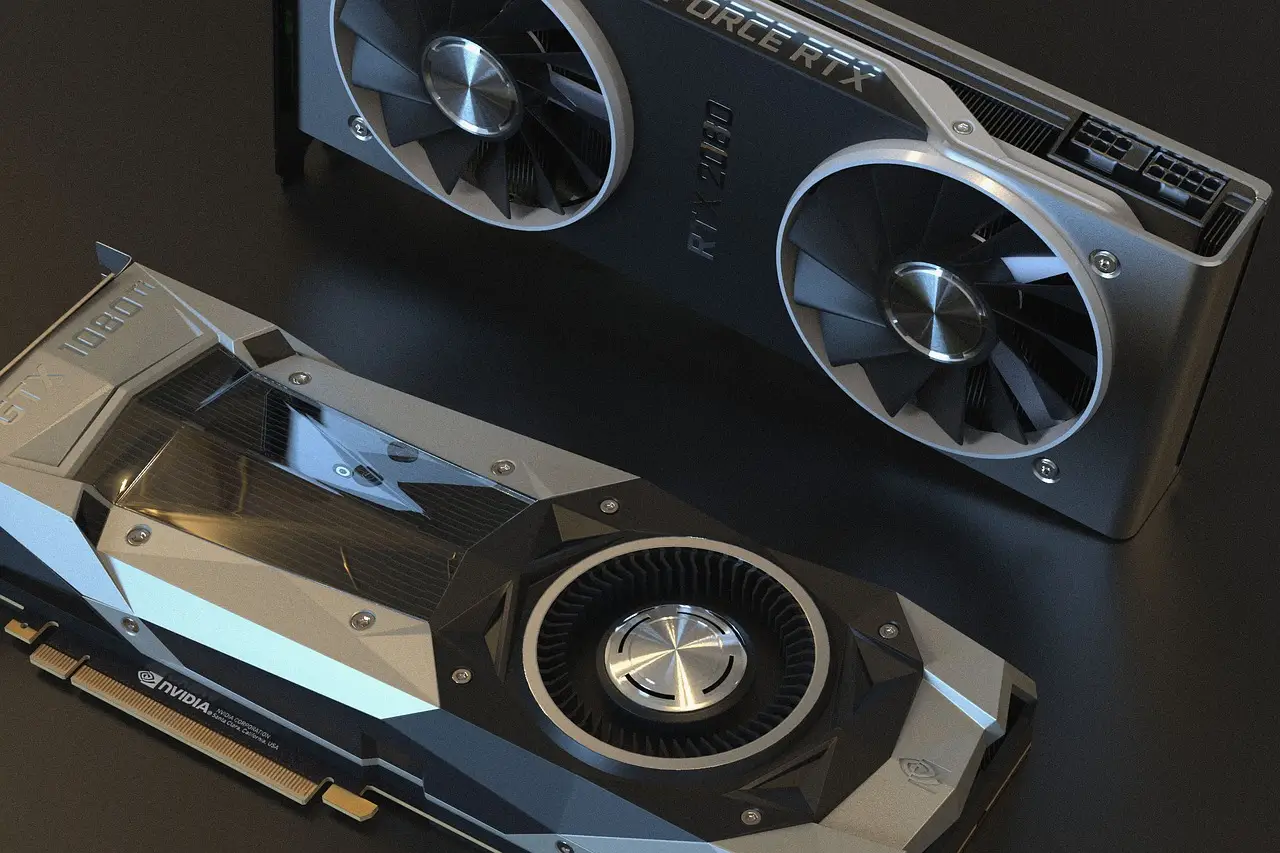
Intel Arc GPU flickering or crashing in games after a Windows 11 update? Update to the latest Arc WHQL driver and toggle fullscreen mode. Fixes here.
Printer stuck offline since the Windows 11 24H2 update? A driver change (IPP / Protected Print) is usually the cause. Reinstall the right driver — here's how.
A Windows update can break older USB DAC audio with a 'This device cannot start (Code 10)' error. Install the fix update or roll it back — here's how.

After the Windows 11 24H2 upgrade an Intel AX201 can drop from Wi-Fi 6 to Wi-Fi 5. Clean-install Intel's own driver to get 802.11ax back — full fix here.

Windows 11 freezing? Update drivers, test your RAM, and repair system files with built-in tools. A step-by-step fix for random freezes.
Headphones or a mouse that will not pair on Windows 11? Work through Microsoft's own checks in order, from airplane mode to a full driver reinstall.
A driver that refuses to install on Windows 11 is usually the wrong package, the wrong architecture, or a signing rule. Here is how to tell which one.
A dead touchpad is usually a toggle, a connected mouse, or a driver. Check the Windows 11 Touchpad page first, then restart properly and reinstall the driver.