
How to Unzip (Extract) Files on Windows 11 and 10
Step-by-step guide to unzipping files with Extract All, previewing a zip without extracting it, and using Windows 11's native RAR and 7z support.
4 min read
Daniel spent five years as an IT support specialist, walking colleagues through Windows, Office, printers and file problems before moving into tech writing. He covers the desktop side of 9sBlog: Windows 10 and 11, Microsoft Office, PDFs and the everyday software fixes that used to land on his support desk.
121 articles
Step-by-step guide to unzipping files with Extract All, previewing a zip without extracting it, and using Windows 11's native RAR and 7z support.

Add a header or footer in Word from the Insert tab, pick a built-in design or start blank, insert page numbers, and set a different first page.
A step-by-step guide to fixing a Windows laptop battery that won't charge: hardware checks, the ACPI battery driver, the power troubleshooter, and battery health.

Windows 11 search stopped finding apps or files? Fix it in order: run the troubleshooter, restart the Windows Search service, rebuild the index, then reset it.
How to turn on Track Changes in Word, switch between All Markup, Simple Markup, and No Markup, accept or reject edits, and lock tracking with a password.
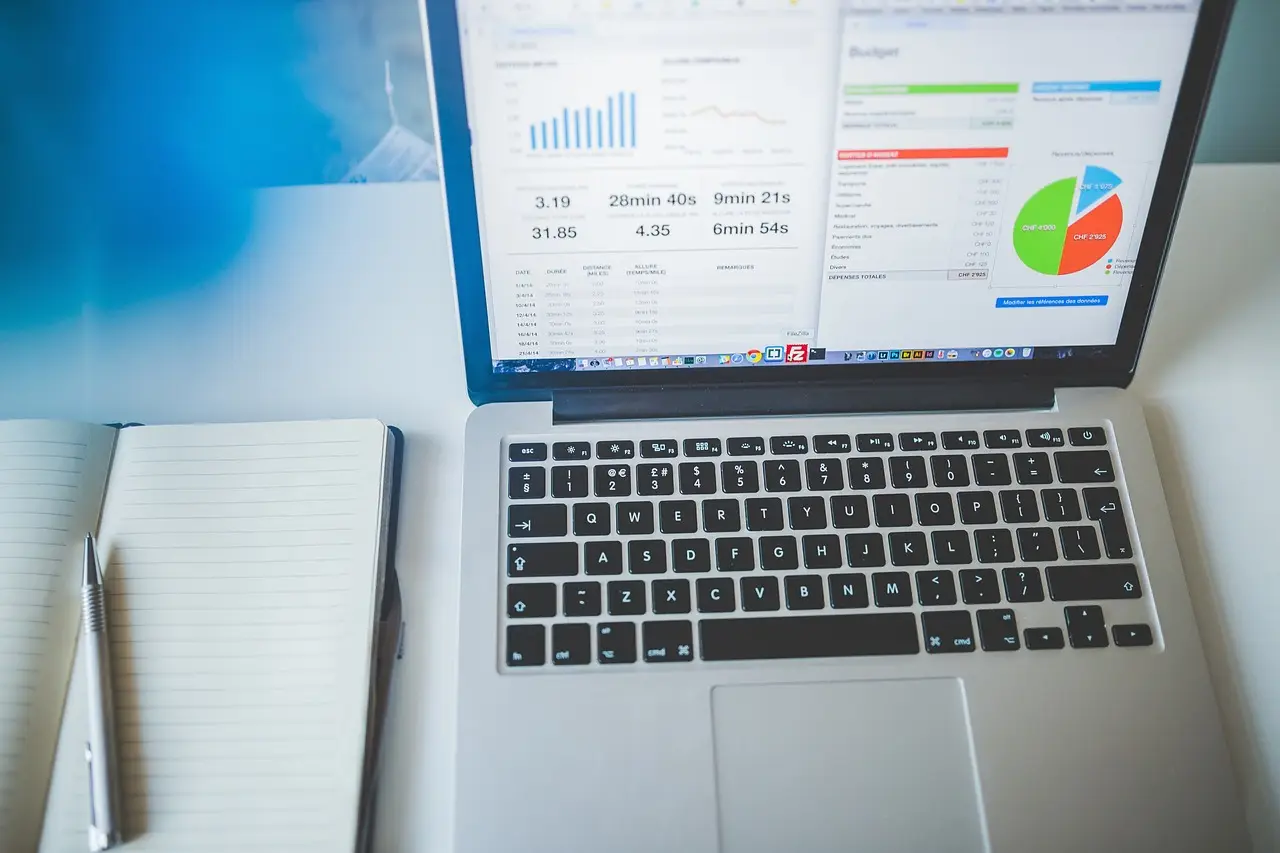
Learn the exact VLOOKUP syntax, see a real example, and fix the #N/A errors that trip up almost everyone the first time they use it.
GIMP is a free, open-source image editor that handles most Photoshop tasks. This guide covers what it does well, how to install it safely, and where to start.
Free file-recovery tools for Windows compared: Recuva, Windows File Recovery, TestDisk, PhotoRec and Disk Drill — what each recovers and where it stops.

Set up Voice access in Windows 11 to control your PC by voice, use Windows key + H for voice typing, and learn why Windows Speech Recognition is deprecated.

Change how Windows 11 looks from Settings and Personalization: themes, dark mode, accent colors, wallpaper, the lock screen, Start, and the taskbar.