Bluetooth Won't Connect on Android? How to Fix It
Android Bluetooth won't pair or connect? Toggle it, forget and re-pair the device, clear Bluetooth's stored data, or reset network settings — step by step.
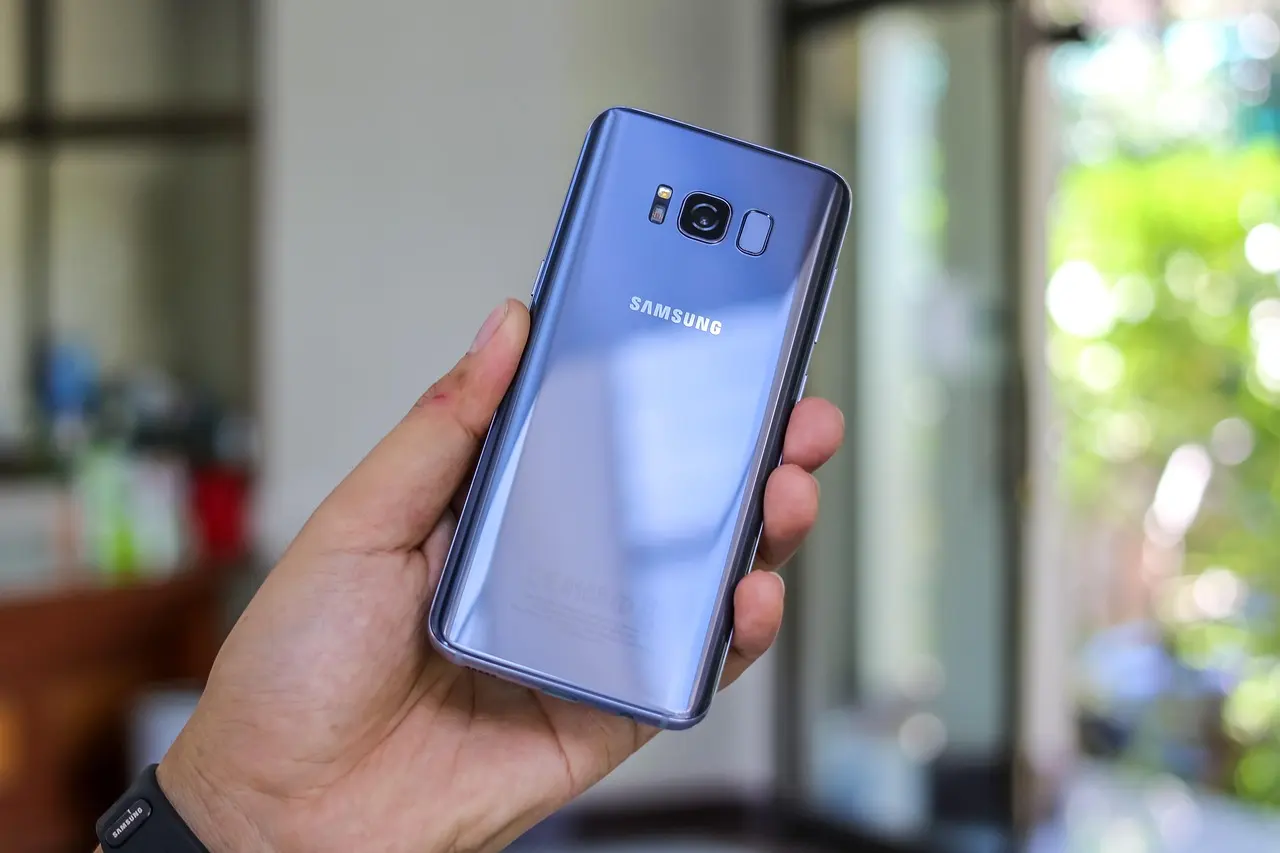
Most Android Bluetooth failures come down to three things: the accessory is paired elsewhere, its pairing memory is full, or Android’s Bluetooth data is stuck. Toggle Bluetooth off and on, forget the device, and re-pair — that usually clears it. A wave of Galaxy owners saw Bluetooth break after the Android 16 and One UI 8 update, most often audio that will not stay connected to a car, and for that case a clean re-pair followed by resetting network settings is what tends to hold.
Start with the fast resets
- Turn Bluetooth off and back on, or flip airplane mode on for ten seconds.
- Restart the phone.
- Charge the accessory — a low battery can quietly block pairing.
- Put it in pairing mode (hold the button until the light blinks) nearby.
Forget the device and re-pair
A half-finished pairing is common. Open Settings > Connected devices (Connections on Samsung), tap the gear next to the accessory, and pick Forget (Pixel/stock Android) or Unpair (Samsung), then re-pair. Earbuds auto-connect to the last device they saw, so disconnect them from any laptop or other phone first.
Clear Bluetooth’s stored data
If it pairs for others but not you, Android’s Bluetooth data may be stuck. Go to Settings > Apps, tap the sort or filter icon (top right), choose Show system apps, open Bluetooth > Storage & cache, and tap Clear cache. Still stuck? Clear storage erases every saved pairing — you’ll re-pair, but it fixes stubborn cases.
Reset network settings if nothing else works
This clears Wi-Fi, cellular, and Bluetooth together and fixes most faults. On Pixel: Settings > System > Reset options > Reset Wi-Fi, mobile & Bluetooth. On Samsung: Settings > General management > Reset > Reset network settings.
| Symptom | Likely cause | Fix |
|---|---|---|
| Never shows in the list | Not pairing, or too far | Re-enter pairing mode, move closer |
| Pairs, then drops | On another device, or low battery | Disconnect it there, charge it |
| One app can’t find it | Missing permission | Grant Nearby devices or Location |
Bluetooth is fine for audio but slow for big jobs — a cable or Wi-Fi is faster to move files between Android and a PC, and casting to a TV skips the audio lag for video. Still stuck? Check for a system update and test on another phone.
Common questions
My Galaxy Bluetooth broke after the Android 16 update, mostly with my car. What helps?
Delete the car from both the phone and the car’s system, re-pair from scratch, then reset network settings under General management, Reset. Post-update pairing state is the usual culprit, and a clean re-pair after that reset is what tends to stick.
My earbuds pair with my laptop but not my phone. Why?
Earbuds auto-connect to the last device they saw. Disconnect them or turn Bluetooth off on the laptop, put the earbuds back into pairing mode, then connect from the phone.
The accessory pairs for other people but not for me. What is stuck?
Android’s own Bluetooth data can be corrupt. In Settings, Apps, show system apps, open Bluetooth, and tap Clear cache; if it still fails, Clear storage removes every saved pairing so you start fresh.
An app cannot find my Bluetooth device even though it is paired. What is missing?
The app most likely lacks the Nearby devices permission, or Location on older Android versions. Grant it in the app’s permissions, since scanning for a device needs that access.