
Why Your Windows 11 PC Keeps Freezing (and How to Fix It)
Windows 11 freezing? Update drivers, test your RAM, and repair system files with built-in tools. A step-by-step fix for random freezes.
3 min read
Articles filed under PC on 9sBlog.
61 articles
Windows 11 freezing? Update drivers, test your RAM, and repair system files with built-in tools. A step-by-step fix for random freezes.
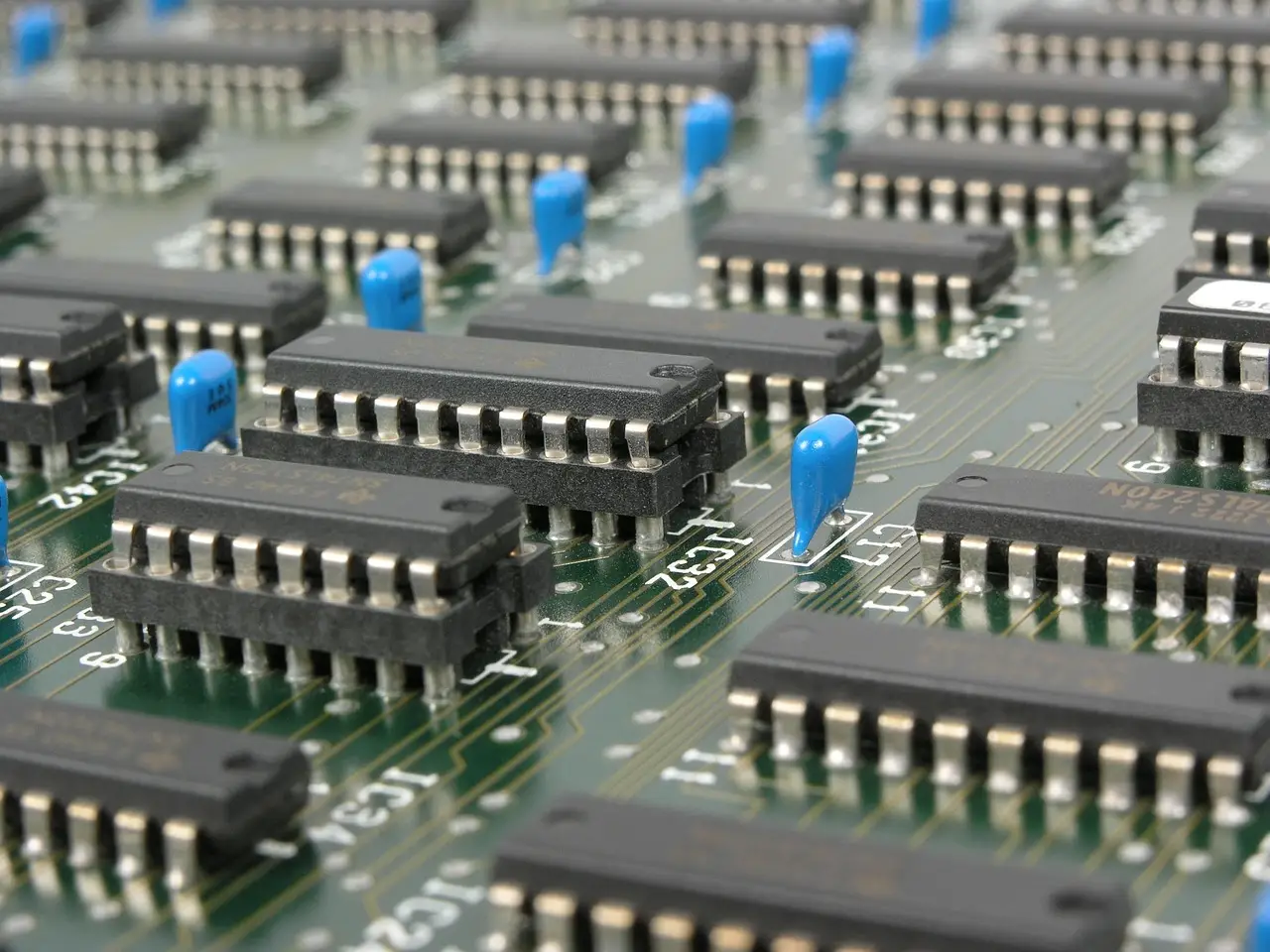
An M.2 SSD missing on Windows 10 usually needs initializing in Disk Management, a matching slot, or a BIOS fix. Step-by-step, with a symptom table.
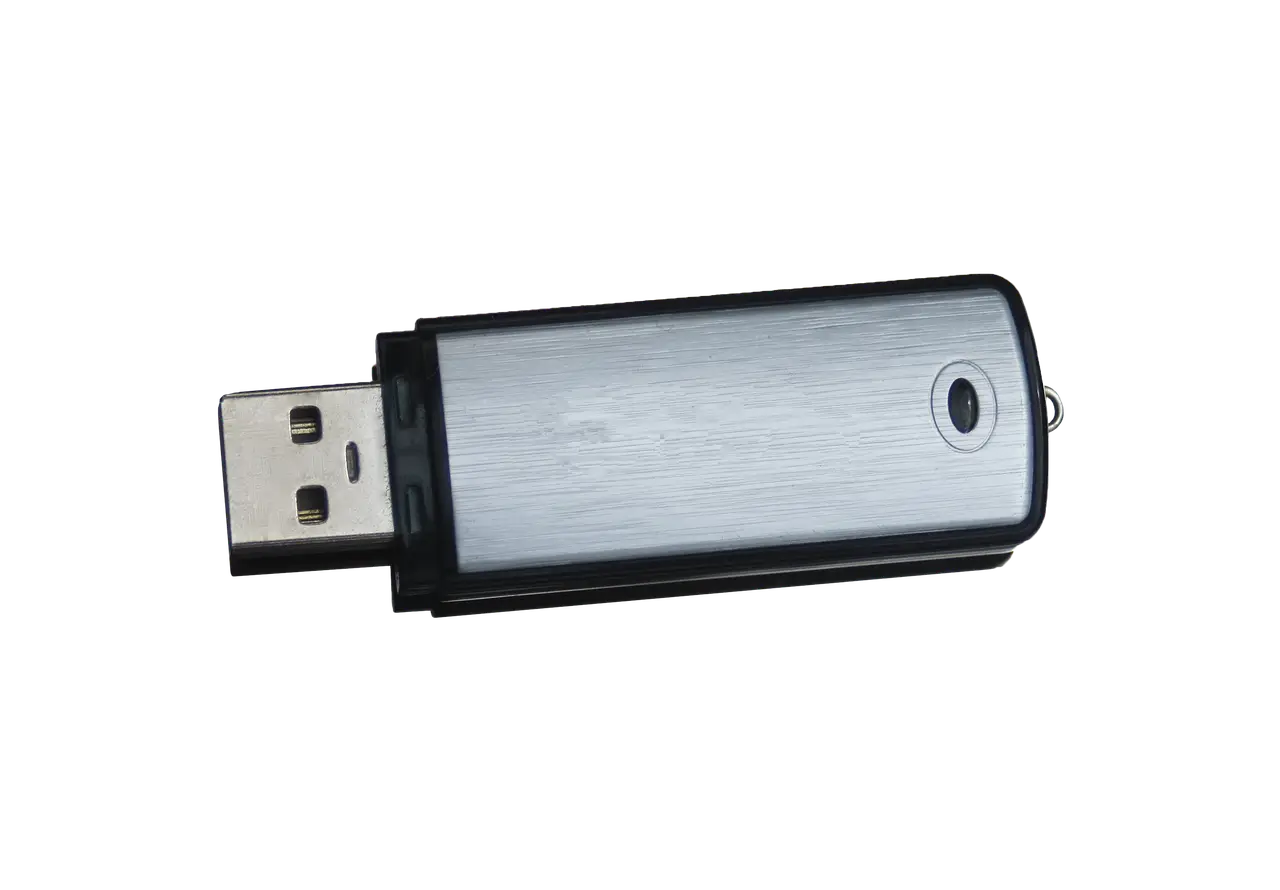
Windows 11 says a USB device is not recognized? Read the Device Manager error code first, then apply the fix Microsoft documents for that exact code.
How to tell whether your PC is really frozen on the Restarting screen, power it off without corrupting anything, and repair it from the Windows recovery menu.
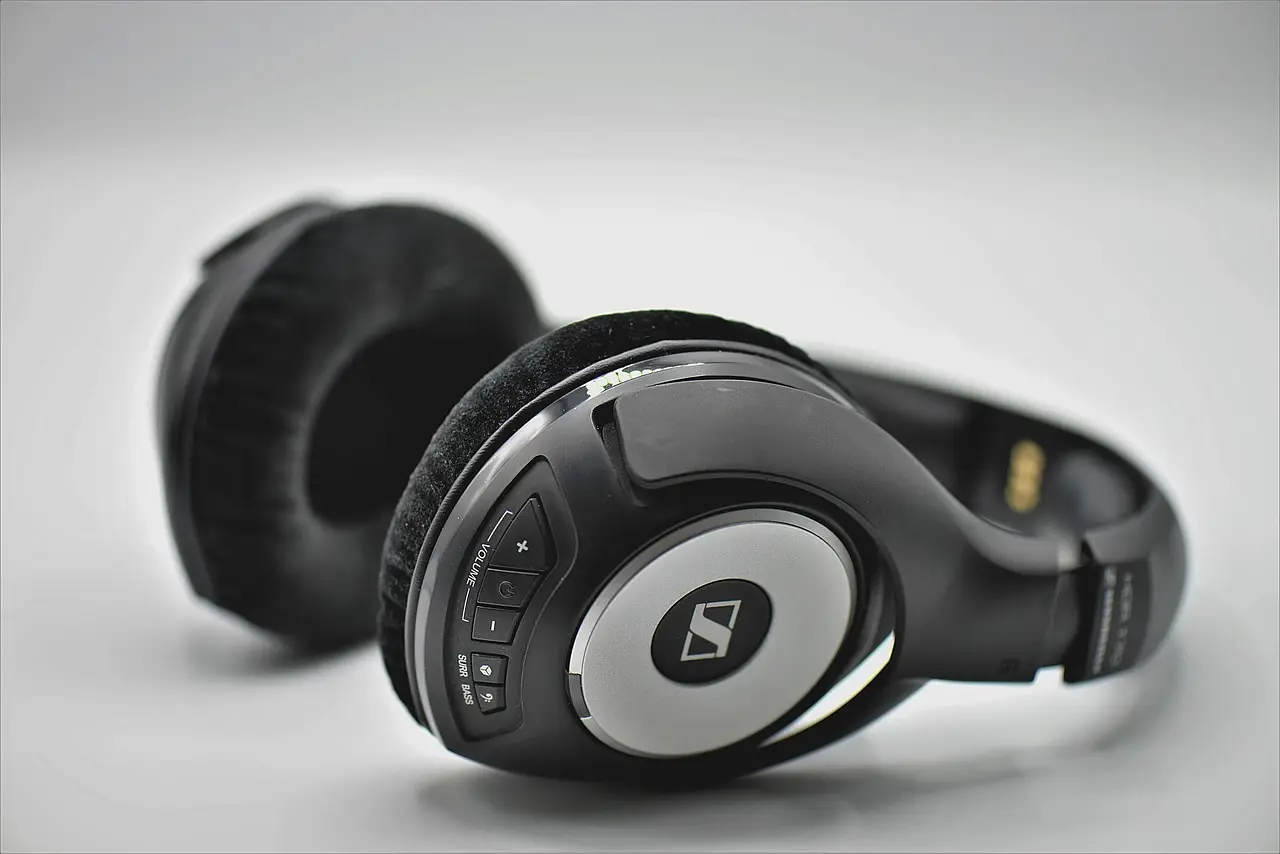
Headphones or a mouse that will not pair on Windows 11? Work through Microsoft's own checks in order, from airplane mode to a full driver reinstall.

Chrome dragging on Windows 11 is usually memory pressure, a throttled power mode, or a stale GPU driver. Here is how to tell which one in minutes.
A driver that refuses to install on Windows 11 is usually the wrong package, the wrong architecture, or a signing rule. Here is how to tell which one.
A dead touchpad is usually a toggle, a connected mouse, or a driver. Check the Windows 11 Touchpad page first, then restart properly and reinstall the driver.

A dead webcam on Windows 11 is usually a permission toggle, a shutter, or a driver. Work through the checks in order, with the error codes decoded.

Not every Windows update deserves the same urgency. Install security patches fast, wait briefly on feature updates, and skip the optional previews.