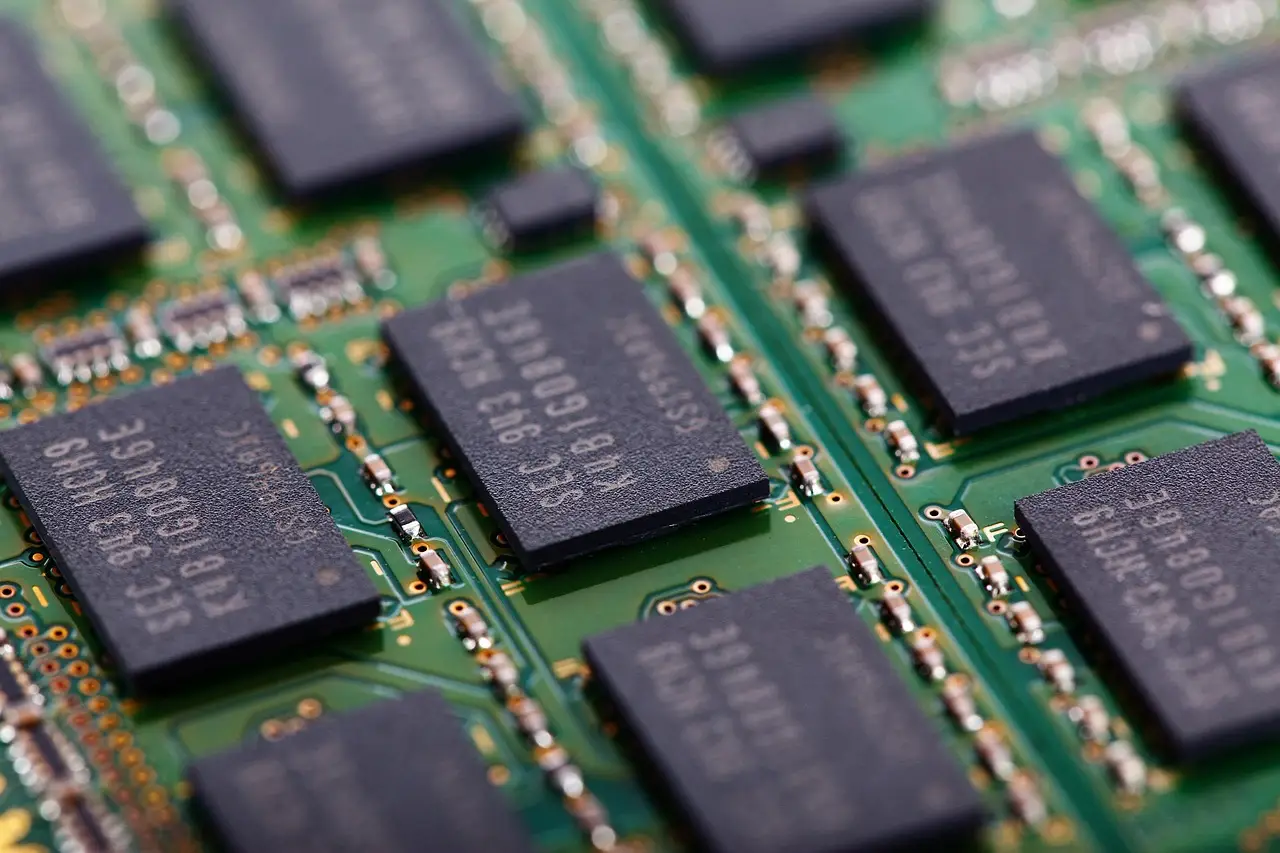
How to tell if your PC needs more RAM
Read Task Manager correctly, tell a real memory shortage from a disk or CPU bottleneck, and check what memory your machine accepts before you buy any.
14 min read
Practical technology guides: Android and Windows fixes, software worth using, and how the tools actually work.
Page 20 of 23
Read Task Manager correctly, tell a real memory shortage from a disk or CPU bottleneck, and check what memory your machine accepts before you buy any.

Step-by-step guide to unzipping files with Extract All, previewing a zip without extracting it, and using Windows 11's native RAR and 7z support.

A clear look at what a VPN protects on public Wi-Fi, what your ISP can still see, and when the privacy benefit is real instead of marketing.
Microsoft Defender covers most Windows 10 and 11 users by default. Here is what it handles, when paid antivirus is worth it, and the habits that matter more.

Add a header or footer in Word from the Insert tab, pick a built-in design or start blank, insert page numbers, and set a different first page.

Cast from apps with the Cast button, mirror your whole screen with Google Home or Samsung Smart View, and fix a Cast that won't connect.

A step-by-step guide to fixing a Windows laptop battery that won't charge: hardware checks, the ACPI battery driver, the power troubleshooter, and battery health.

Windows 11 search stopped finding apps or files? Fix it in order: run the troubleshooter, restart the Windows Search service, rebuild the index, then reset it.

How to turn on Track Changes in Word, switch between All Markup, Simple Markup, and No Markup, accept or reject edits, and lock tracking with a password.

Learn the exact VLOOKUP syntax, see a real example, and fix the #N/A errors that trip up almost everyone the first time they use it.