
How to Clear Cache and Cookies in Microsoft Edge
Clear cache and cookies in Microsoft Edge to fix slow or broken pages. Here is the exact path, plus how to clear one site or wipe data on every exit.
3 min read
Practical technology guides: Android and Windows fixes, software worth using, and how the tools actually work.
Page 3 of 23
Clear cache and cookies in Microsoft Edge to fix slow or broken pages. Here is the exact path, plus how to clear one site or wipe data on every exit.

Microsoft Edge won't open, keeps crashing, or shows a blank screen? Close it in Task Manager, update, then repair Edge from Settings. The full fix list.

Wi-Fi says 'No Internet, secured' on Windows 11? You're connected but something blocks the internet. Forget the network, reset TCP/IP, and more fixes here.

Deleted a photo on Android? Restore it from the Google Photos or Samsung Gallery trash within 30 days. Here's how, and what to do once the trash is empty.

Turn your phone into a scanner: Google Drive's built-in scanner makes a clean PDF in seconds. Here's how on Android and Samsung, plus multi-page scans.

Tired of Android changing your words? Turn off autocorrect in Gboard or Samsung Keyboard. Here's the exact path, plus how to stop it fixing one word.

Switch Windows 11 to dark mode in Settings, Personalization, Colors. Here's the exact path, how to darken only apps or the taskbar, and how to schedule it.

Android won't join your Wi-Fi? Forget the network and rejoin, toggle airplane mode, and check MAC randomization — a fix list from quick to last resort.
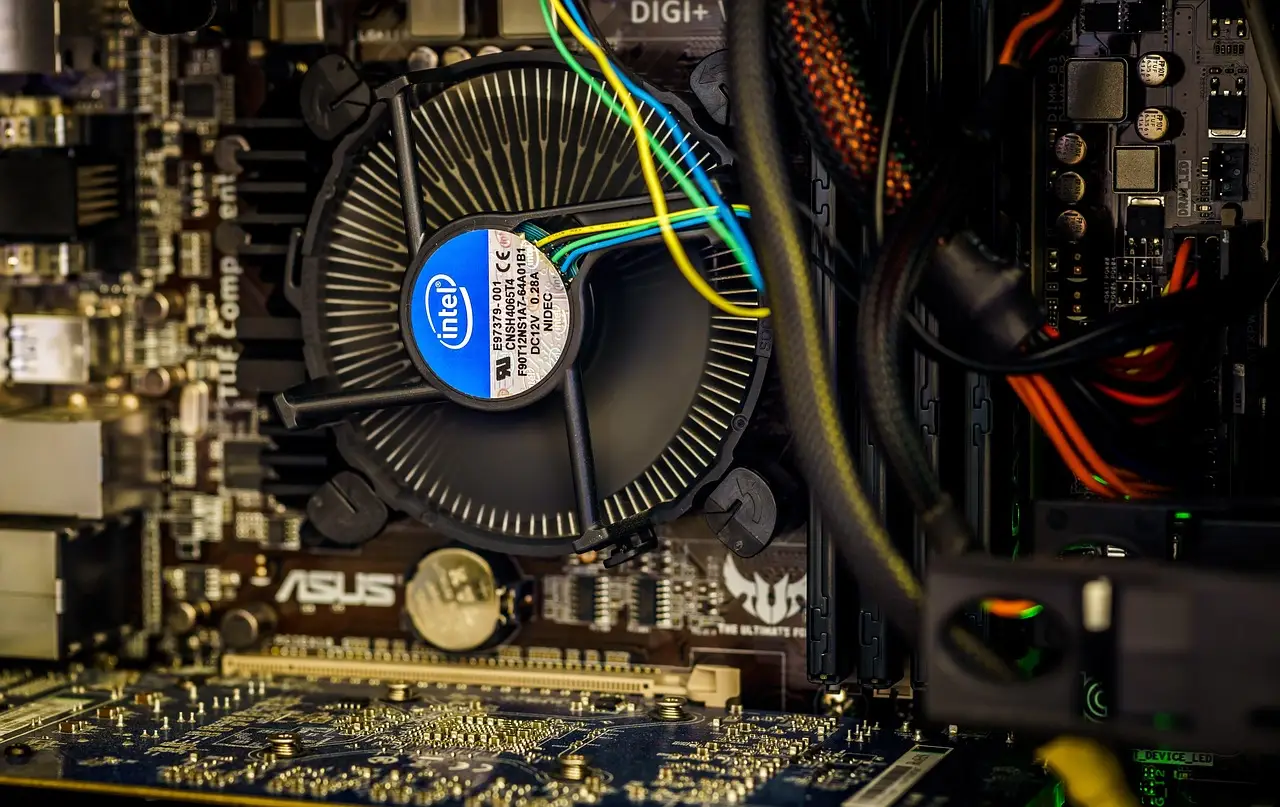
Windows 11 doesn't show CPU temperature on its own. Here is how to read it in the BIOS or a free tool, and what counts as a safe temperature.

Turn on automatic replies in Outlook for a vacation or a day off. Steps for new and classic Outlook, plus what to do if your account has no Out of Office.