
How to Block Someone on Gmail
Stop a sender's emails in Gmail: open a message, hit the three-dot menu, and Block. Here's how, how to unblock, and how to block a whole domain.
3 min read
Practical technology guides: Android and Windows fixes, software worth using, and how the tools actually work.
Page 2 of 23
Stop a sender's emails in Gmail: open a message, hit the three-dot menu, and Block. Here's how, how to unblock, and how to block a whole domain.
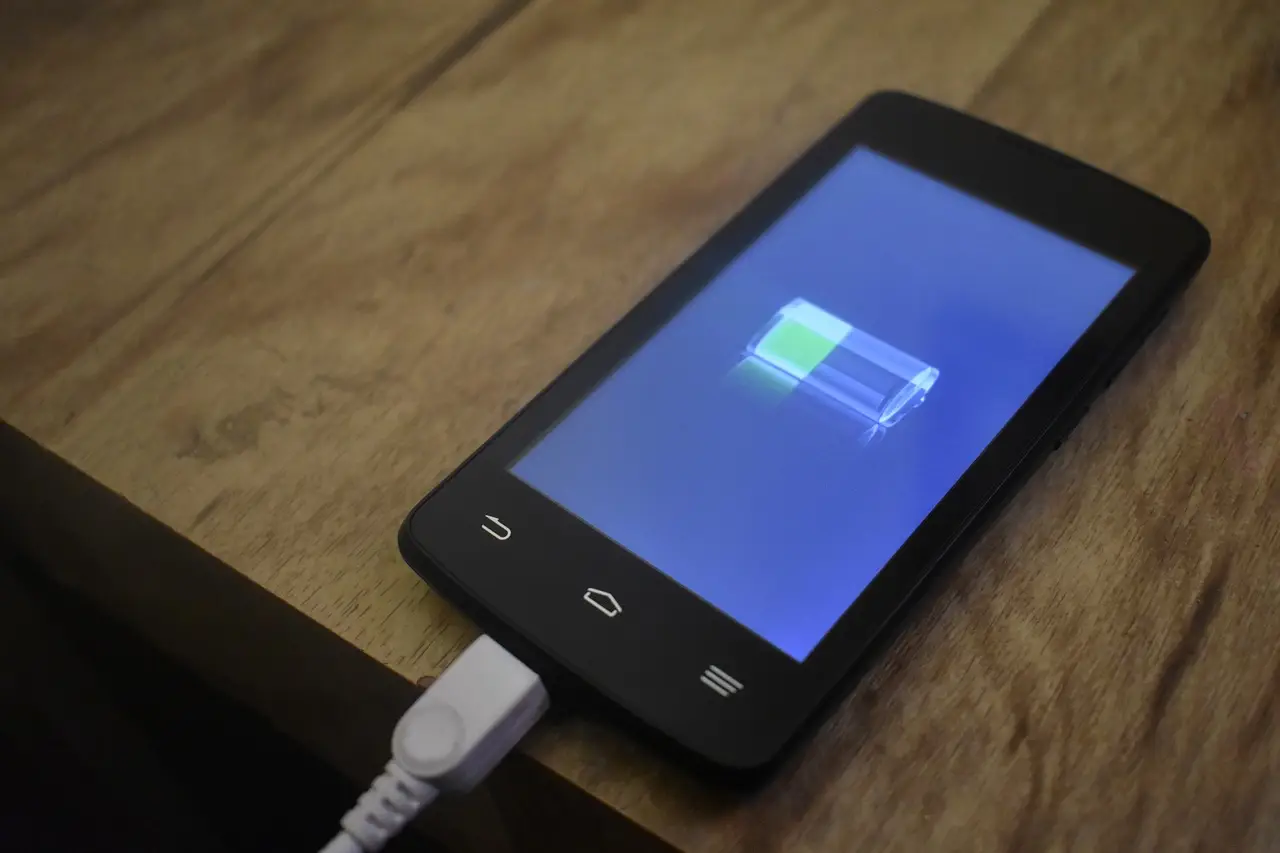
Android now shows battery health on newer phones. Here's where to find it on Pixel and Samsung, what a good number is, and when to replace the battery.
Turn a Word doc into a PDF in a few clicks with Save As, Export, or Print to PDF. Here's how on desktop, the web, and your phone, keeping links intact.
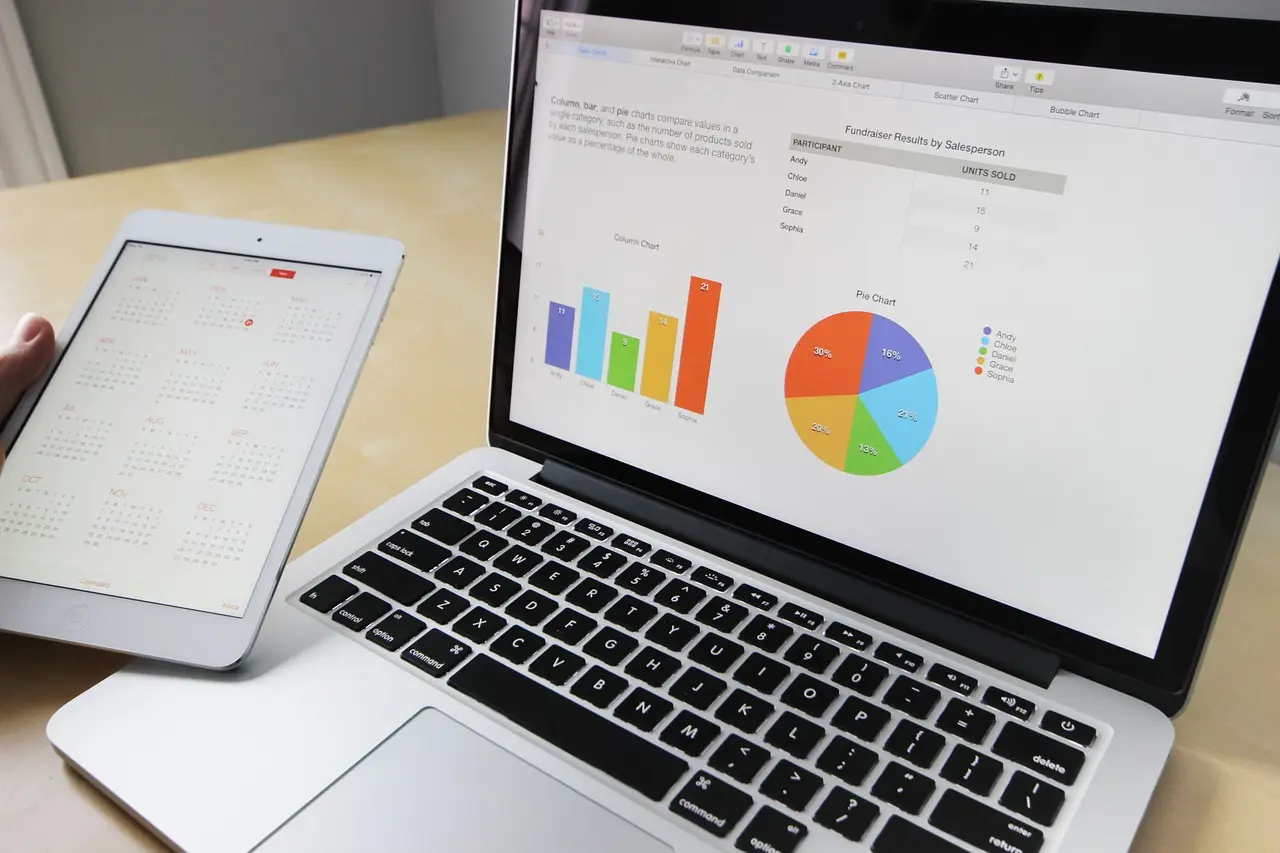
VLOOKUP in Google Sheets, with the exact syntax and a working example. Plus how to pull from another sheet, fix #N/A, and when to use XLOOKUP instead.
A blue screen (BSOD) on Windows 11? Note the stop code, undo the recent change from Safe Mode, and repair system files. A step-by-step BSOD fix guide.

Android frozen and won't respond? Force-restart it — hold Power, or Volume Down plus Power on Samsung. Here's how, plus what to do if it keeps freezing.
Five ways to open Task Manager on Windows 11 — Ctrl+Shift+Esc is fastest. Plus how to open it when the screen is frozen or an admin has disabled it.

Moving to a new Android? Google account sync copies your contacts automatically. Plus a .vcf export, SIM transfer, and Samsung-to-Pixel — the clean way for each.
A Windows 11 update broke something? Uninstall it from Update history, or from recovery if the PC won't boot. Here's how, and how to stop it reinstalling.
Make Chrome, Firefox, or another browser the default on Windows 11. Here's the one-click Set default button, covering PDF and links, and why it reverts.