How to Check Battery Health on Android
Android now shows battery health on newer phones. Here's where to find it on Pixel and Samsung, what a good number is, and when to replace the battery.
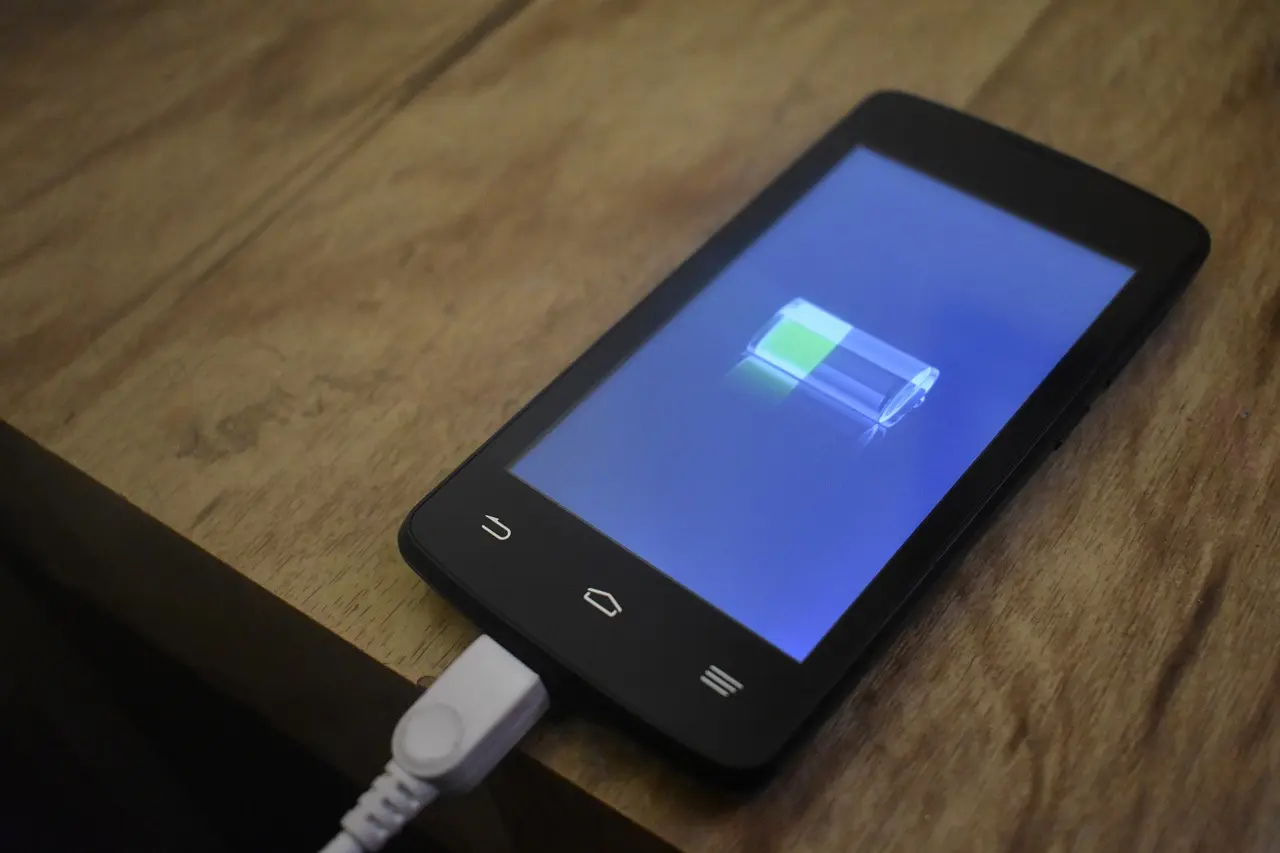
Android can now show battery health natively, but only on newer phones. On a recent Pixel it is under Settings, Battery, Battery health; on a newer Samsung Galaxy it is under Settings, Battery, Battery information. Older phones show only a rough rating or need a third-party app.
On a Pixel (Android 16)
Open Settings, Battery, Battery health. Pixel 8a and newer show a maximum-capacity percentage with a state of Normal or Reduced (below 80%); the Pixel 8 Pro and older get the Battery health menu but no percentage. Android 15 only exposed this to developers as an API, so a full user-facing screen arrived with Android 16 — if you do not see it, check for a system update.
On a Samsung Galaxy
On newer Galaxies (S24 and later, on One UI 7 or 8), open Settings, Battery, Battery information to see maximum capacity, charge cycles, and the manufacture date. Older Galaxies do not show a percentage; instead open the Samsung Members app, go to Diagnostics, and run the Battery test for a Good, Weak, or Replace verdict.
| Phone | Where | Shows |
|---|---|---|
| Pixel 8a and newer | Settings > Battery > Battery health | Capacity % |
| Samsung S24 and newer | Settings > Battery > Battery information | Capacity %, cycles |
| Older Samsung | Samsung Members > Diagnostics | Good / Weak / Replace |
| Older / other Android | A third-party app | Estimate only |
What the numbers mean
Battery capacity fades with use, and above about 80% is considered healthy. Most batteries reach 80% somewhere around 500 to 1,000 charge cycles, which is roughly two to three years of daily use. Think about a replacement when capacity drops below 80%, the phone dies well before the end of the day, or it shuts down unexpectedly. If yours is fading, fast battery drain and saving battery on Android help you get more from what is left, and slow charging covers the charging side. A note on third-party apps like AccuBattery: they estimate health by measuring charge over many cycles, so treat their numbers as a trend, not an exact spec; the old *#*#4636#*#* dialer code is now unreliable on most phones.
Check Settings, Battery first — newer Pixels and Galaxies now tell you directly. If your phone is too old to show a number, a diagnostics app or the Samsung Members test gives a good-enough read, and below 80% is the sign it is time for a new battery.
Common questions
Can I see an iPhone-style battery percentage on Android?
Yes, but it is device-gated. A Pixel 8a or newer on Android 16 and a Galaxy S24 or newer on One UI 7 or 8 show an exact maximum-capacity percentage. Most older or other Android phones still show no percentage and need a third-party app.
Where is battery health on a Samsung?
On newer Galaxies, Settings, Battery, Battery information shows capacity and charge cycles. Older ones use the Samsung Members app, Diagnostics, Battery, which gives a Good, Weak, or Replace rating instead of a number.
Are battery apps like AccuBattery accurate?
They estimate rather than read a true factory value, measuring charge over many cycles, so early readings are rough and improve with use. Treat them as trend indicators. The *#*#4636#*#* dialer code is now blocked or unreliable on most phones.
What battery health is too low?
Above roughly 80% is healthy. Below 80% — often after 500 to 1,000 charge cycles, or two to three years — is when you notice shorter life and should consider a replacement, especially if the phone shuts down unexpectedly.