Fix Full Storage on a Samsung Galaxy
Samsung Galaxy storage full? Empty the Gallery and My Files trash, clear app cache, and offload photos to Google Photos to reclaim gigabytes.
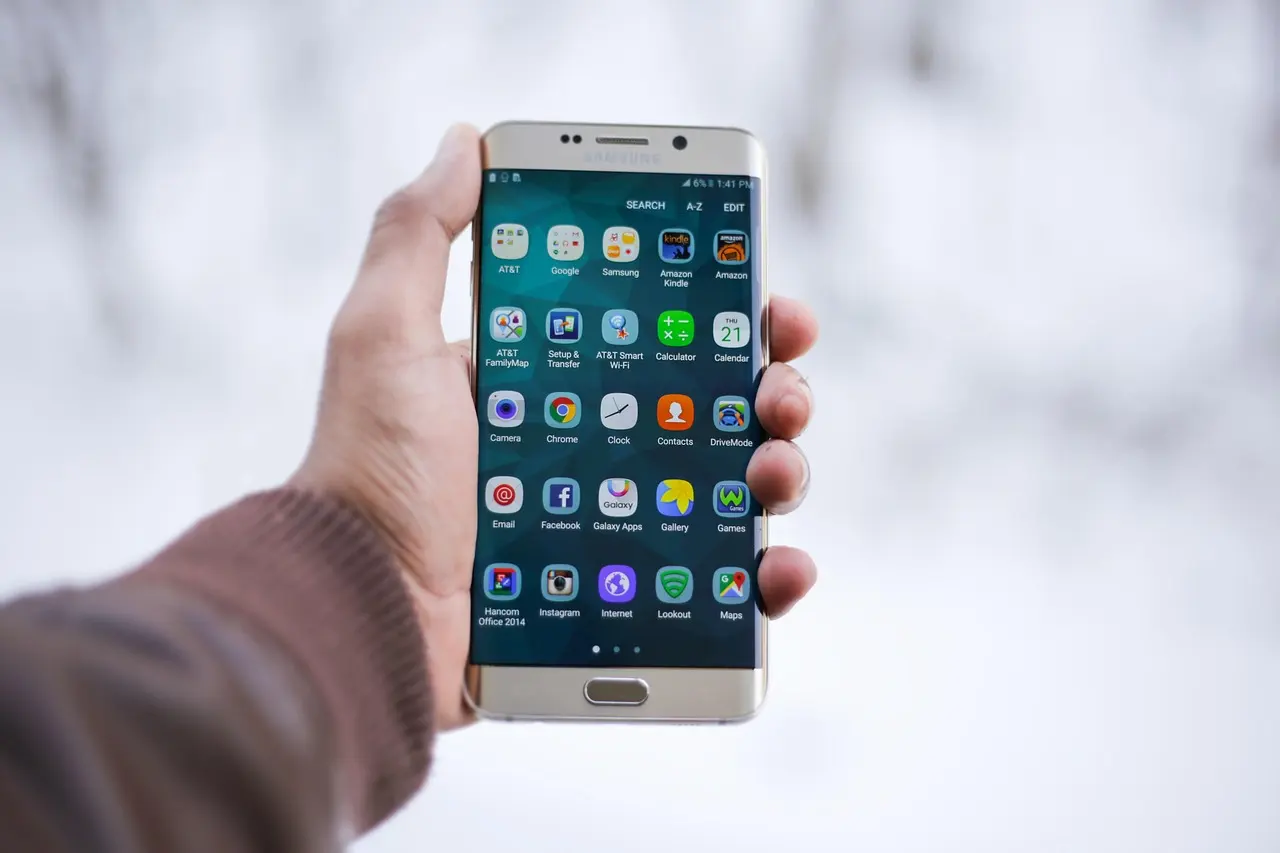
When your Samsung Galaxy warns that storage is full, the fastest wins are emptying the Gallery trash, clearing app cache, and offloading photos to Google Photos. Those three steps often recover several gigabytes without deleting a single app. If you’re on One UI 8, there’s a new place to look too: the Storage screen finally cracks open the old “Other files” lump into invisible backups, pending files, and uncategorized app leftovers, so the gigabytes that used to sit there unexplained now carry a label.
Start with Device care
Every recent Galaxy has a storage cleaner built in. Open Settings > Device care > Storage to see what is using space, sorted into Images, Videos, Audio files, Documents, and apps. Tap a category, select the large files you no longer need, and delete them.
Empty the Gallery and My Files trash
Most people miss this one. When you delete photos, Samsung moves them to a Recycle bin for 30 days before erasing them, so the space is not freed yet. Open Gallery, tap the menu, choose Recycle bin (labeled Trash on some versions), then More options > Empty. Since One UI 6 this bin is shared with the My Files app, so you can empty it from either place. This is often why Android says storage is full when it looks empty.
Clear app cache the safe way
Cached files build up quietly for browsers, chat, and social apps. Go to Settings > Apps, pick the app, tap Storage, then Clear cache to drop temporary files without touching your logins or messages. Avoid Clear data, which resets the app and signs you out. Our guide to clearing app cache on Android covers it app by app.
Move photos and video off the phone
Photos and 4K video are usually the biggest culprits. Back the phone up first — see how to back up your Android phone — then open Google Photos, tap your profile picture, and choose Free up space, which removes only photos already backed up to your account. If your model has a microSD slot, open My Files, select a large folder, and use Move to send it to the card.
Still full? Match the symptom to the fix
| Symptom | Likely cause | Fix |
|---|---|---|
| Full again right after deleting photos | Recycle bin still holding files | Empty the Gallery and My Files trash |
| A few apps using many GB | Cached media and downloads | Clear cache, then offload media |
| Space refills within days | Media auto-saving locally | Back up to cloud, delete local copies |
If storage is still tight, uninstall apps you have not opened in months and check the Downloads folder for old installers and PDFs. A factory reset wipes everything and should be a last resort, not a cleanup step.
Common questions
Where is the Recycle bin on a Samsung Galaxy?
Open the Gallery app, tap the menu, and choose Recycle bin (labeled Trash on some versions). Since One UI 6 it’s shared with the My Files app, so you can empty it from either place; deleted items sit there for 30 days before they’re erased.
What are “Other files” on a Samsung phone?
It’s the catch-all for data that doesn’t fit Images, Videos, Audio, or Documents. One UI 8 breaks it into invisible backups (older saved copies of edited files), pending files waiting for an app, and uncategorized leftovers such as temporary app downloads.
Does “Free up space” in Google Photos delete my photos?
No. It removes only the local copies of photos and videos already backed up to your Google account, so the originals stay in the cloud and you can still view them.
What’s the difference between Clear cache and Clear data on a Galaxy?
Clear cache drops temporary files and keeps you signed in with your messages intact. Clear data resets the app to a fresh install and signs you out, so use cache for routine cleanup.