
Chrome Keeps Crashing: Windows and Android Fixes
Chrome crashing on a PC or a phone? Work through memory, extensions, graphics acceleration, low storage and a damaged profile in the order that fixes it.
10 min read
Everything tagged Troubleshooting.
83 articles
Chrome crashing on a PC or a phone? Work through memory, extensions, graphics acceleration, low storage and a damaged profile in the order that fixes it.

Chrome dragging on Windows 11 is usually memory pressure, a throttled power mode, or a stale GPU driver. Here is how to tell which one in minutes.

A driver that refuses to install on Windows 11 is usually the wrong package, the wrong architecture, or a signing rule. Here is how to tell which one.
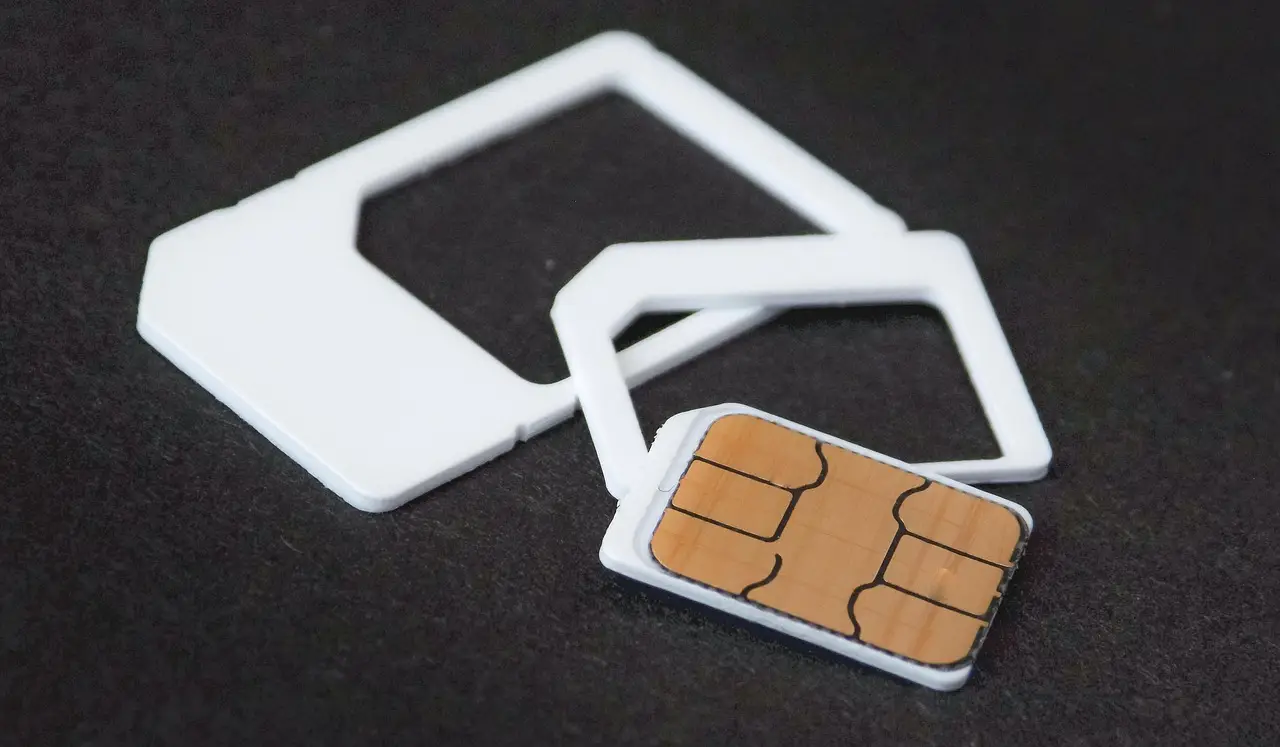
Android mobile data dead? Rule out Wi-Fi first, then check the on-device data limit, Data Saver, SIM choice, APN and VPN before resetting network settings.

Fingerprint failing on your Galaxy or Pixel? Work through screen protectors, finger and sensor condition, Android's deliberate PIN prompts, and the hardware check.
A dead touchpad is usually a toggle, a connected mouse, or a driver. Check the Windows 11 Touchpad page first, then restart properly and reinstall the driver.

A dead webcam on Windows 11 is usually a permission toggle, a shutter, or a driver. Work through the checks in order, with the error codes decoded.

A warm phone is usually working normally. Here's how to tell harmless heat from a real problem on Android, and the one red line that means stop.
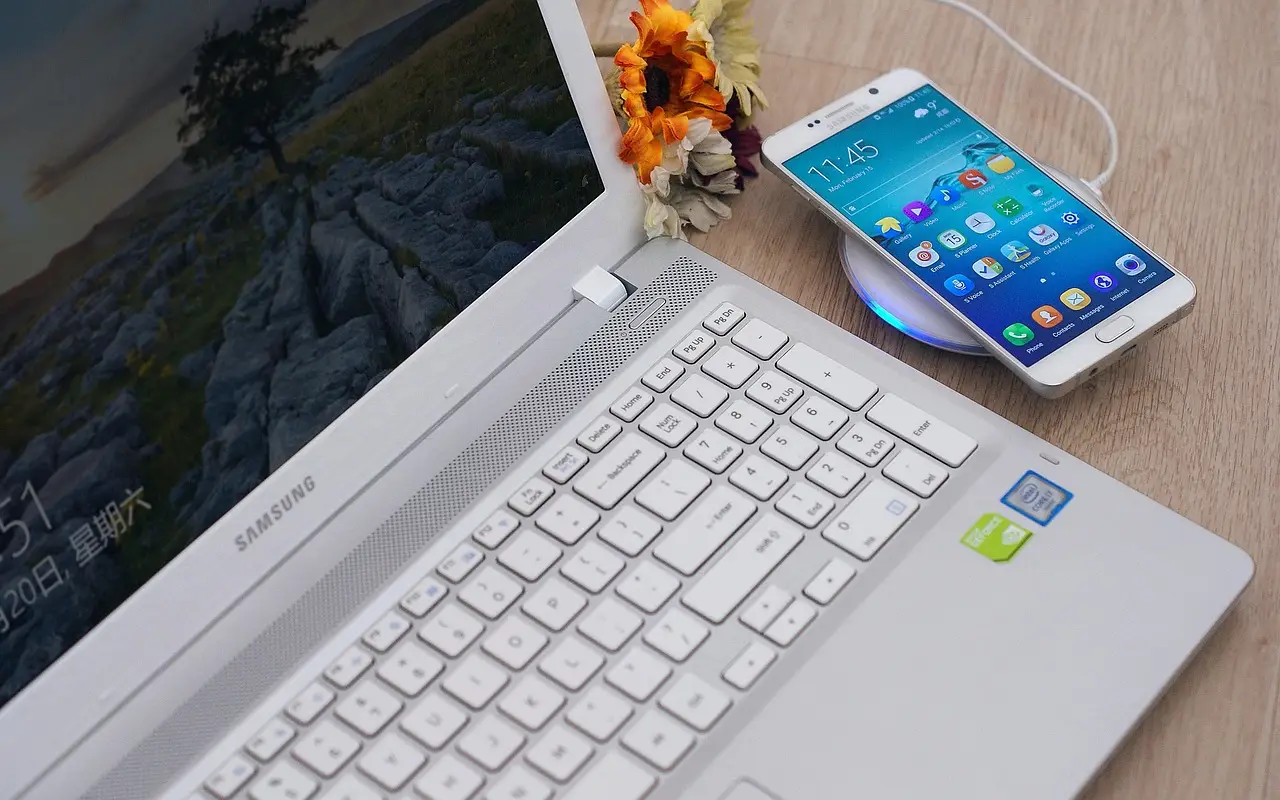
Missing Android alerts? Fix them by checking Do Not Disturb, per-app switches, notification channels, battery restrictions, and Data Saver on Pixel and Samsung.

If Chrome stopped offering to save your logins, fix it here: the save toggle, the Declined sites list, Incognito, sign-in, and extensions.