Why Your Android Phone Keeps Losing Signal
Your Android phone keeps losing signal? Toggle Airplane mode, reseat the SIM, lock to LTE, and reset network settings — the fixes that actually work.
4 min read
Everything tagged Troubleshooting.
83 articles
Your Android phone keeps losing signal? Toggle Airplane mode, reseat the SIM, lock to LTE, and reset network settings — the fixes that actually work.
Android charging slowly? Fix it fast: check the cable and adapter, clean the port, turn on fast charging, and rule out heat or a worn battery.

An M.2 SSD missing on Windows 10 usually needs initializing in Disk Management, a matching slot, or a BIOS fix. Step-by-step, with a symptom table.

Notepad++ stuck on an old version? Close the app fully, allow gup.exe through the firewall, run it as admin, or reinstall over the top to fix it.
A dead-looking Pixel is usually a drained battery or a frozen system. Charge it right, force restart it, and use the ring test to spot a broken screen.
Windows 11 says a USB device is not recognized? Read the Device Manager error code first, then apply the fix Microsoft documents for that exact code.
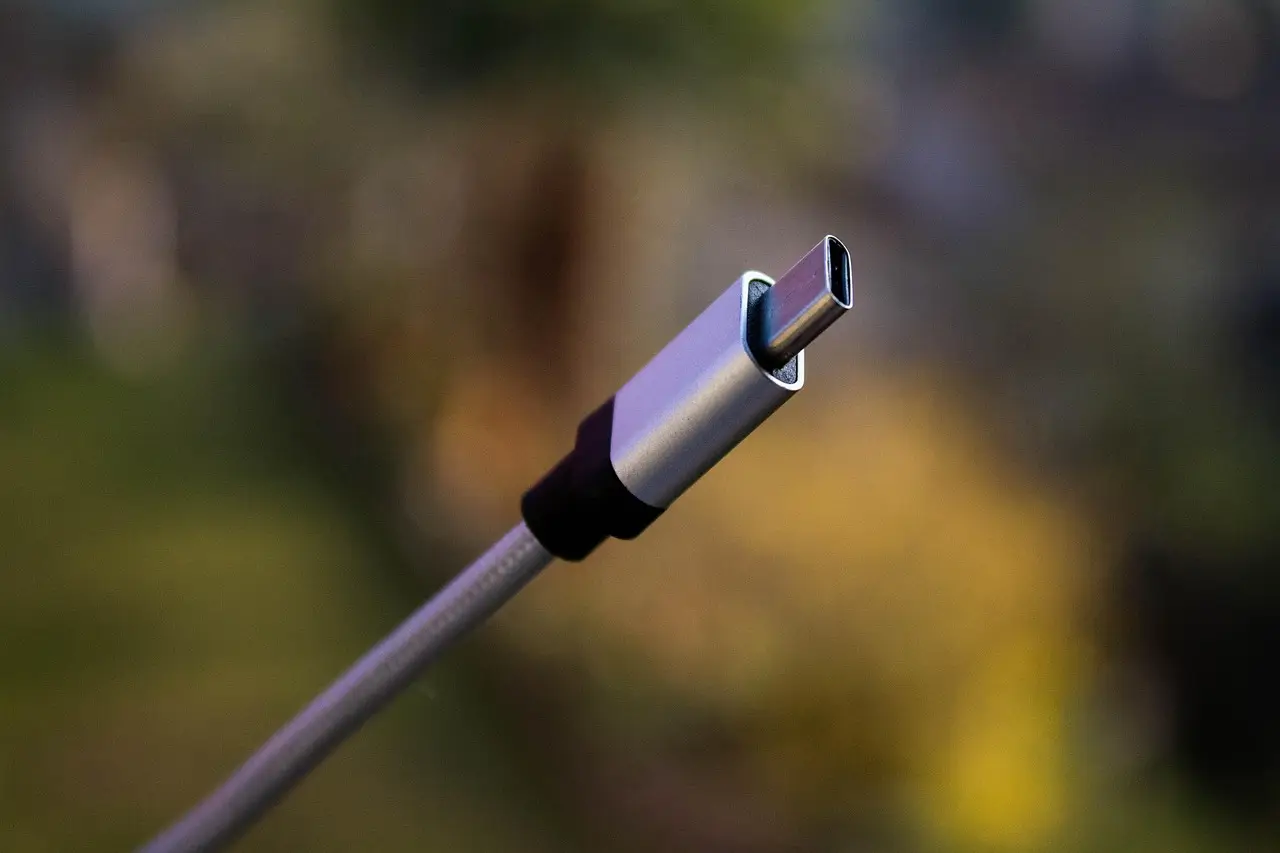
Why an Android phone refuses to charge, and the fixes Google and Samsung actually document: lint in the port, moisture warnings, thermal limits, battery caps.

How to tell whether your PC is really frozen on the Restarting screen, power it off without corrupting anything, and repair it from the Windows recovery menu.
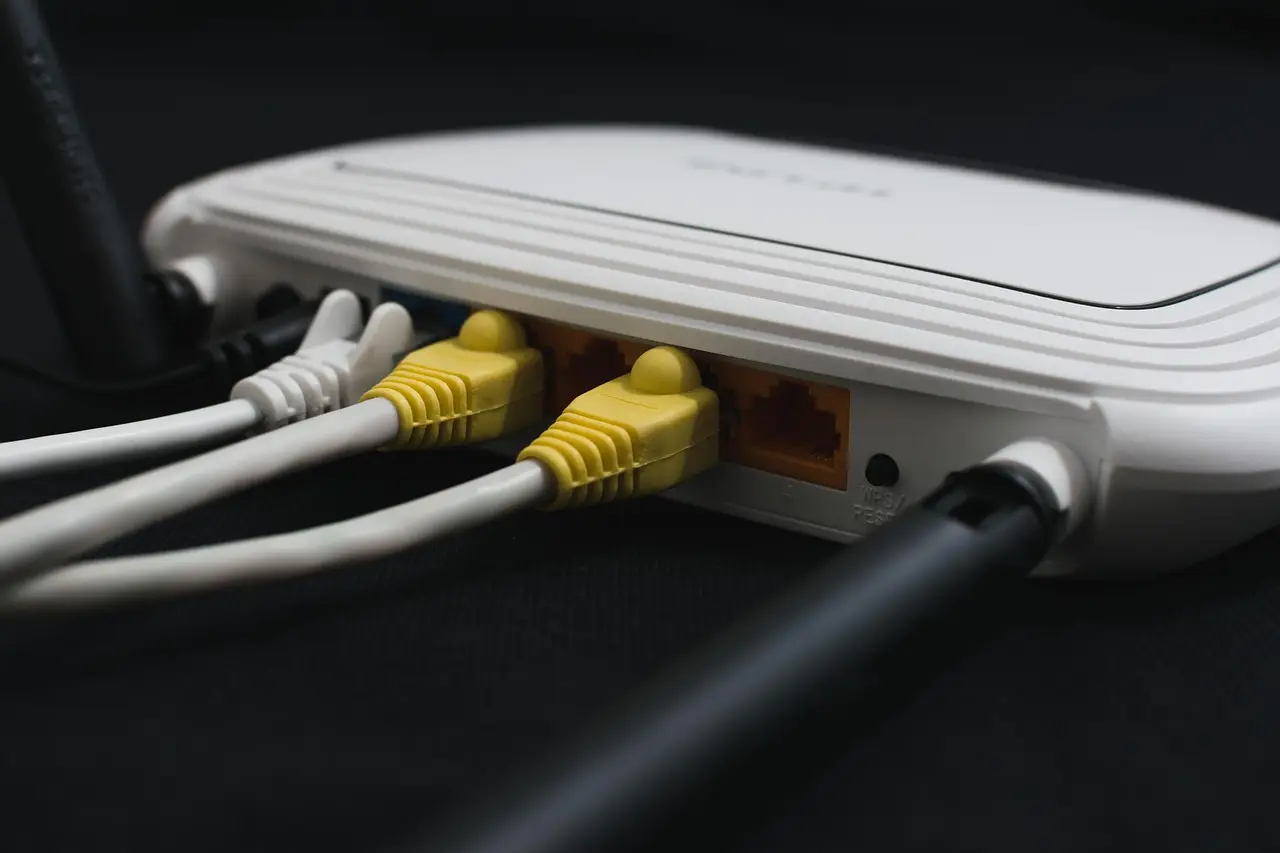
Wi-Fi shows connected but nothing loads. Work through the router, the sign-in page, Private DNS, VPN apps and router blocks in the order that finds it.

Headphones or a mouse that will not pair on Windows 11? Work through Microsoft's own checks in order, from airplane mode to a full driver reinstall.