
Gmail Not Receiving Emails: Full Fix Checklist
A troubleshooting checklist for Gmail not receiving emails: Spam and filters, full Google storage, forwarding rules, blocked senders, and app sync.
7 min read
Everything tagged Troubleshooting.
83 articles
A troubleshooting checklist for Gmail not receiving emails: Spam and filters, full Google storage, forwarding rules, blocked senders, and app sync.
Clearing an Android app's cache deletes temporary files and keeps you signed in; clearing storage resets the app. Here's the difference and when to use each.
Back up, remove your Google account so Factory Reset Protection can't lock out the next owner, then wipe. Stock Android and Samsung reset paths, step by step.
Force restart, charge, and safe mode steps for an Android phone that won't turn on, plus a symptom-to-fix table that works across Pixel and Samsung.
A low disk space warning on Windows 11 is fixable. See what's using your drive, then reclaim it with Storage Sense, Disk Cleanup, and old-update removal.
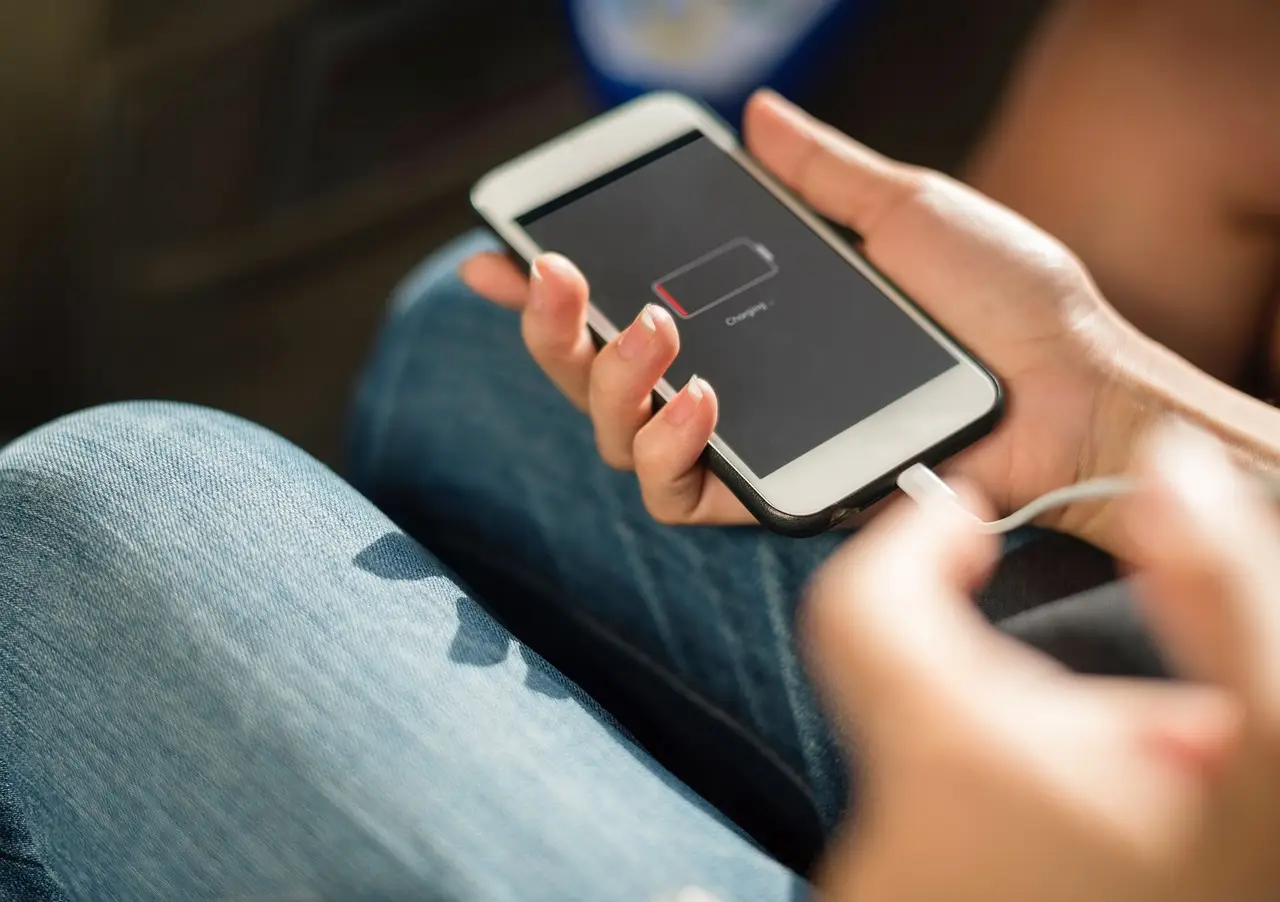
Make your Android battery last longer with the settings that matter: screen and radios, Adaptive Battery, Battery Saver, Doze, and the myths to skip.
Speed up a slow boot on Windows 11: turn off startup apps in Settings and Task Manager, clear the Startup folder, and learn what's safe to disable.
Find out why your Windows PC runs slow, then fix it: check startup apps, storage, malware and your drive type before assuming you need new hardware.
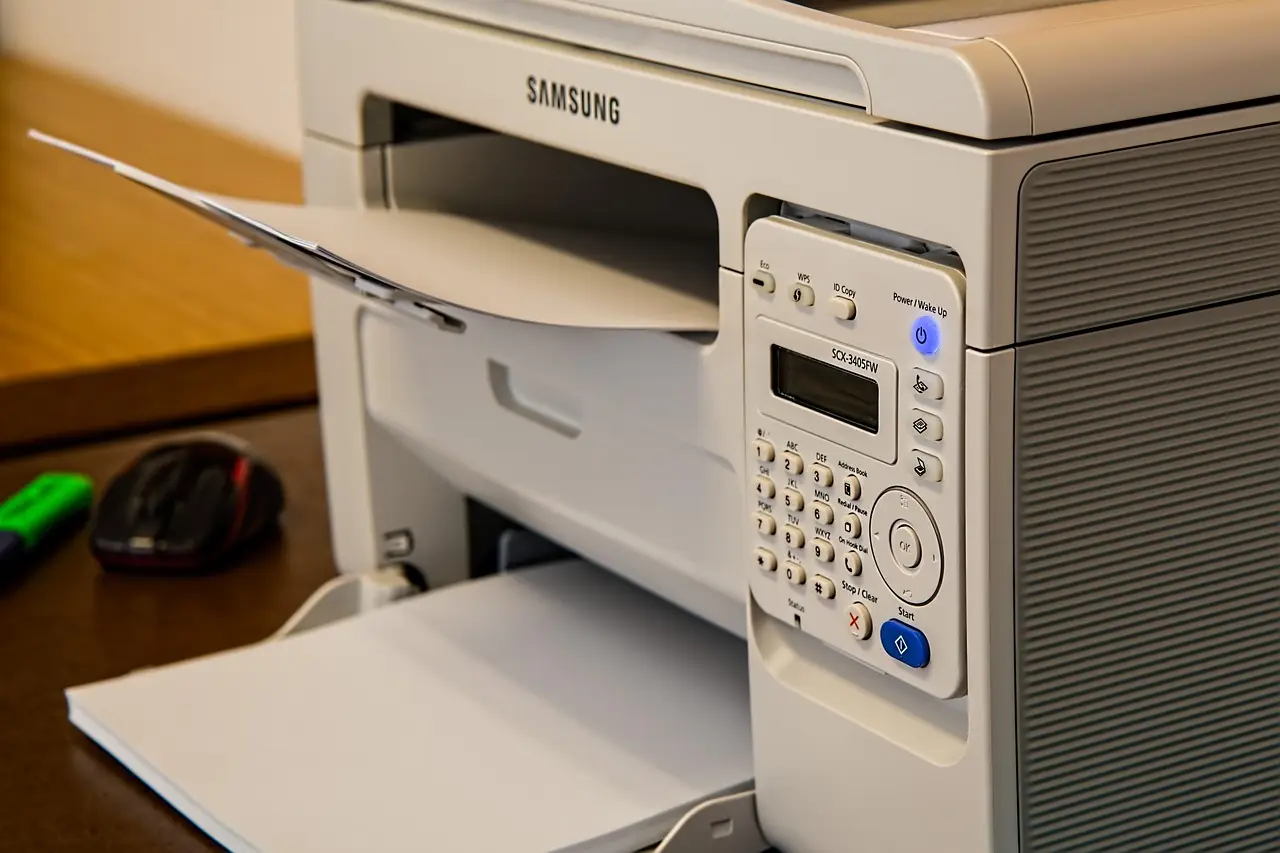
A printer stuck offline is usually a stale connection, a manual offline flag, or a jammed Print Spooler. Fix each cause step by step, with a symptom-cause table.
When an app won't open on Windows 11, work in order: restart, update, run as administrator, repair or reset the app, run a clean boot, then reinstall.