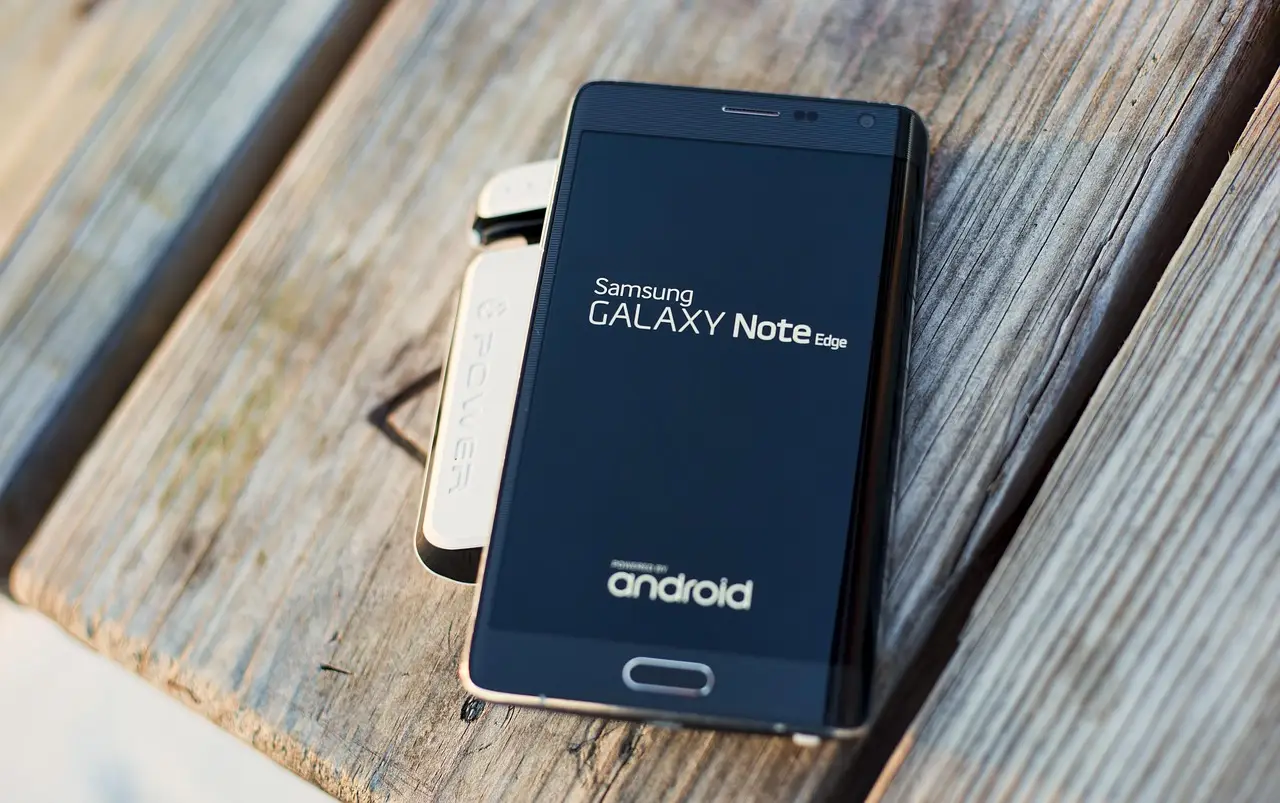
How to free up storage on an Android phone
Free up Android storage in the order that works: cloud offload, chat media, downloads, cache, trash. Uninstalling apps belongs last, not first.
11 min read
Everything tagged Troubleshooting.
83 articles
Free up Android storage in the order that works: cloud offload, chat media, downloads, cache, trash. Uninstalling apps belongs last, not first.
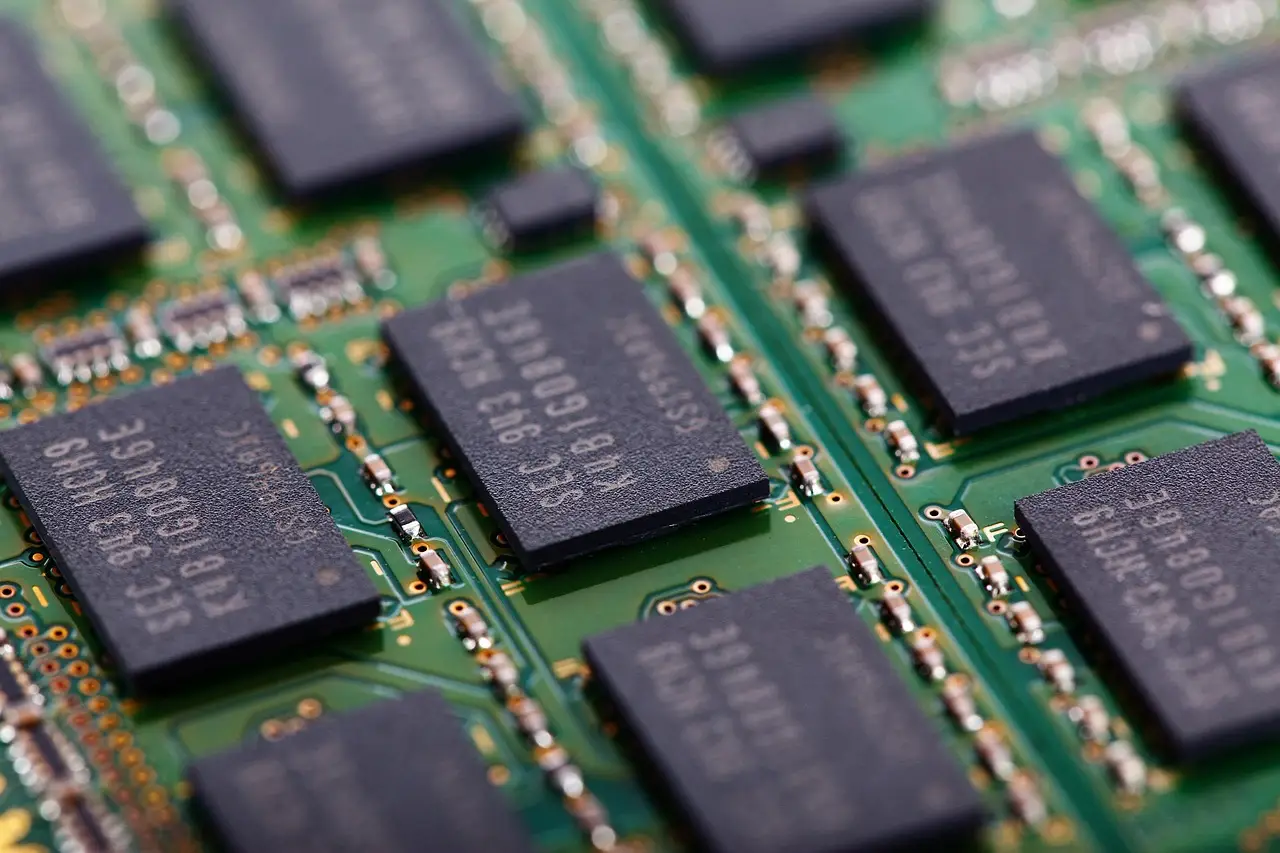
Read Task Manager correctly, tell a real memory shortage from a disk or CPU bottleneck, and check what memory your machine accepts before you buy any.

Windows 11 search stopped finding apps or files? Fix it in order: run the troubleshooter, restart the Windows Search service, rebuild the index, then reset it.
When auto-rotate stops working or Rotation lock is grayed out on a Windows laptop or tablet, check the orientation sensor, its driver, and your display settings.

Fix the Microsoft Store server stumbled error 0x80072EFD: reset the cache with wsreset, run the troubleshooter, and clear proxy, VPN, or DNS problems.

'Windows cannot find, make sure you typed the name' usually means a shortcut points at a file that moved, was deleted, or got quarantined. Here's how to fix it.
Setup installs Home with no Pro choice, or Pro won't activate? Check your edition, enter a valid product key, and run the activation troubleshooter.

Notifications duck or pause your music when they play a sound. Silence the apps that interrupt you, or switch on Do Not Disturb, and playback keeps going.
Turn off notifications for one Android app, mute a single category, set silent versus alerting, use Do Not Disturb and snooze, and stop the prompt from new apps.

Sound not working on your Android phone? Fix low volume, a muffled speaker, muted apps, Bluetooth routing, and dead call audio with these steps.