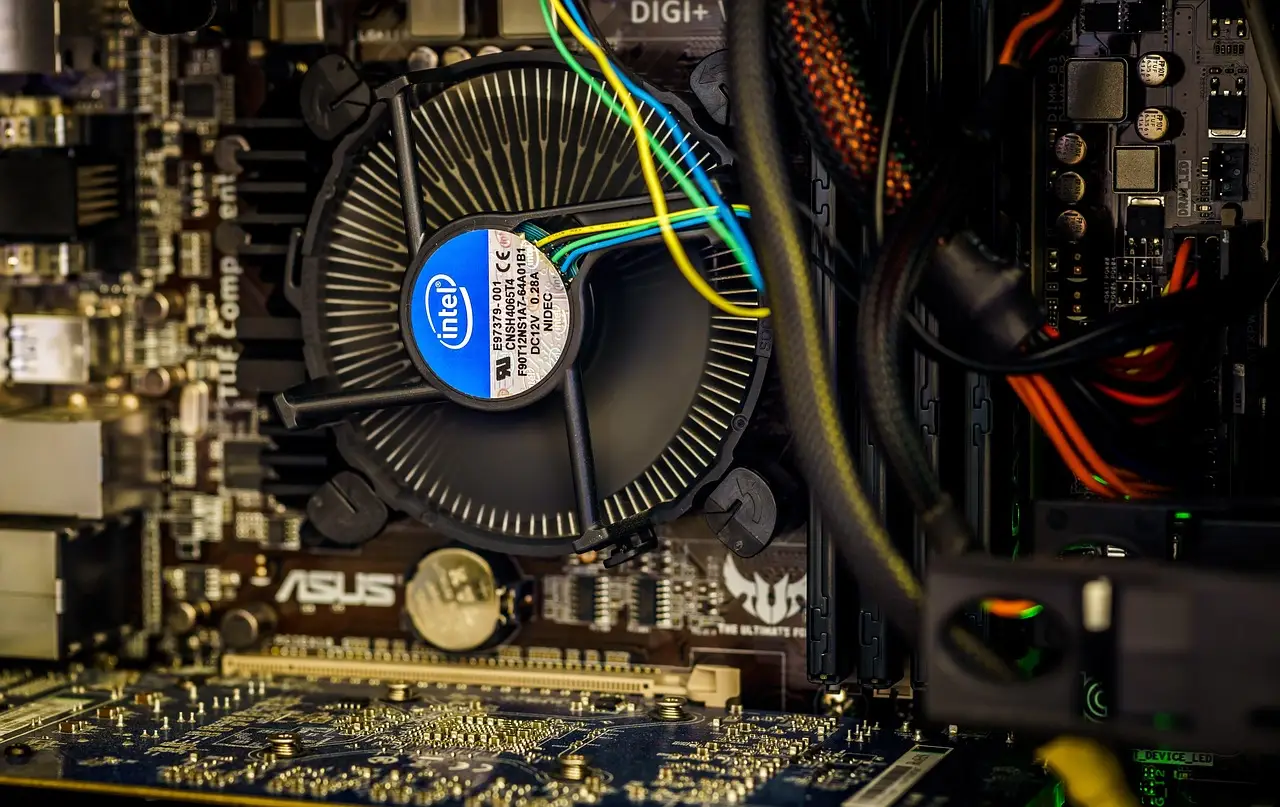
How to Check CPU Temperature on Windows
Windows 11 doesn't show CPU temperature on its own. Here is how to read it in the BIOS or a free tool, and what counts as a safe temperature.
3 min read
Everything tagged Windows.
33 articles
Windows 11 doesn't show CPU temperature on its own. Here is how to read it in the BIOS or a free tool, and what counts as a safe temperature.

Plugged your Android into a computer and nothing shows up? Usually the USB mode is set to charging. Switch it to file transfer, plus the other fixes.
Notepad++ stuck on an old version? Close the app fully, allow gup.exe through the firewall, run it as admin, or reinstall over the top to fix it.

How to tell whether your PC is really frozen on the Restarting screen, power it off without corrupting anything, and repair it from the Windows recovery menu.
Lock a PDF with a password using Word on Windows, free LibreOffice, Adobe Acrobat, or a browser - plus what Windows and Android cannot do for you.

Chrome crashing on a PC or a phone? Work through memory, extensions, graphics acceleration, low storage and a damaged profile in the order that fixes it.

Your PDF viewer's rotate button only spins the page on screen. Learn to permanently rotate a PDF and save it with free web tools, PDF24, or Mac Preview.
Copy one picture with a snip tool, or extract every embedded image at full resolution using iLovePDF, PDF24, or the free pdfimages command.

Chrome crashing on Windows is usually a bad extension, the cache, graphics acceleration, or a damaged profile. Fix it in order with these steps.
ERR_CONNECTION_RESET means Chrome's connection was cut mid-request. Clear the cache, flush DNS, reset the network stack, and rule out VPN and antivirus.