
Why is my Windows PC so slow, and how to fix it
Find out why your Windows PC runs slow, then fix it: check startup apps, storage, malware and your drive type before assuming you need new hardware.
9 min read
Everything tagged Windows.
33 articles
Find out why your Windows PC runs slow, then fix it: check startup apps, storage, malware and your drive type before assuming you need new hardware.

Four free ways to turn PDF pages into JPG images: Adobe's online converter, Snipping Tool for one page, web converters, and an offline export, compared.

When an app won't open on Windows 11, work in order: restart, update, run as administrator, repair or reset the app, run a clean boot, then reinstall.
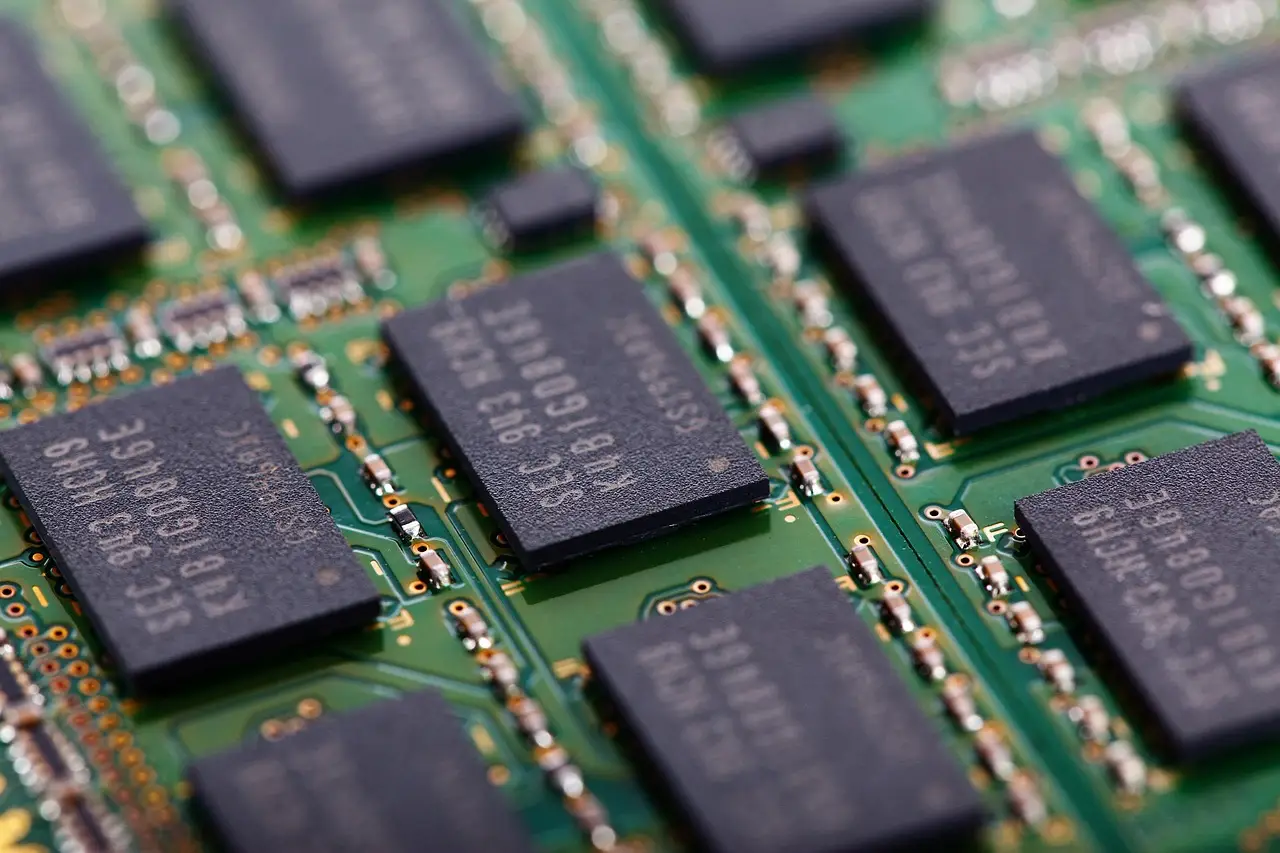
Read Task Manager correctly, tell a real memory shortage from a disk or CPU bottleneck, and check what memory your machine accepts before you buy any.

A step-by-step guide to fixing a Windows laptop battery that won't charge: hardware checks, the ACPI battery driver, the power troubleshooter, and battery health.
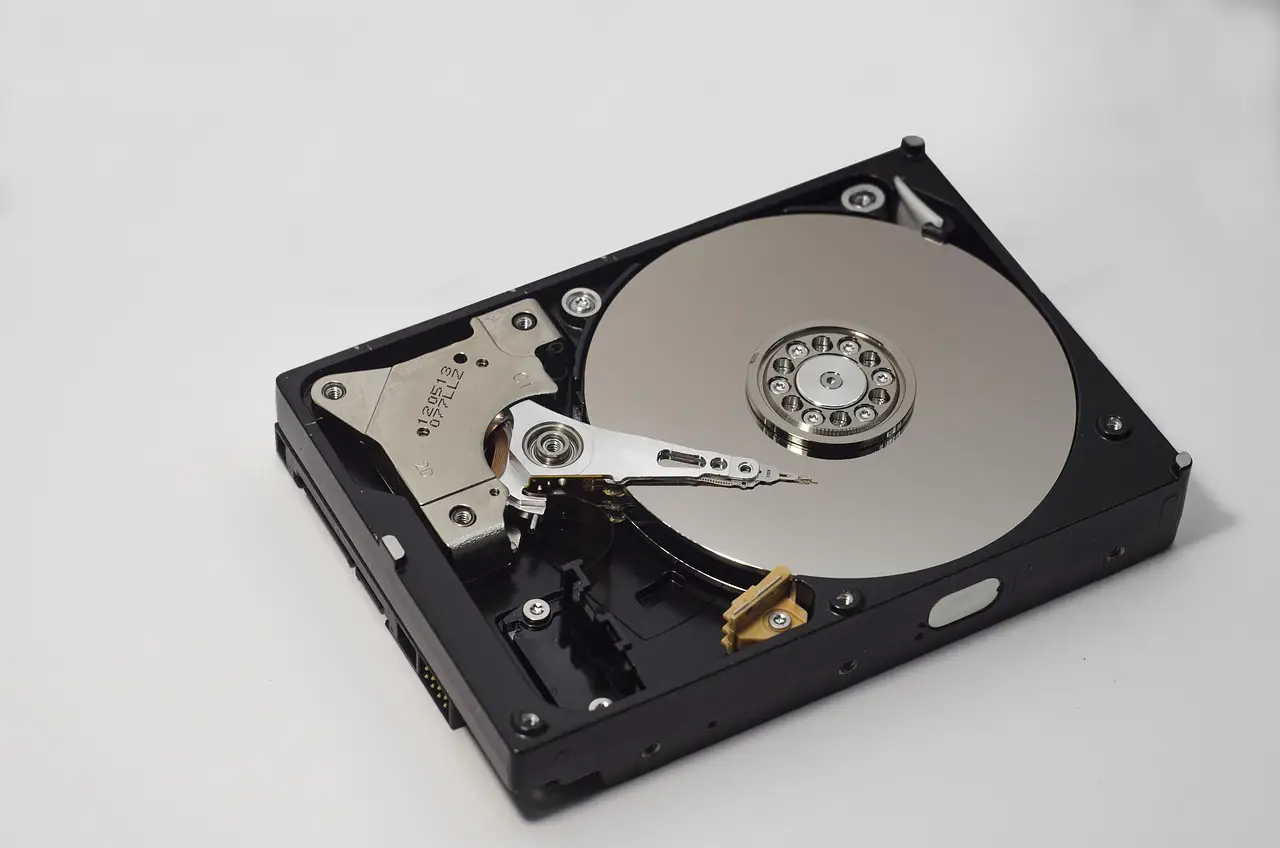
Free file-recovery tools for Windows compared: Recuva, Windows File Recovery, TestDisk, PhotoRec and Disk Drill — what each recovers and where it stops.
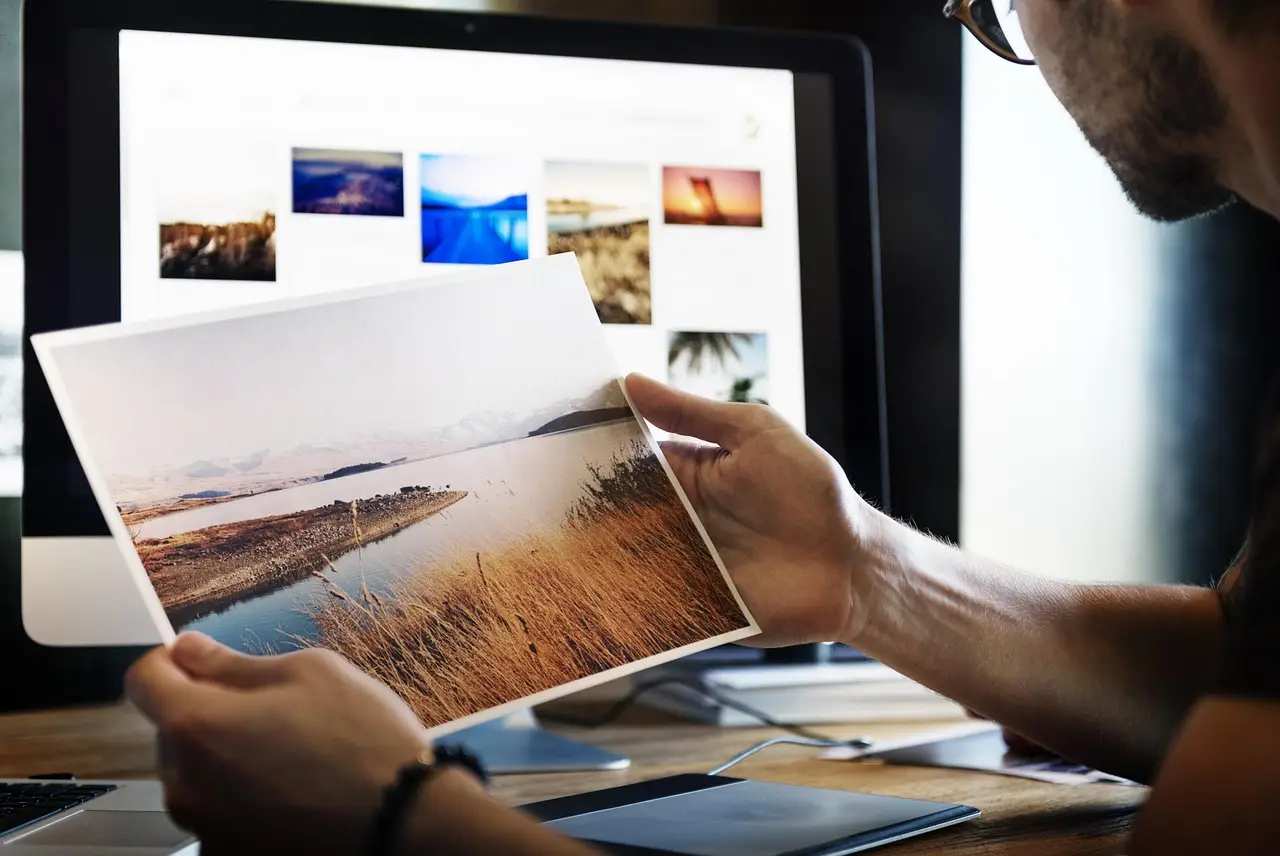
PhotoScape is a free, beginner-friendly Windows photo editor. Here's what its Editor, Batch, and Collage tools do, plus how to download it safely.

Fix the Microsoft Store server stumbled error 0x80072EFD: reset the cache with wsreset, run the troubleshooter, and clear proxy, VPN, or DNS problems.

'Windows cannot find, make sure you typed the name' usually means a shortcut points at a file that moved, was deleted, or got quarantined. Here's how to fix it.
Setup installs Home with no Pro choice, or Pro won't activate? Check your edition, enter a valid product key, and run the activation troubleshooter.