
How to Merge Duplicate Contacts on Android
Merge duplicate contacts on Android using Google Contacts' Merge & fix tool, a manual merge, or Samsung's built-in cleanup, and undo mistakes.
3 min read
Daniel spent five years as an IT support specialist, walking colleagues through Windows, Office, printers and file problems before moving into tech writing. He covers the desktop side of 9sBlog: Windows 10 and 11, Microsoft Office, PDFs and the everyday software fixes that used to land on his support desk.
121 articles
Merge duplicate contacts on Android using Google Contacts' Merge & fix tool, a manual merge, or Samsung's built-in cleanup, and undo mistakes.

Clicked a phishing link by mistake? A calm, step-by-step fix: disconnect the device, scan for malware, change passwords from a clean phone, and report it.

Add animations in PowerPoint in three clicks: pick an entrance, emphasis, exit, or motion path effect, then set the timing, order, and how each one plays.

Excel for Windows imports PDFs natively through Data > Get Data > From File > From PDF. Here is that route, plus Acrobat, Tabula, and fixes for scans.
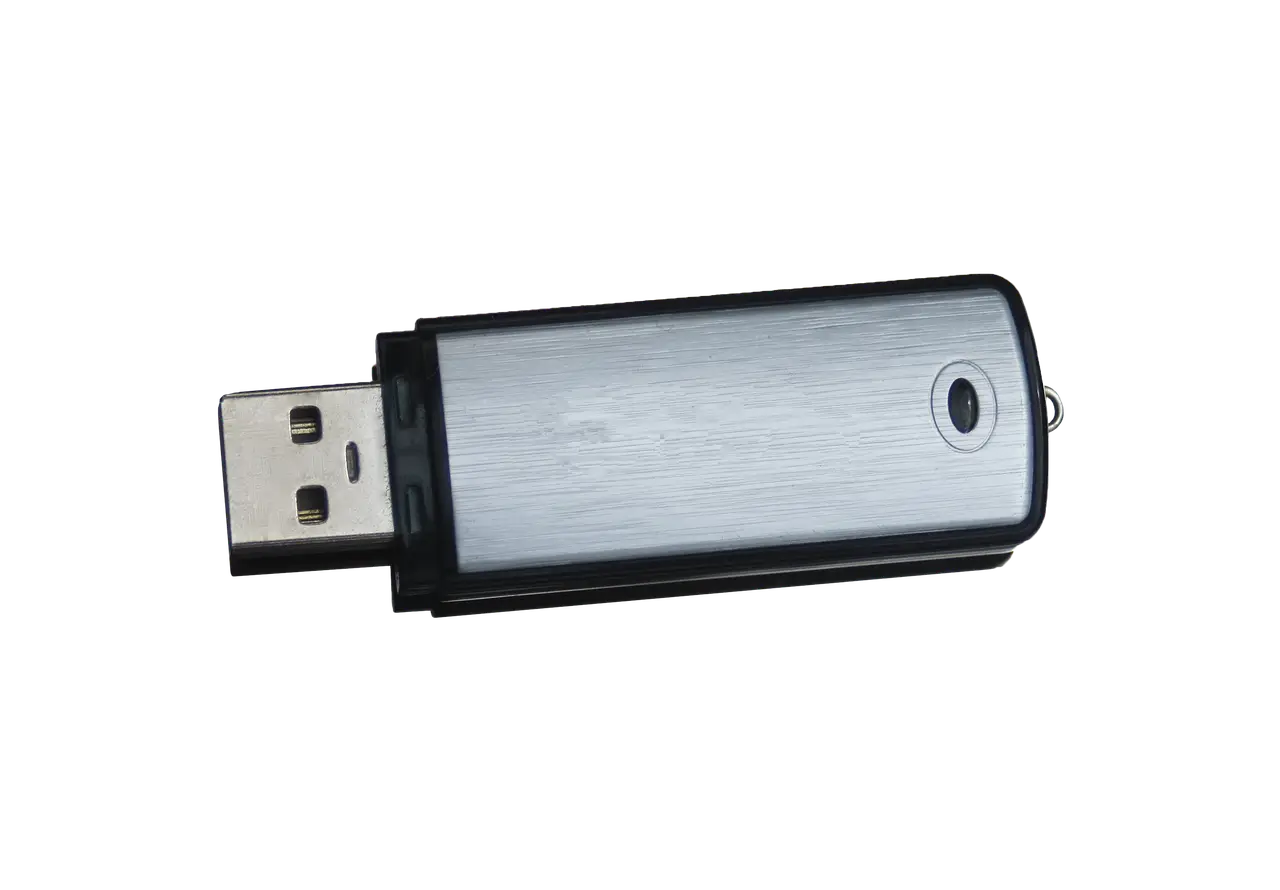
Windows 11 says a USB device is not recognized? Read the Device Manager error code first, then apply the fix Microsoft documents for that exact code.
How to tell whether your PC is really frozen on the Restarting screen, power it off without corrupting anything, and repair it from the Windows recovery menu.

Schedule send in Gmail on the web, Android and iPhone: where the queued message waits, how to cancel it or move the time, and the limits Google documents.
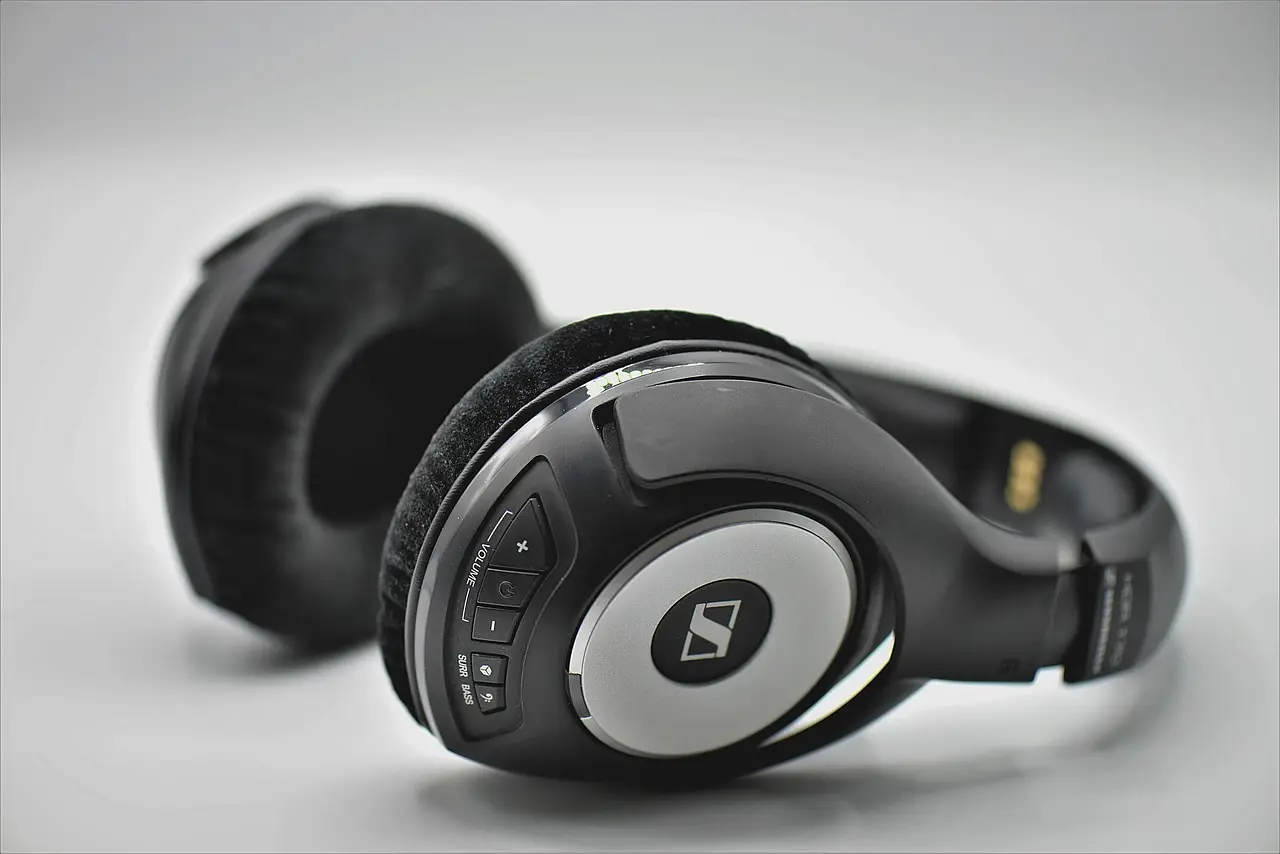
Headphones or a mouse that will not pair on Windows 11? Work through Microsoft's own checks in order, from airplane mode to a full driver reinstall.
A driver that refuses to install on Windows 11 is usually the wrong package, the wrong architecture, or a signing rule. Here is how to tell which one.
A dead touchpad is usually a toggle, a connected mouse, or a driver. Check the Windows 11 Touchpad page first, then restart properly and reinstall the driver.