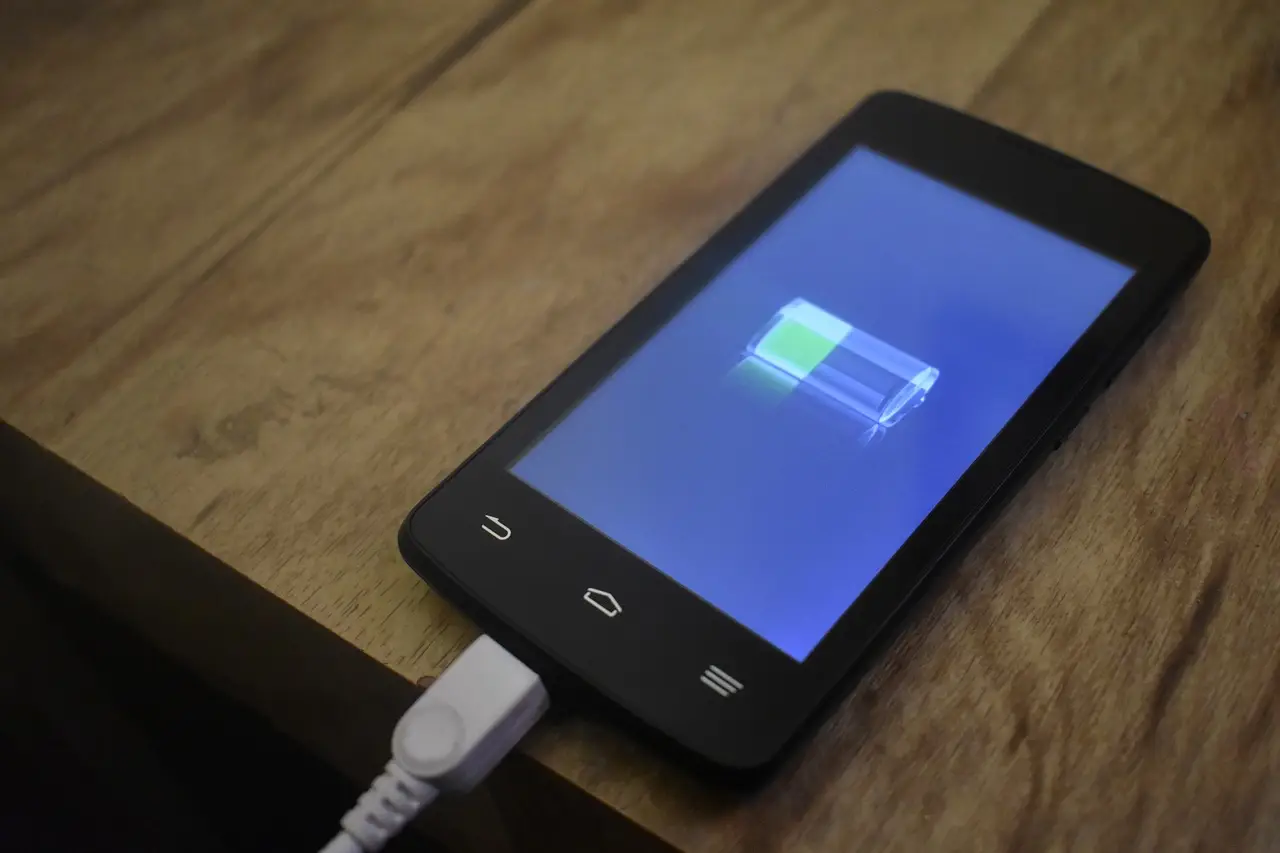
How to Check Battery Health on Android
Android now shows battery health on newer phones. Here's where to find it on Pixel and Samsung, what a good number is, and when to replace the battery.
3 min read
Everything tagged Battery.
11 articles
Android now shows battery health on newer phones. Here's where to find it on Pixel and Samsung, what a good number is, and when to replace the battery.
Android charging slowly? Fix it fast: check the cable and adapter, clean the port, turn on fast charging, and rule out heat or a worn battery.
Why an Android phone refuses to charge, and the fixes Google and Samsung actually document: lint in the port, moisture warnings, thermal limits, battery caps.

A warm phone is usually working normally. Here's how to tell harmless heat from a real problem on Android, and the one red line that means stop.
Missing Android alerts? Fix them by checking Do Not Disturb, per-app switches, notification channels, battery restrictions, and Data Saver on Pixel and Samsung.

Overnight charging, draining to zero, fast charging: most phone battery rules are myths. Here's how lithium-ion batteries really age and what actually helps.
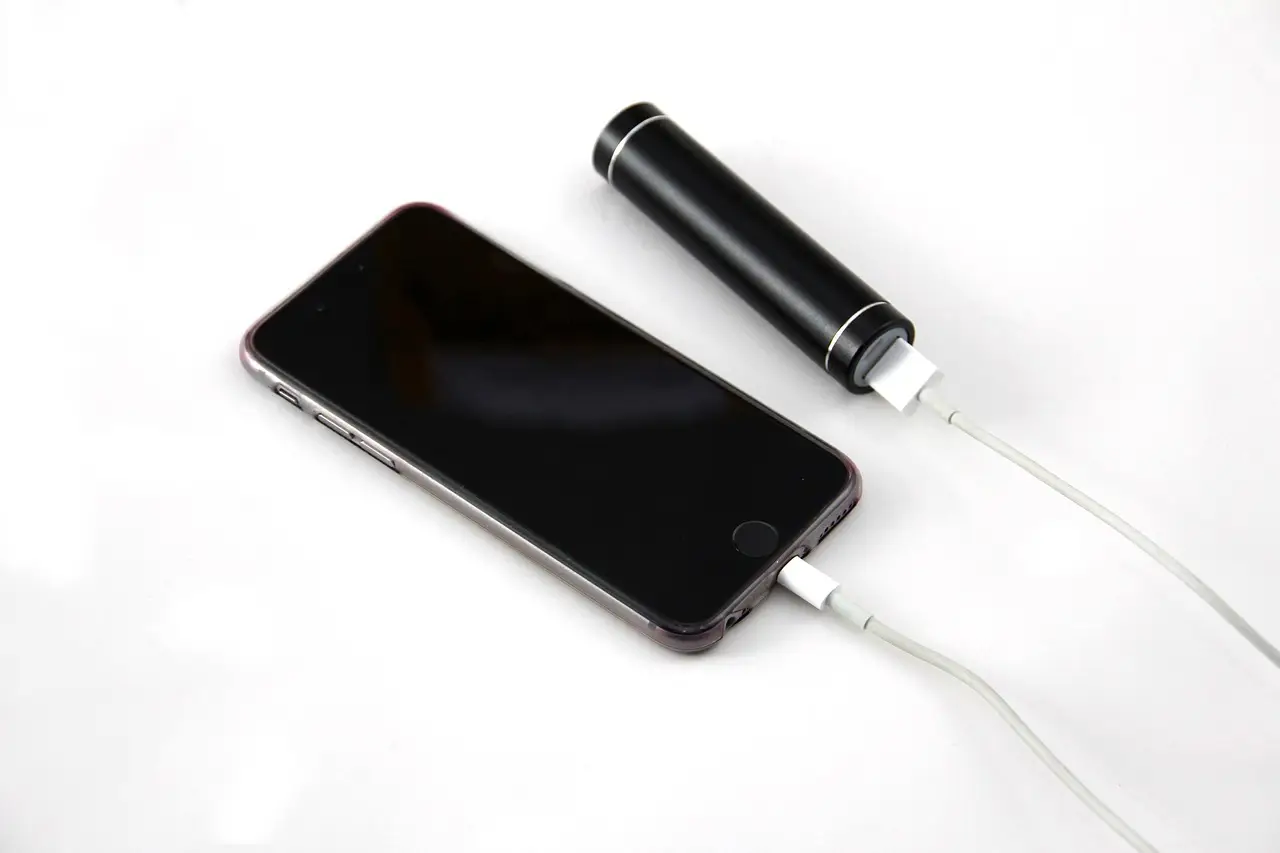
Fast battery drain on Android usually traces to a few apps and settings. Find the culprit in Battery usage, then rein in background apps, screen, and location.

Speed up a slow Android phone the practical way: restart, update, free storage, clear cache, cut background apps, ease off animations, reset only last.
Force restart, charge, and safe mode steps for an Android phone that won't turn on, plus a symptom-to-fix table that works across Pixel and Samsung.

Make your Android battery last longer with the settings that matter: screen and radios, Adaptive Battery, Battery Saver, Doze, and the myths to skip.