
How to Merge Duplicate Contacts on Android
Merge duplicate contacts on Android using Google Contacts' Merge & fix tool, a manual merge, or Samsung's built-in cleanup, and undo mistakes.
3 min read
Articles filed under Android on 9sBlog.
56 articles
Merge duplicate contacts on Android using Google Contacts' Merge & fix tool, a manual merge, or Samsung's built-in cleanup, and undo mistakes.

A dead-looking Pixel is usually a drained battery or a frozen system. Charge it right, force restart it, and use the ring test to spot a broken screen.
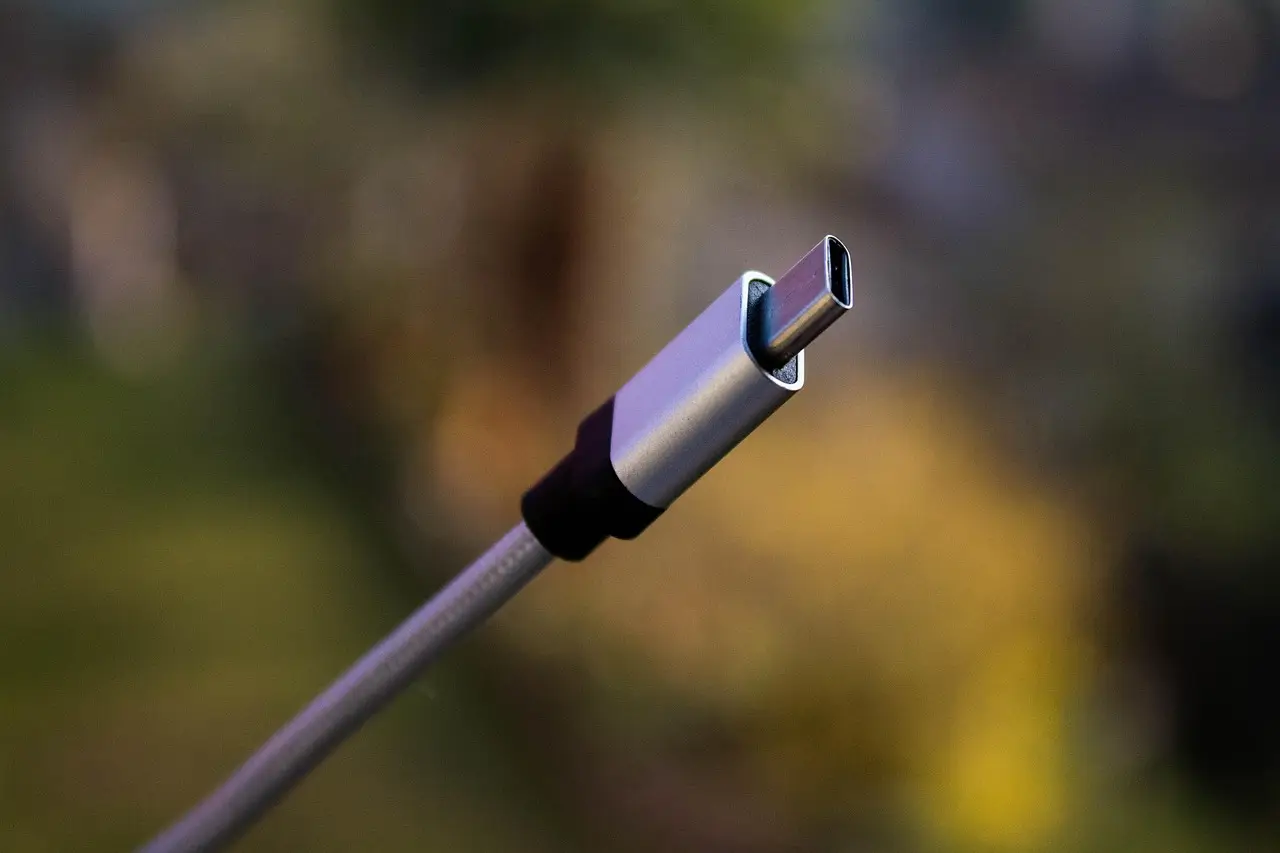
Why an Android phone refuses to charge, and the fixes Google and Samsung actually document: lint in the port, moisture warnings, thermal limits, battery caps.

Android has no built-in PDF merge. Compare the free browser tools, an offline Android app, Acrobat's paid Combine Files, and a no-upload Termux route.
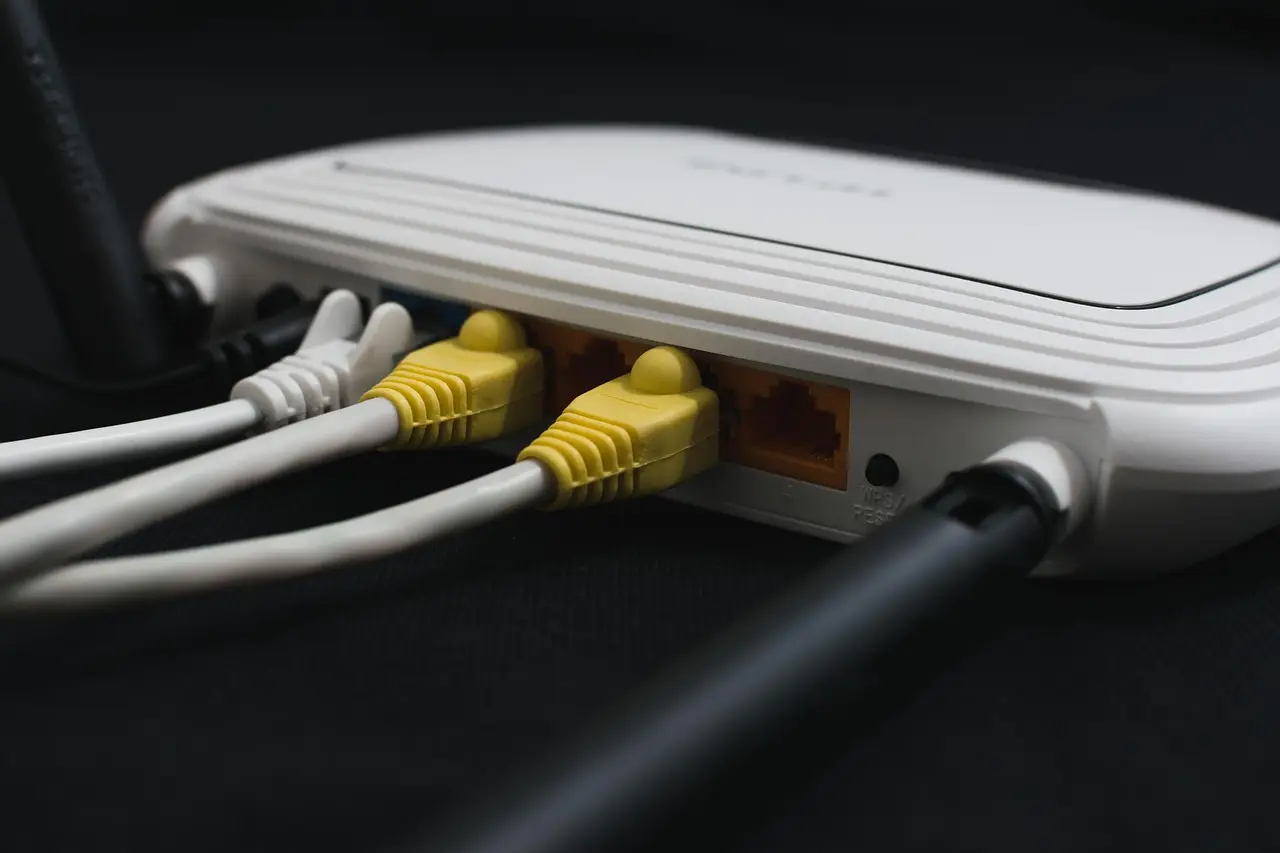
Wi-Fi shows connected but nothing loads. Work through the router, the sign-in page, Private DNS, VPN apps and router blocks in the order that finds it.
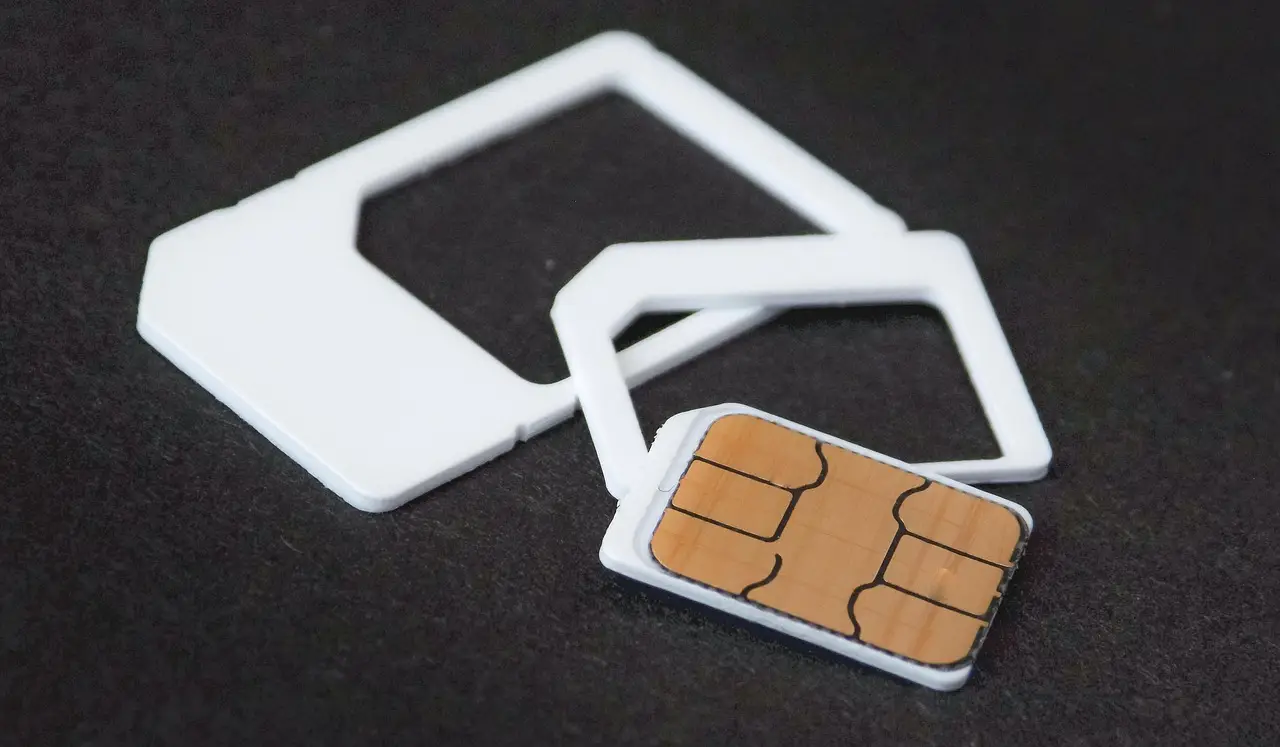
Android mobile data dead? Rule out Wi-Fi first, then check the on-device data limit, Data Saver, SIM choice, APN and VPN before resetting network settings.
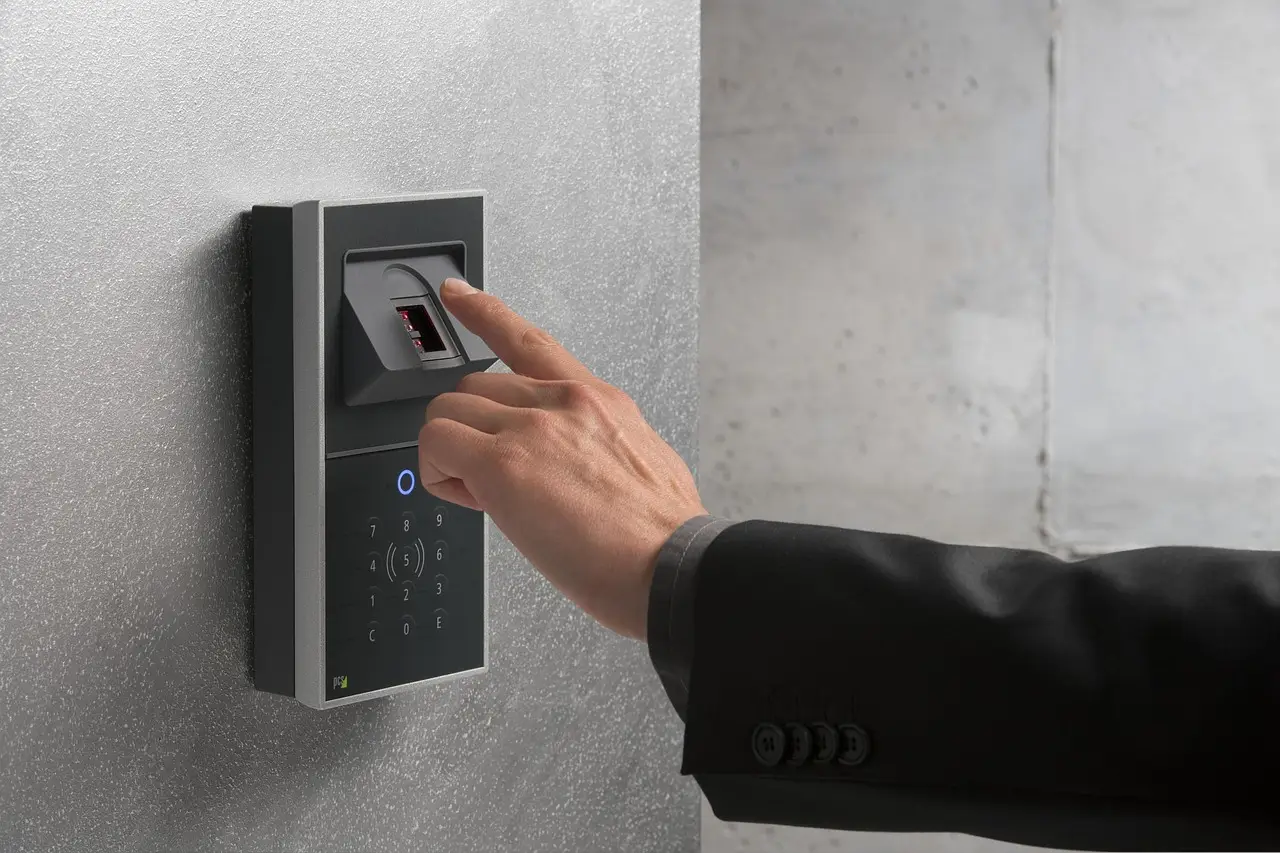
Fingerprint failing on your Galaxy or Pixel? Work through screen protectors, finger and sensor condition, Android's deliberate PIN prompts, and the hardware check.

A warm phone is usually working normally. Here's how to tell harmless heat from a real problem on Android, and the one red line that means stop.
Missing Android alerts? Fix them by checking Do Not Disturb, per-app switches, notification channels, battery restrictions, and Data Saver on Pixel and Samsung.

Overnight charging, draining to zero, fast charging: most phone battery rules are myths. Here's how lithium-ion batteries really age and what actually helps.